Table of contents
Key takeaways
- OpenRouter gives you 500+ AI models from OpenAI, Anthropic, Google, Meta, and others through one API key.
- The free tier allows roughly 20 requests per minute and 50 per day, or 1,000 after a $10 credit purchase.
- One agentic coding task can fire dozens of calls, so daily caps disappear fast.
- Refactoring and tricky debugging justify a frontier model, but boilerplate and tests rarely do.
- Today's best coding model won't hold the title, so build to swap it out easily.
What are OpenRouter models?
OpenRouter models are the AI models you can reach through OpenRouter, a routing layer between your code and dozens of providers. Instead of separate accounts, API keys, and SDKs for OpenAI, Anthropic, Google, Meta, Mistral, and DeepSeek, you point your application at one OpenAI-compatible API and name the model in the request. If your code already speaks the OpenAI format, switching models is a change to a single string.
A model and the company hosting it aren't the same thing. An open-weight model like Llama or Qwen can be served by multiple providers, each with its own price, speed, and uptime. OpenRouter routes between those hosts, and you can pin a preferred provider or let it fall back. Any LLM gateway follows this pattern: one entry point, many engines behind it.
How many models are available on OpenRouter?
As of October 2026, OpenRouter lists 500+ models from 80+ providers. The exact number is a moving target, so treat any figure you read as a snapshot.
Entries get added, deprecated, and renamed, and zero-priced availability changes, so don't assume an endpoint will remain reachable. Tooling that hardcodes a static list will drift out of date. Pull the catalog from the API instead of maintaining it by hand.
Underneath that number sit two broad families, and the difference shapes your cost and control.
Proprietary models on OpenRouter
Proprietary models on OpenRouter are closed-weight releases whose parameters stay with the lab that trained them. You rent access per token and can't self-host.
- GPT from OpenAI. A flagship tier for hard reasoning and long agentic runs, a mid tier balancing quality against price, and a small, fast tier for high-volume work.
- Claude from Anthropic. A strong following for long-context work and multi-step coding tasks. The split between Claude vs ChatGPT matters most on long agentic runs.
- Gemini from Google. Very large context windows and native multimodal input, a common pick for large documents, images, or whole repositories.
All three bill per token, with output usually costing several times more than input. That ratio matters more than the headline price when your agent generates long diffs.
Open-weight models on OpenRouter
Open-weight models on OpenRouter are releases whose trained parameters are published, so anyone can host them subject to the license. That's why the same model appears from several providers at different prices, and why they cost less than proprietary equivalents.
These are the families you'll meet most often:
- Meta Llama. General-purpose, wide tooling support, large fine-tune ecosystem.
- DeepSeek. Strong reasoning and coding at aggressive prices.
- Qwen. Includes coder-specific variants for code generation.
- Mistral. Compact, efficient, fast and cheap.
- Gemma. Lightweight models from Google for shorter tasks.
Open-weight and open source aren't the same thing. Open-weight means the parameters are published and you can run the model under its license. Fully open source, under the Open Source Initiative's definition, also requires the relevant code and detailed information about the training data. Cost-conscious teams often land on open source models for cost-efficient AI for exactly this reason.

Run every AI model in one Gateway
One secure, lightweight layer to access, route, and manage 200+ models.
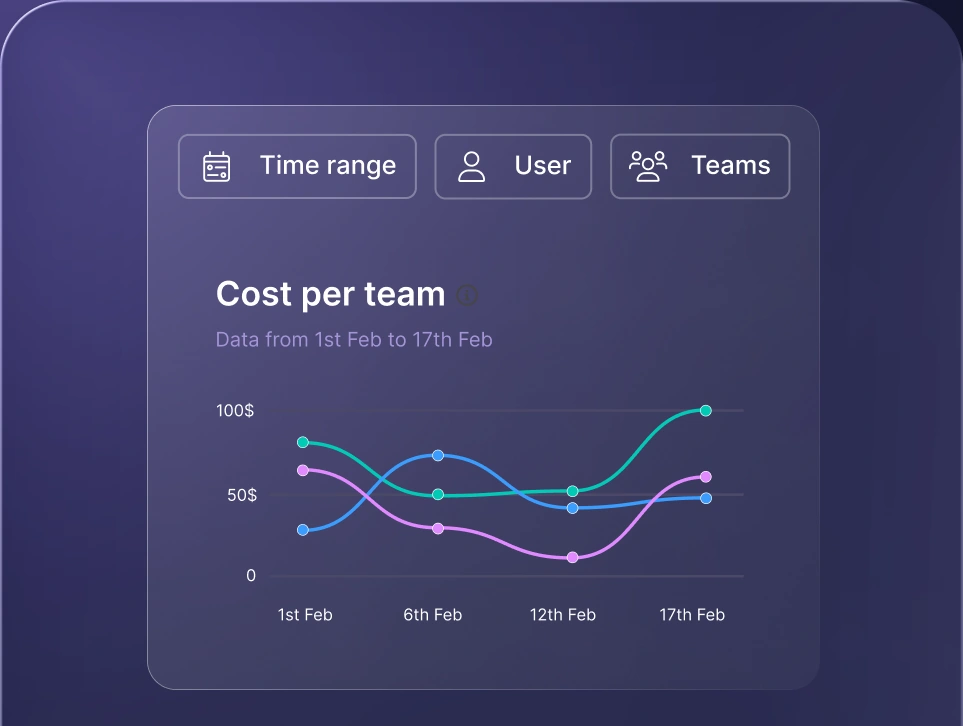
Monitor AI usage
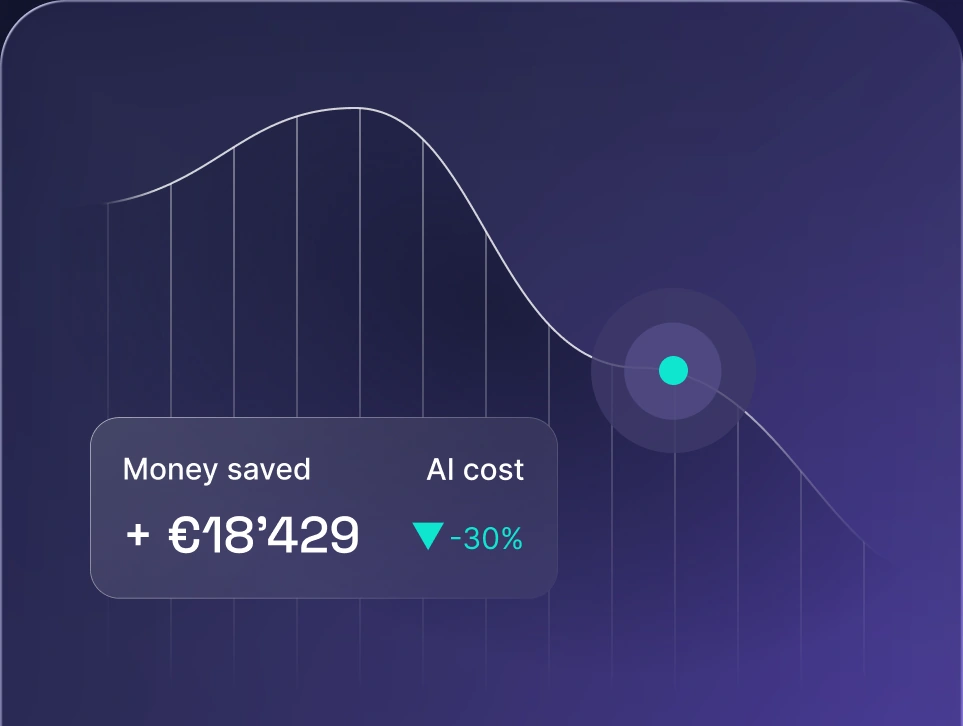
Control AI spend
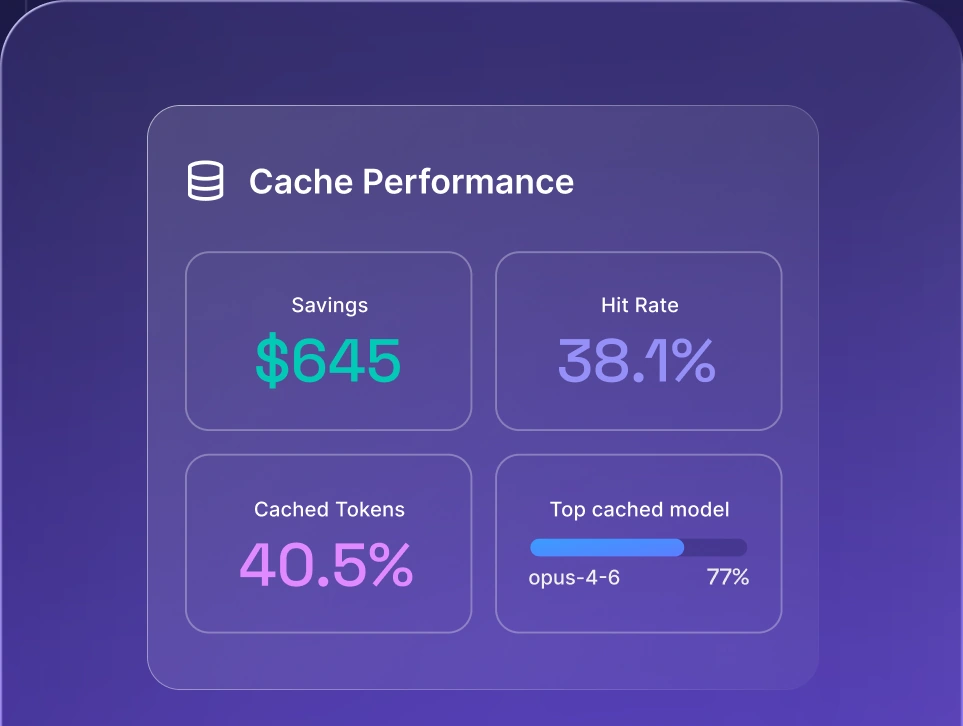
Optimize AI costs

OpenRouter models list: How to browse the catalog
The OpenRouter models list is browsable on the catalog page, and the filters make 500+ entries manageable.
- Input and output modality. Text, image, audio, or video, so you only see what accepts your inputs.
- Context length. Set a floor based on real workload. Agentic coding consumes context far faster than chat.
- Price per million tokens. Sort low to high, and filter to zero-priced entries when experimenting.
- Provider. Useful when your team has approved or ruled out specific hosts.
- Supported parameters. Filter by tool calling, structured outputs, or reasoning mode. Filtering by tool calling first saves the most wasted time, since agentic tools rely on tool calls to read and edit files.
The catalog table sorts on the column headers, so reorder by price, context, or throughput. When you need the complete catalog in a form your tooling can read, go to the API.
Using the OpenRouter API models endpoint
The OpenRouter API models endpoint returns the catalog as JSON through a plain GET request, no authentication required:
curl https://openrouter.ai/api/v1/models
That call returns text-output models only. For the complete multimodal catalog, pass the modality filter:
curl "https://openrouter.ai/api/v1/models?output_modalities=all"
Teams use this to sync IDs and prices into internal tools and flag deprecations before they break a pipeline. Adding ?supported_parameters=tools returns only models supporting tool calling, and ?sort=pricing-low-to-high orders by cost.
Each model object carries the six fields below, which map onto the column headers you'd want in an internal dashboard:
Field | What it tells you |
|---|---|
id | Identifier used in API calls |
name | Human-readable display name |
context_length | Maximum context window in tokens |
pricing | Input/output token prices, plus other charges and overrides |
architecture | Input and output modalities |
supported_parameters | Features like tools or JSON mode |
Input and output share that context window, and providers serving the same model can impose their own limits.
OpenRouter free models
OpenRouter free models are zero-priced entries in OpenRouter's own catalog, most marked with a :free suffix in the model ID. OpenRouter also runs an openrouter/free router that randomly selects an available zero-priced model matching the capabilities your request needs. Some experimental entries don't follow the suffix pattern.
Three constraints apply before you build on them.
- Availability varies. Zero-priced endpoints change, so expect slower responses or occasional unavailability. Fine for experimentation, poor for anything customer-facing.
- The roster changes. Models move on and off the zero-priced list as providers adjust what they offer at no cost. An ID that worked last month may not resolve today.
- Data policies belong to the provider serving the request. Each provider sets its own policy on whether prompts and completions are retained or used for training. OpenRouter surfaces these in your account privacy controls. Whether OpenRouter is safe for your proprietary code comes down to how you set them.
Those three constraints are what to weigh before a free model touches anything that matters.
OpenRouter free models list (2026)
The current OpenRouter free models list is best pulled live rather than copied from any article, including this one. Two ways to get it:
- 1.On the site. Open the catalog page and filter price to free.
- 2.Through the API. Fetch https://openrouter.ai/api/v1/models and filter for entries where both pricing.prompt and pricing.completion equal "0". Per-request, image, or web search charges and conditional overrides can still apply.
Treat the roster as volatile. Whatever families show zero-priced entries on the day you check are the only ones worth trusting.
OpenRouter free models rate limits
The rate limits on zero-priced models run at roughly 20 requests per minute, with a daily ceiling depending on whether your account has ever purchased credits. The two account tiers set different ceilings, as of October 2026:
Account status | Requests per minute | Requests per day |
|---|---|---|
Under $10 credits purchased | ~20 | ~50 |
$10+ credits purchased | ~20 | ~1,000 |
The $10 threshold is a lifetime purchase, not a balance you maintain. Purchasing $10 in credits raises the daily ceiling to 1,000 requests, making a one-time top-up the cheapest upgrade available.
Using OpenRouter free models with coding agents
Using OpenRouter free models with coding agents takes three things: the agent installed, your API key pasted in, and a verified zero-priced model selected. Within an afternoon you'll know whether that model handles your codebase.
AI agents built for coding don't make one call per request. They read files, plan, propose an edit, apply it, and correct themselves until the task is complete. Against a 50-request daily cap, that's one or two tasks before you hit the limit. The same math governs paid usage, which is where reducing AI costs for work starts.
Setting up free models in VS Code coding agents
Cline runs as a VS Code extension and supports OpenRouter as a provider:
- 1.Install the Cline extension from the VS Code marketplace.
- 2.Select OpenRouter as the API provider in its settings.
- 3.Paste your OpenRouter API key.
- 4.Select a verified zero-priced model ID, including its :free suffix.
- 5.Run a small task, like unit tests for one file, and watch how it handles edits.
Check Cline's current documentation if a setting has moved.
Setting up free models in OpenClaw
OpenClaw is a self-hosted AI assistant that connects to messaging apps and can run commands, manage files, and perform other actions. Coding is one workflow it supports, and it can point at OpenRouter instead of a single provider.
- 1.Add your OpenRouter API key to OpenClaw's configuration.
- 2.Set the model reference using the pattern openrouter/\<provider>/\<model>:free.
- 3.Select a verified zero-priced model or openrouter/openrouter/free, since onboarding defaults to openrouter/auto, a paid router.
- 4.Run a small task in a scratch branch and review the result before merging.
When a model's supported_parameters list omits tools, OpenClaw sends requests without tool definitions.
Where free models fall short for coding teams
Zero-priced models fall short for coding teams once more than one person depends on them. These limits apply to free tiers in general, not to OpenRouter specifically:
- Daily caps don't scale to a team. A ceiling sized for one user evaporates when five engineers run agents at once.
- Availability swings with demand. Response times vary, often when your team is busiest.
- Provider data policies may not fit your code. The policy that applies belongs to whichever provider served the request.
- Tool calling support is uneven. Some zero-priced models don't expose it.
- No guaranteed support response time. Community support is available on every plan, and Enterprise adds committed response times.
Past the free tier, the questions change shape: cost per developer, vendor lock-in, and which tasks justify the expensive model.
How to choose the right OpenRouter model
The right OpenRouter model clears your quality bar at a price you can defend, on the work your team actually does. Leaderboard position is a weak proxy for that. Run each candidate through these criteria:
- Task type. Reasoning, coding, chat, extraction, and vision reward different strengths.
- Context window. A larger window doesn't raise the price of a request, but filling it does.
- Speed and latency. Interactive coding lives or dies on time-to-first-token.
- Cost at your expected volume. Multiply realistic daily requests by average input and output tokens.
- Tool calling and structured output support. Confirm the model exposes what your agent needs via supported_parameters.
- Data policy of the serving provider. Confirm retention and training policies for the provider handling your requests.
- Stability. Preview and experimental models get repriced, rate limited, or removed.
Shortlist two or three models, run them side by side against your own prompts and codebase, and compare the outputs. OpenRouter's rankings are a starting signal, but popularity reflects what other people are building. Scoring candidates consistently is what LLM evaluation is for. Budget forecasting falls under AI cost management.
Why coding teams shouldn't commit to one model
Coding teams shouldn't commit to one model because the decision has a short shelf life. Look at any public coding benchmark, like SWE-bench or the Aider leaderboards, and the top slot changes hands repeatedly as new releases land. Reading those leaderboards without being misled is a skill in itself, since LLM benchmarks measure narrower things than their headline scores suggest.
Two capabilities turn that churn into a manageable routine.
- 1.Swapping models without rebuilding your setup. When the model ID is configuration rather than architecture, adopting a new release is a config change your team validates in an afternoon. Prompts, tool schemas, and outputs still need checking, since OpenRouter documents real differences in supported parameters and tokenization. When every application holds its own provider SDK and API key, the same move becomes a migration project. A model-agnostic approach pays off every time the leaderboard shuffles.
- 1.Fallbacks that keep the team working during outages. Providers go down. If a single endpoint is the only path between your developers and their agents, an outage stops the work. Automatic failover to a second model keeps the sprint moving.
Commit to the setup, stay flexible underneath. The current field for the best LLM for coding will look different in two quarters.
How nexos.ai supports coding teams working across models
nexos.ai is an all-in-one AI platform for teams that adds governance and spend visibility on top of multi-model access.
Cost visibility before the invoice. Per-user and per-team usage insights show which developers and projects drive spend while it's happening. AI usage tracking and LLM observability turn an opaque monthly bill into a breakdown the person signing it can read.
Flexibility without rebuilding. The AI Gateway gives you unified access to the models available in nexos.ai through one integration, with model switching and fallbacks handled in configuration.
Routing and comparison you control. Smart LLM routing directs each request according to the rules you configure, so cheaper models carry routine work while the expensive one stays reserved for tasks that need it. In Chat, every user can run Compare Models to settle disagreements with output rather than opinion.
Teams still comparing platforms can weigh the OpenRouter alternatives against what they actually need.


Run every AI model in one Gateway
One secure, lightweight layer to access, route, and manage 200+ models.
