Table of contents
Key takeaways
- OpenRouter is a legitimate service and generally safe for testing and personal use, provided you review its privacy settings and protect your account.
- Prompt and response content isn’t stored by default. OpenRouter does collect request metadata and may categorize a small, anonymous sample of prompts.
- Requests also pass to the selected model provider, whose retention and training policies may differ from OpenRouter’s.
- Card payments are handled through Stripe, but credits are prepaid, become non-refundable after 24 hours, and expire after 365 days.
- For production use, set API key and spending limits and assess reliability, support, data residency, access controls, and organization-wide visibility.
What is OpenRouter?
OpenRouter is a unified API gateway that provides access to hundreds of large language models (LLMs) from various providers through a single interface. Instead of managing separate APIs, billing systems, and SDK compatibility for providers such as OpenAI, Anthropic, and Google, developers can use one API key and a consistent request format.
This setup makes it easier to test, compare, and deploy multiple AI models without making code changes each time. You can pick the right model manually or let OpenRouter route requests based on price, speed, availability, or prompt type.
Is OpenRouter safe to use? The short answer
OpenRouter is generally safe for personal projects, model testing, and many development workloads when configured properly. It’s a real business used by millions of developers, and Stripe agreed to acquire it in August 2026, providing strong evidence that it’s not anonymous or fraudulent. However, legitimacy doesn’t remove the need to review its privacy, billing, and security settings.
The main points to consider are:
- What’s reassuring. Prompt logging and data sharing are disabled by default. Privacy-based provider routing is available, and you can place spending limits on API keys.
- What requires attention. Review privacy settings, choose acceptable provider policies, protect your keys, and set cost limits.
- What to watch for. Requests pass through OpenRouter before reaching an upstream provider. Prepaid credits have a short refund window, and standard pay-as-you-go accounts don’t receive the contractual support and performance commitments available to enterprise customers.
How OpenRouter handles your data
OpenRouter is an intermediary, so data handling happens at two levels: inside OpenRouter and at the provider that processes the request.
Prompt and response logging
According to OpenRouter’s data-collection documentation, it doesn’t store prompt or response content by default. Full input and output logging is an optional feature that you can enable for debugging and observability.
OpenRouter does record operational metadata like token counts, latency, and model choices. It also says it anonymously samples a small number of prompts for categorization and model-ranking reports.
So, does OpenRouter use your data? Yes, it processes prompts to route requests and generate responses, records request metadata, and may categorize a limited sample. However, it doesn’t normally retain identifiable prompt content unless you explicitly enable it.
Upstream model provider data practices
A request doesn’t stop at OpenRouter. It’s forwarded to the third-party provider hosting the selected model, such as OpenAI, Anthropic, Google, or another inference provider. Each endpoint has different rules.
Before sending sensitive information, check:
- Data retention. Find out whether the provider stores prompts and for how long.
- Training policy. Confirm whether prompts or responses are used to evaluate or improve its models.
- Processing region. Check whether the available region meets your organization’s residency requirements.
OpenRouter identifies endpoint policies and lets users block providers that train on submitted data. OpenRouter says it doesn’t train models on inputs or outputs itself.
Optional training and discounts
OpenRouter has an optional setting that allows it to use your prompts and completions to improve its product. The setting is off by default and currently provides a 1% model-usage discount when enabled.
This trade-off is voluntary. Keep it disabled if your prompts contain private code, unpublished business material, client information, or other sensitive content.
Is OpenRouter safe to pay? Billing and payment considerations
For most users, it’s safe to pay for OpenRouter through its official website. Card payments and billing details are managed through Stripe, a mainstream payment processor. OpenRouter uses prepaid credits rather than billing each API call separately.
OpenRouter's biggest risks stem from its terms and usage controls. Refunds for unused credit are available for only 24 hours after purchase, and platform fees aren’t refunded. OpenRouter expires unused credits after 365 days, while cryptocurrency payments are non-refundable.
Billing factor | What to know |
|---|---|
Payment processor | Stripe |
Model | Prepaid credits |
Top-up fee | 5.5%, with a minimum fee on small purchases |
Refund window | 24 hours for unused credits |
Credit expiry | 365 days |
Automatic payments | Auto-recharge is optional and threshold-based |
Public complaints include expired credits, unexpected usage, and slow support response times. These reports don’t necessarily reflect the experience of most users, but they point to practical risks worth managing. Automated routing, coding agents, and request loops quickly drive up costs without any billing errors.
PRO TIP: Start with a low top-up and set API key or account spending limits before scaling. A hard limit can stop a faulty loop, leaked key, or costly route from consuming a large prepaid balance.

Run every AI model in one Gateway
One secure, lightweight layer to access, route, and manage 200+ models.
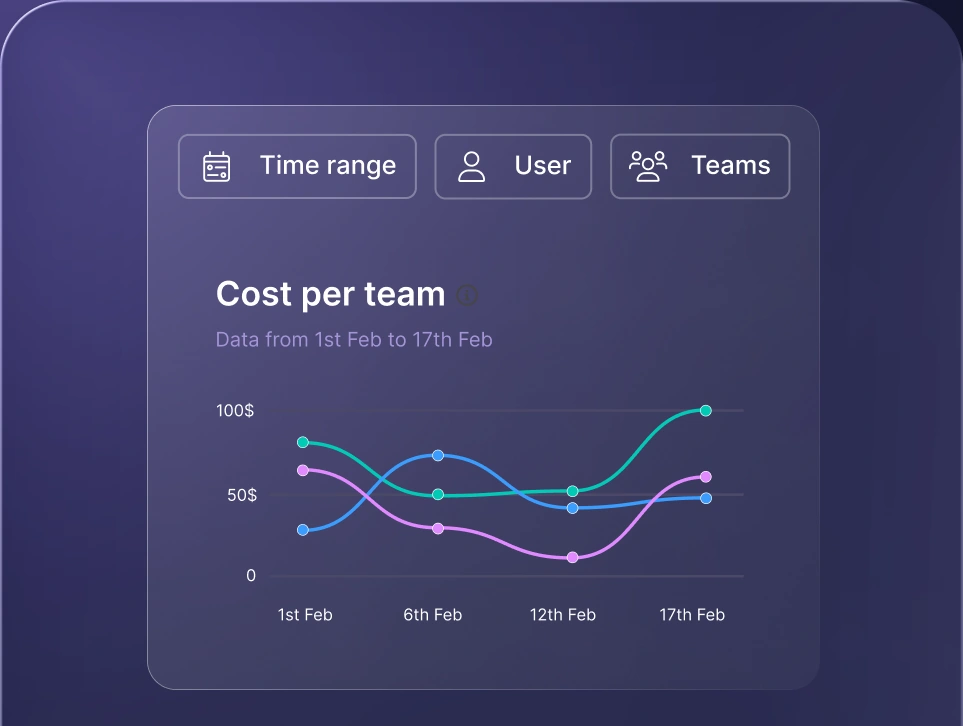
Monitor AI usage
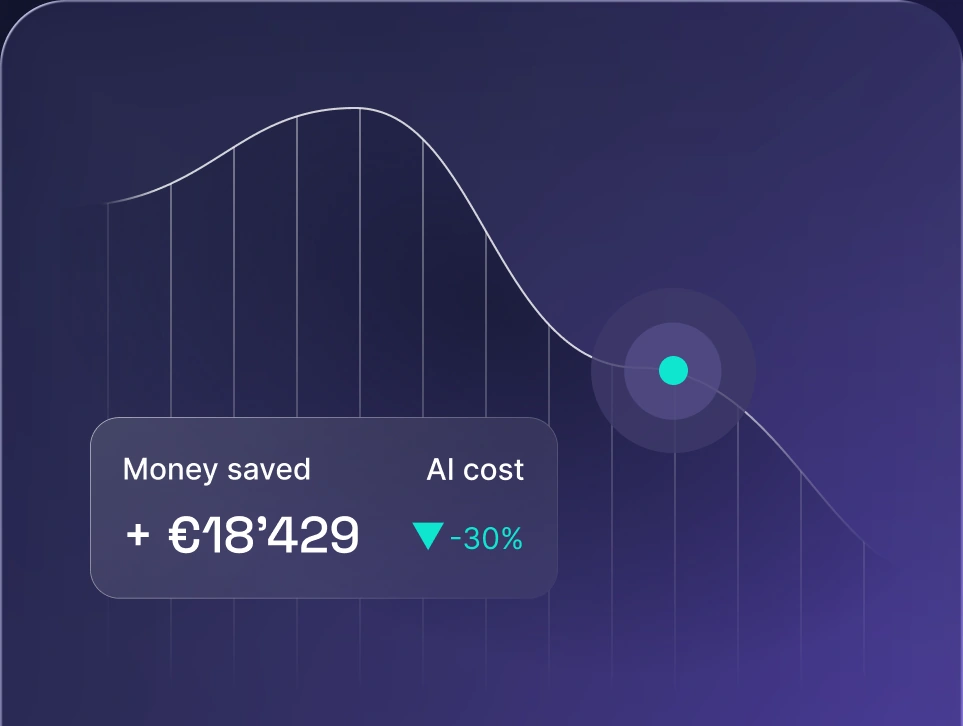
Control AI spend
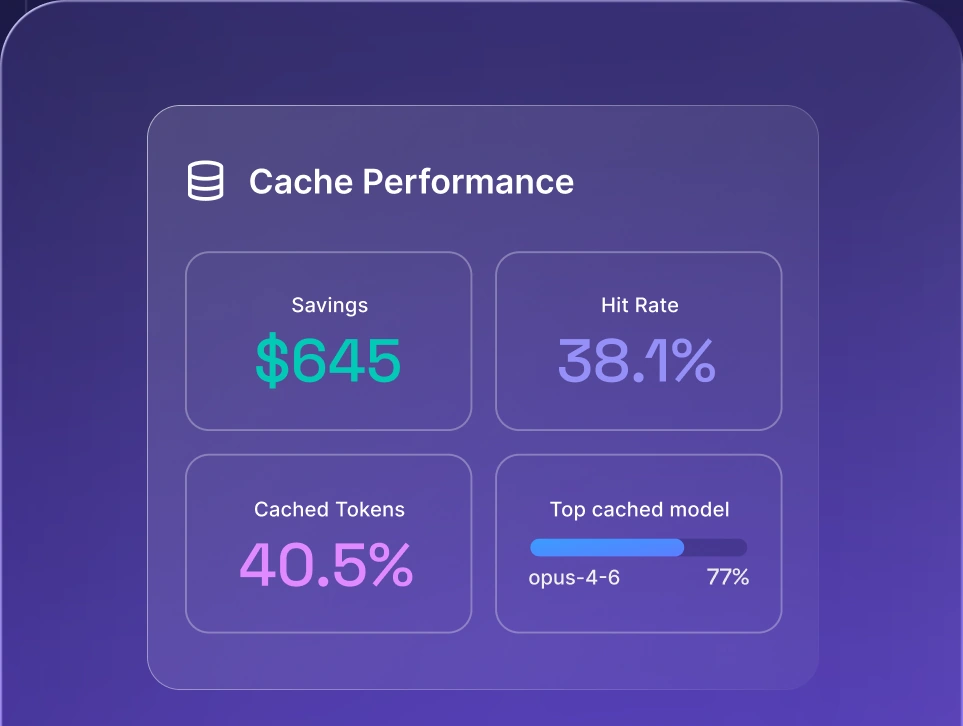
Optimize AI costs

Account and API key security
Payment security is only one part of the picture. A protected billing account can still incur unauthorized costs if someone gains access to the account or an API key.
Securing your account
Protect the email or identity provider account connected to OpenRouter with a unique password and two-factor authentication. Organizations that need centralized account management can use SSO/SAML, which OpenRouter offers on its enterprise plan.
Be cautious with unexpected password resets, security warnings, and billing messages. Open your OpenRouter account page directly instead of following email links.
At least one public reviewer reported that an attacker accessed their account, created a new API key, and incurred charges. A single report doesn’t indicate a widespread OpenRouter vulnerability, but it shows the potential cost of weak account protection.
Protecting your API keys
An exposed key may let someone make requests using your credit balance. Basic LLM security tools help monitor model access, but secure key handling remains essential:
- Use separate keys. Create dedicated keys for development, testing, production, and each application.
- Set spending limits. Apply daily, weekly, or monthly caps based on the expected usage of each key.
- Store keys securely. Keep them in a secret manager or protected environment variable.
- Keep keys out of repositories. Check code and commit history before publishing, even to a private repository.
- Rotate keys regularly. Replace a key immediately if it appeared in logs, screenshots, chat messages, or shared code.
- Revoke old keys. Disable keys as soon as an application, integration, or project ends.
- Monitor account activity. Watch for unfamiliar models, unusual traffic volumes, and sudden increases in cost.
Reliability and service considerations
OpenRouter’s routing and automatic fallbacks improve availability when a model is rate-limited or a provider becomes unavailable. However, they don’t guarantee uninterrupted service. OpenRouter and its multiple providers have experienced occasional incidents, and the routing layer adds another infrastructure dependency. Its standard pay-as-you-go plan lacks the contractual SLAs and support commitments that enterprise customers receive.
Some public reviews report slow responses to billing and account issues. This may be fine for weekend experiments with multiple LLMs but can greatly impact customer-facing apps that rely on OpenRouter’s APIs. Production teams should use retries, timeouts, monitoring, and alternative routes for critical workloads. For teams that need guaranteed uptime and responsive support from day one, OpenRouter alternatives may be a better fit.
A safe-usage checklist for OpenRouter
Using OpenRouter safely depends partly on what you send and how you configure it. Before connecting an application:
- Check the privacy settings. Keep input and output logging and OpenRouter data use disabled unless you have a specific reason to enable them.
- Review provider policies. Block providers that train on prompts and use zero-data-retention options where appropriate.
- Remove sensitive information. Don’t place passwords, payment details, medical records, customer data, or unnecessary personally identifiable information in prompts.
- Use scoped API keys. Issue separate keys for separate services and revoke them when they’re no longer needed.
- Set hard spending limits. Cap each key according to its normal workload, with enough room for expected peaks.
- Watch usage closely. Check for unexpected models, traffic spikes, and sudden jumps in token consumption.
- Start with a small credit balance. Only top up after confirming that routing and usage behave as expected.
- Read the payment terms. Verify the refund window, non-refundable fees, auto-recharge settings, and credit-expiry policy before paying.
These controls address common AI security risks but don’t replace an internal policy for confidential or regulated data.
Enterprise and team considerations
OpenRouter is straightforward for a single developer to manage. For production workloads, the challenge is applying consistent access, data, and spending rules across all users and applications.
Why ad-hoc use creates governance gaps
If employees use personal OpenRouter accounts or create API keys without approval, security and IT teams may not know what data is shared, which providers process it, or how much money is spent. This untracked use creates shadow AI risks, including inconsistent data handling, fragmented billing, and regulatory compliance gaps.
Instead of letting everyone configure settings on their own, teams should offer an approved route for model-agnostic AI access with shared policies and oversight.
How a governed AI gateway adds control
At scale, companies need consistent rules across users, applications, and models. nexos.ai combines an AI gateway for developers with a shared AI workspace for multiple LLMs for wider teams. The platform centralizes model access, AI governance, security controls, spending oversight, and LLM observability, helping run reliable, scalable, and regulated AI deployments.
This doesn’t mean OpenRouter is unsafe. It reflects the additional control companies often need beyond individually managed accounts and API keys.
Consideration | Individual or ad-hoc gateway use | Governed AI platform (nexos.ai) |
|---|---|---|
Access management | Per-user keys | Centralized access controls |
Spend visibility | Per-account | Organization-wide usage visibility |
Data policy | Configured by each user | Centralized data and AI governance |
Multi-model access | Yes | Yes |
Monitoring | Depends on each account | Centralized monitoring and observability |
OpenRouter works well for experimentation and developer-led projects. Organizations that want managed access for both technical and non-technical teams can explore nexos.ai as an all-in-one AI platform for multi-model access, governance, and monitoring.


Run every AI model in one Gateway
One secure, lightweight layer to access, route, and manage 200+ models.
