Table of contents
Key takeaways
- Cursor is a VS Code-based AI IDE, while Claude Code is a terminal CLI agent.
- Cursor is model-agnostic, while Claude Code runs on Anthropic's Claude models.
- Cursor suits visual, inline coding and Claude Code suits delegated tasks.
- Costs are usage-based and hard to predict without clear spend visibility.
- Many teams run both, matching each tool to the task at hand.
What is Cursor?
Cursor is an AI-first code editor built as a fork of VS Code, so your extensions, themes, and keybindings carry over while AI features sit inside every part of the editing experience. You get inline editing, visual diffs, tab completion, and an agent mode that proposes multi-file changes you approve before they land.
Cursor is model-agnostic. You switch between Claude models, GPT, Grok, and Cursor's own in-house models from a dropdown, which means your editor stays the same even when the model underneath changes.
What is Claude Code?
Claude Code is Anthropic's terminal-first CLI agent. It reads your file system, runs shell commands, edits files across your project, and works through multi-step tasks on its own while you review the outcome instead of each keystroke.
Claude Code runs strictly on Anthropic's Claude models, including Claude Sonnet and Opus. There's no editor lock-in, so you launch it from a terminal next to VS Code, JetBrains, Vim, or whatever existing editor you already use.
Claude Code vs Cursor: key differences at a glance
Before the detailed sections, the two tools line up as follows across the dimensions that decide most purchases. The split is consistent: Cursor optimizes for supervised editing inside a code editor, and Claude Code optimizes for delegation from the terminal.
Dimension | Cursor | Claude Code |
|---|---|---|
Interface | Graphical IDE (VS Code fork) | Terminal CLI agent |
Model choice | Model-agnostic | Anthropic Claude models |
Workflow | Hands-on, inline | Agent-first, asynchronous |
Editor lock-in | Replaces your existing editor | No lock-in |
Best for | Visual, supervised edits | Delegated multi-step tasks |
Cursor wins when your developers want to see and approve every line inside a familiar code editor, and Claude Code wins when they'd rather hand off complex tasks and review the result.
Interface: IDE vs terminal
Interface shapes everything downstream, from how fast you catch a bad edit to how much of your day you spend in a terminal.
How Cursor's IDE works
Cursor gives you the full graphical setup: tabs, a file tree, a built-in terminal inside Cursor, and visual diffs that show exactly what changed before you accept it. Inline editing through Cmd-K lets you rewrite a function in place, tab completion finishes lines as you type, and agent mode takes a natural language instruction and works across multiple files while you watch.
That visual layer suits developers who think in files and want tight feedback loops. You see every proposed change as a diff, review code line by line, and stay inside one tool for writing code, running tests, and version control. Teams moving from VS Code also get a short learning curve, since the VS Code extension ecosystem and shortcuts mostly carry straight over.
How Claude Code's terminal workflow and background agents work
Claude Code lives in your terminal. It reads relevant files from your code base on its own, runs terminal commands, executes your test suite, and chains multi-step tasks without you pointing it at each file. You describe the outcome, and Claude Code identifies which files matter.
Claude Code's CLI runs alongside your existing editor with zero lock-in, so a JetBrains team doesn't have to migrate anything, and you can run it inside a terminal that's already open next to your project. Claude Code reads a markdown file in your repository for project conventions, supports slash commands for repeated workflows, and connects to external systems through Model Context Protocol servers.
Model choice and flexibility
Model lock-in matters most over a multi-year horizon. Cursor supports a range of models and lets you switch between Claude models, GPT, Grok, and Cursor's native models mid-task, while Claude Code runs only on Anthropic's Claude models.
Single-vendor setups are simpler to reason about, and Claude Code feels coherent partly because of how deeply it's tuned against Claude models. The trade-off is timing. Today's best coding model won't necessarily lead in six months, and model leadership has changed hands several times already, as anyone tracking Claude vs ChatGPT releases has seen. A model-agnostic AI setup keeps your workflow intact when the ranking shifts, so swapping the model underneath doesn't mean rebuilding how your team works.
Multi-model access also helps with cost and reliability. A provider outage stalls a single-vendor team, while a setup with fallbacks reroutes and keeps developers working.

Run every AI model in one Gateway
One secure, lightweight layer to access, route, and manage 200+ models.
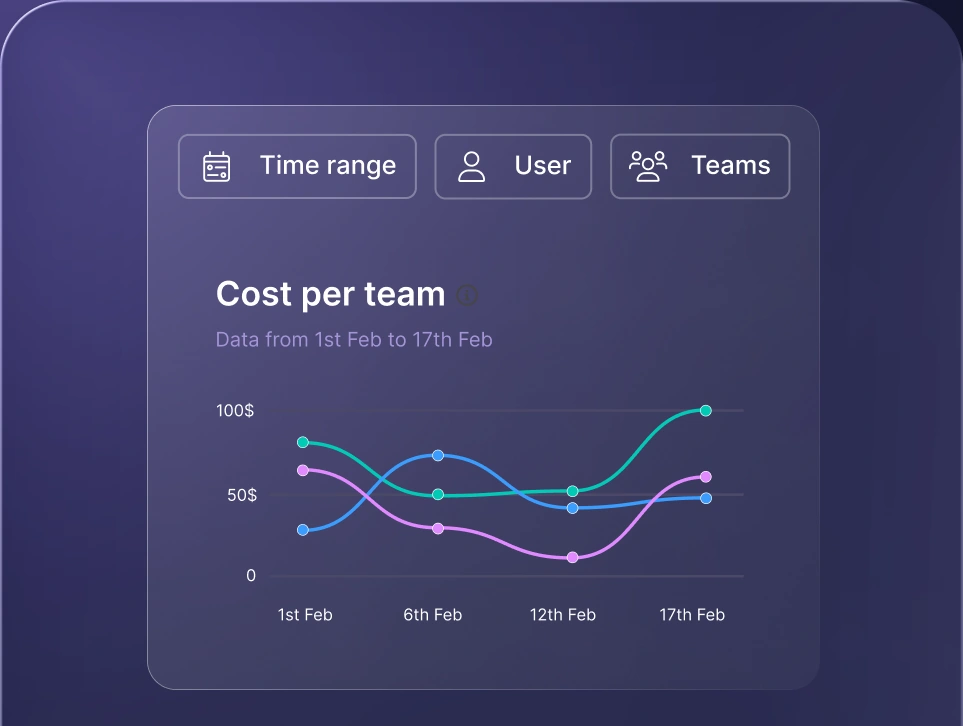
Monitor AI usage
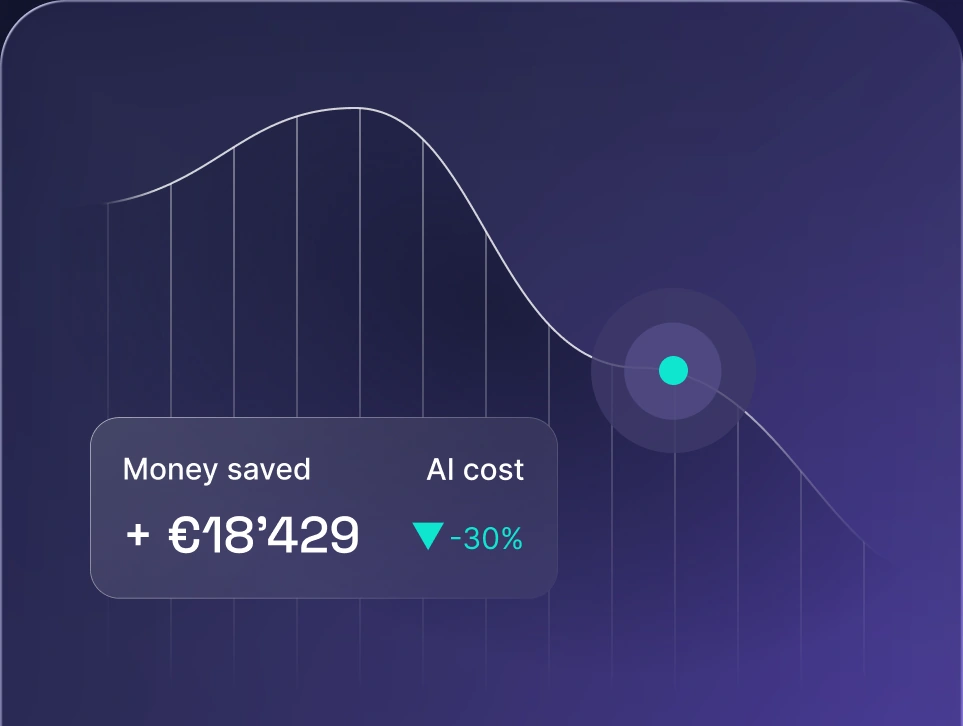
Control AI spend
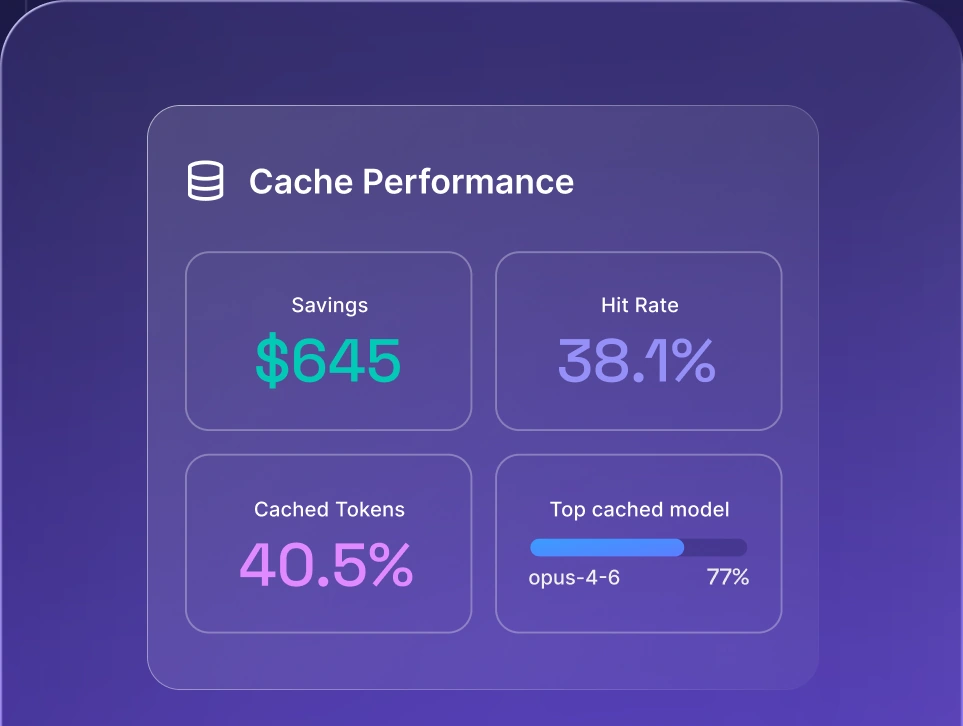
Optimize AI costs

Workflow philosophy: hands-on vs delegated
Default posture separates these two tools more than interface does. Cursor assumes you're editing and the AI assists, while Claude Code assumes you're delegating and reviewing what comes back. Both philosophies work, but they ask different things from your developers.
The trade-offs break down along three lines:
- Level of control. Cursor shows you inline diffs and waits for approval on each change, while Claude Code moves through multi-step tasks and surfaces the result at the end.
- Speed on large tasks. Claude Code handles multi-file refactoring and long chains of terminal commands without you shepherding each step, while Cursor's supervised agent mode trades some speed for visibility.
- Review overhead. Cursor spreads review across the session as you accept each diff, while Claude Code concentrates it into one bigger code review at the end, which is faster when the output is good and slower when it isn't.
Developers already comfortable reviewing a teammate's pull request tend to adapt to delegated workflows quickly. If they want to catch problems the moment they appear, supervised inline editing fits better.
Claude Code vs Cursor pricing
Both tools sell subscriptions with included usage rather than a flat unlimited fee, so the sticker price is only part of what you pay. Cursor is now sold through The X Subscription, which bundles Cursor with Grok and X, and runs from a free tier up to Ultra with separate per-seat Teams plans. Each paid plan includes a monthly pool of model usage before on-demand billing kicks in. Claude Code is bundled into Claude's subscription plans, so a Claude Pro or Max subscription covers Claude Code alongside Claude's other surfaces.
Plan tier | Cursor | Claude Code |
|---|---|---|
Free | Free: $0, limited usage | No free tier for Claude Code |
Entry paid | Plus: $8/month; Premium: $30/month, 4x Plus usage | Claude Pro: $20/month, or $17/month billed annually |
Mid tier | Super: $100/month, 15x Plus usage | Claude Max: from $100/month, 5x Pro usage |
Top tier | Ultra: $200/month, 50x Plus usage | Claude Max: $200/month, 20x Pro usage |
Team seats | Teams: $30 to $200 per seat/month, usage matching the seat tier; Enterprise custom | Team plans billed per seat; Enterprise custom |
Overage model | On-demand usage after the included pool, at list API prices; Teams and Enterprise plans add a $0.25 per million token Cursor Token Rate on third-party models | Session and weekly limits, then standard API rates |
Cursor splits included usage into two pools, one for its own models and one for third-party models, and on Teams plans third-party requests carry the Cursor Token Rate on top of list API prices. Claude Code works through session and weekly limits instead, then falls back to standard API rates once you pass them. Different mechanics, same outcome for finance: two developers on identical seats can generate very different bills depending on how much context they push, how often they run agents, and which model they pick.
PRO TIP: Track spend at the per-developer and per-team level, not just the total bill. That's the view a CTO signing off on the tooling budget actually needs, and it's the one that shows which workflows are expensive before renewal.
Cost control here follows the same logic as FrugalGPT cost optimization: route cheaper work to cheaper models and reserve the expensive ones for tasks that need them. Getting there requires LLM observability across tools, so you can see usage by person, team, and model instead of a single line item.
Which tasks justify a frontier model for code quality?
Not every coding request needs the most capable model available. Frontier models earn their price on hard problems and waste it on routine ones, and the gap in output quality narrows sharply as tasks get simpler.
Tasks that justify a frontier model:
- Complex multi-file refactoring. Changes that ripple across a large code base need a model that holds the whole picture in its context window.
- Tricky debugging. Intermittent failures and subtle logic errors reward stronger reasoning, since a cheaper model often produces confident bug fixes that don't hold.
- Architecture-level reasoning. Design decisions and tradeoff analysis benefit from the strongest model you have access to.
- Security-sensitive code review. Reviewing authentication flows or data handling is worth the premium.
Tasks a cheaper model handles fine:
- Boilerplate and scaffolding. Config files, CRUD endpoints, and repetitive patterns don't need frontier reasoning.
- Unit tests. Generating coverage for existing functions is well within reach of mid-tier models.
- Documentation. Docstrings, README updates, and changelog entries are low-risk, high-volume work.
- Formatting and small edits. Renames, type annotations, and style fixes are the clearest savings.
Benchmarks help you make this call with evidence rather than instinct. Comparing LLM benchmarks alongside your own results narrows the field, and the best LLM for coding depends on whether you're weighting raw reasoning, speed, or cost per task.
When to choose Claude Code
Claude Code fits teams whose developers are already comfortable in a terminal and want an agent that works without supervision. The signals are clear:
- Your developers live in the terminal. If shell commands are already muscle memory, a CLI tool adds no friction.
- You want autonomous multi-step tasks. Claude Code handles long chains of work across a large code base and reports back when it's done.
- You want to keep your existing editor. JetBrains, Vim, and Emacs users keep their setup, since Claude Code has no editor lock-in.
- You already pay for Claude. A Claude Pro or Max plan covers Claude Code, so there's no separate tool to budget for.
- You're happy on Anthropic models. Claude Code's tight coupling to Claude models is an advantage when those models suit your stack.
Claude Code excels when teams prefer handing over a whole task and reviewing the result at the end.
When to choose Cursor
Cursor fits teams who want AI inside a visual editor and prefer to keep a hand on the wheel:
- You want a seamless visual environment. Tabs, file trees, and a terminal inside Cursor keep everything in one tool, including background agents running out of sight.
- You want to approve every line. Inline diffs let you accept or reject each change as it appears.
- You want to switch models freely. Cursor supports several providers, so you aren't tied to one vendor's roadmap.
- Your team is coming from VS Code. The fork keeps extensions and shortcuts familiar, which shortens onboarding.
- You want tab completion in the flow. Tab completion and Cmd-K editing suit developers who write code continuously rather than in delegated batches.
- Cursor suits teams who want visibility into every change more than hands-off speed.
Cursor is one of several Claude Code alternatives worth weighing if you want Claude's models without the terminal-only interface, since you can select Claude models inside Cursor's editor.
Can you use Cursor and Claude Code together?
Plenty of teams run both, and the combination is more common than picking a side. Cursor becomes the visual home base where you read code, review diffs, and make small edits, while Claude Code runs in a terminal inside Cursor for heavy delegated work like a multi-file refactor or a failing test suite.
In practice, the split follows task weight. Quick fixes, inline editing, and anything you want to watch happen stay in Cursor, while long-running jobs go to Claude Code so you can keep working while it runs. Cursor's own CLI adds a third option for teams that want terminal access without leaving the Cursor ecosystem.
Running two tools means two subscriptions and two pools of usage, which makes consolidated spend tracking more useful.
How nexos.ai helps teams manage AI coding models
AI coding tools multiply fast inside an engineering org, and each one brings its own billing, its own model choices, and its own blind spots. nexos.ai gives you an AI gateway that sits in front of 200+ leading AI models, so your team reaches them through one setup instead of separate accounts per tool.
Three things matter for teams comparing coding tools.
- Spend visibility. Usage is tracked by user and team, so the person approving the budget can see where the money goes before the invoice lands rather than after.
- Model flexibility. You swap the model underneath without rebuilding the workflow around it, and fallbacks keep developers moving when a provider has a bad day.
- Task fit. You can compare AI models by testing the same prompt side by side, which tells you where a cheaper model is good enough and where a frontier model earns its cost.
Claude Code connects to nexos.ai directly through the nexos.ai Claude Code integration, so you point it at the gateway with an API key and keep the terminal workflow your developers already know. Teams who also want a shared interface for non-coding work get an AI workspace for multiple LLMs in the same place.
Cursor vs Claude Code: which is better for your team?
If your developers work mostly in a code editor, want to approve every change as a visual diff, and need the freedom to switch between Claude models, GPT, and Grok without changing tools, choose Cursor. It's the better fit for teams coming from VS Code, for mixed-seniority teams where review matters, and for anyone who wants tab completion and inline editing in the normal flow of writing code.
If your developers are terminal-native, want to hand off multi-file refactoring and long debugging sessions to an agent that runs on its own, and want to keep JetBrains or Vim, choose Claude Code. It's also the simpler buy if your team already pays for Claude Pro or Max, since Claude Code comes with those plans.
If both descriptions fit different people on your team, run both and route the work by task weight. Either way, put the spend and model choices behind one control point so the tooling decision stays reversible.


Run every AI model in one Gateway
One secure, lightweight layer to access, route, and manage 200+ models.
