Table of contents
Key takeaways
- Kimi K3 handles frontier-grade agentic engineering, while Kimi K2.7 Code covers everyday work at roughly a third of the cost.
- Kimi K3 posts 88.3 on Terminal-Bench 2.1 and 81.2 on FrontierSWE, putting it level with the best on agentic coding.
- One install command gets Kimi Code running, and the OpenAI-compatible API drops into tooling you already use.
- Session shape, token appetite, and cache reuse move real spend far more than headline pricing.
- Per-developer spend visibility, freedom to switch models, and centralized access control separate a personal experiment from infrastructure your crew can rely on.
What is Kimi for coding?
Kimi is Moonshot AI's family of large language models built for software work, paired with Kimi Code, an AI coding agent that reads and edits your code, runs shell commands, searches files, and keeps iterating based on what your tests report back. The lineup spans quick everyday edits through to long-horizon engineering, all reachable from the same tooling. Everything is designed around how you already work: in a terminal, inside a project, on a task that takes more than one step.
Two capabilities separate Kimi from the pack. Kimi K3 is natively multimodal, reasoning over images and video alongside text, so you can hand it a UI design or a visual specification and get working components back. Native visual understanding turns a screenshot into an implementation brief. The 1,048,576-token context window is the other differentiator, large enough to hold an entire project structure in view so the agent understands your multi-file dependencies instead of guessing at them. Anyone weighing the wider field will find the contenders ranked in our breakdown of the best LLM for coding.
Is Kimi good for coding?
Yes, Kimi handles coding well, and published benchmarks back that up rather than vibes. Moonshot's Kimi K3 places at or near the top across agentic evaluations, hitting 88.3 on Terminal-Bench 2.1 and 81.2 on FrontierSWE, where it leads every model in the comparison. Independent coverage found K3 among the top three across six coding benchmarks, leading SWE-Marathon and ProgramBench while trailing GPT-5.6 Sol on Terminal-Bench 2.1 by half a point.
The honest picture includes trade-offs. Kimi is token-hungry, and a model that thinks at length produces an invoice that reflects it. Pure reasoning without tool use is the weaker spot, where published numbers show frontier competitors pulling ahead on several evaluations. Here's how the strengths and limits break down in day-to-day use.
Coding strengths
Kimi earns its place through agentic work, visual input, and sheer scale. These are the areas where it delivers:
- Front-end and UI generation. Hand over a design and get components back. Native vision means a Figma frame or a rough wireframe becomes React and Tailwind markup without you translating it into prose first.
- Agentic multi-file edits. Kimi K3 sustains long engineering sessions with minimal oversight, navigating massive repositories and orchestrating tools across work as demanding as GPU kernel optimization, compiler development, and chip design.
- Large-context codebase understanding. The 1M-token context window holds a real project in memory, so a refactor touching twelve files across four directories doesn't lose the thread halfway through.
- Autonomous iteration. Kimi Code CLI runs your builds and tests, reads the failures, and adjusts. You describe the outcome, the agent plans each task, edits the code, and reports what changed.
Coding limitations
Every model has edges, and knowing Kimi's saves you from finding them on a deadline. Treat these as practical trade-offs to plan around:
- Unassisted reasoning trails the leaders. On evaluations like CritPt and HLE-Full, Kimi K3 sits behind Claude Fable 5 and GPT-5.6 Sol. Give it tools and a shell and the gap narrows sharply.
- Verbosity drives consumption. Kimi K3 always runs with thinking enabled and defaults to maximum reasoning effort, which you can dial down to "low" or "high" when a task doesn't need the full treatment.
- Long tool-call chains need watching. Extended autonomous runs can drift, which is why the agent asks for confirmation before it modifies files or runs shell commands.
PRO TIP: Run a week of side-by-side evaluations on your own repositories before switching any critical workflow. Benchmark numbers rarely match your codebase exactly, and the only score that matters is the one your crew sees on your code.
Kimi coding benchmarks
Benchmarks tell you where a model stands, but only when read properly. Scores shift with every release, harness choices swing results by several points, and a number without a date attached is close to meaningless. Moonshot evaluates Kimi K3 using its own Kimi Code CLI harness on most coding benchmarks, which is worth knowing when comparing figures across vendors, since each one reports through its own agent framework [1].
Here's what the main coding benchmarks measure and why each matters for your work.
Benchmark | What it measures | Why it matters for coding |
|---|---|---|
SWE-Bench Verified | Real GitHub issue fixes | Practical bug-fixing ability |
SWE-Marathon | Long-horizon engineering | Sustained work without losing the thread |
FrontierSWE | Harder real-world problems | Performance on complex work |
LiveCodeBench | Fresh coding problems | Reasoning on unseen problems |
Terminal-Bench 2.1 | Agentic terminal tasks | Autonomous multi-step coding |
The takeaway: agentic and long-horizon benchmarks predict real performance far better than single-shot puzzles.
Kimi K3 vs. GPT-5.6 Sol vs. Claude Opus 4.8: Benchmark Scores
Moonshot published its Kimi K3 evaluation table in July 2026, with every model run at maximum reasoning effort. These are Moonshot's own numbers, so read the ranking as a signal rather than an independent verdict [1].
Benchmark | Kimi K3 | GPT-5.6 Sol | Claude Opus 4.8 |
|---|---|---|---|
Terminal-Bench 2.1 | 88.3 | 88.8 | 84.6 |
FrontierSWE | 81.2 | 71.3 | 66.7 |
SWE-Marathon | 42.0 | 39.0 | 40.0 |
ProgramBench | 77.8 | 77.6 | 71.9 |
DeepSWE | 67.5 | 73.0 | 59.0 |
The takeaway: Kimi K3 trades places with frontier models depending on the test, winning clearly on complex real-world engineering while trailing slightly elsewhere. A wider view of how to read these scores sits in our guide to LLM benchmarks for coding models.
What Kimi model is the best for coding?
No single Kimi model wins outright, and reaching for the largest by default is how teams end up with startling invoices. The lineup splits cleanly by task. Kimi K3 is the 2.8T-parameter flagship with native vision and a 1M-token context window, built for long-horizon agentic engineering. Kimi K2.7 Code is the open-weight coding specialist, strong on agentic benchmarks at a fraction of K3's price. Kimi K2.6 is the prior generation, still available and still capable, though K2.7 Code supersedes it for most coding work [1].
Match the variant to the task in front of you rather than defaulting to the biggest option available.
Kimi model | Best for | Trade-off |
|---|---|---|
Kimi K2.7 Code | Boilerplate, tests, docs, everyday agentic runs | Smaller context window than K3 |
Kimi K3 | Complex coding tasks, design-to-code, multi-file autonomous work | Higher token usage and cost |
Kimi K3 (low effort) | Large-scale parallel runs | Shallower reasoning per call |
The takeaway: reach for K2.7 Code first and escalate to K3 when the task genuinely earns it. Task fit is where this turns into money. Complex refactoring across a dozen files and hard, long-horizon debugging justify K3 and the tokens it burns. Boilerplate, unit tests, docstrings, and routine edits run perfectly well on K2.7 Code for roughly a third of the cost. Teams that route by task rather than habit often cut spend substantially with nobody noticing a quality drop. Between the two K2 variants, K2.7 Code is the straightforward default for coding.

Run every AI model in one Gateway
One secure, lightweight layer to access, route, and manage 200+ models.
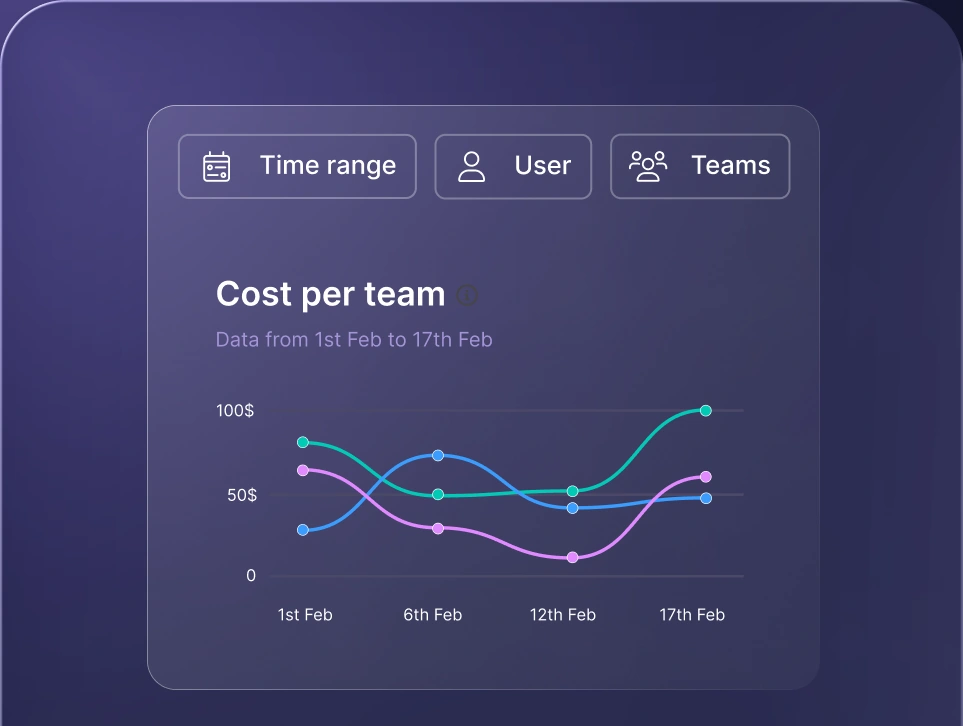
Monitor AI usage
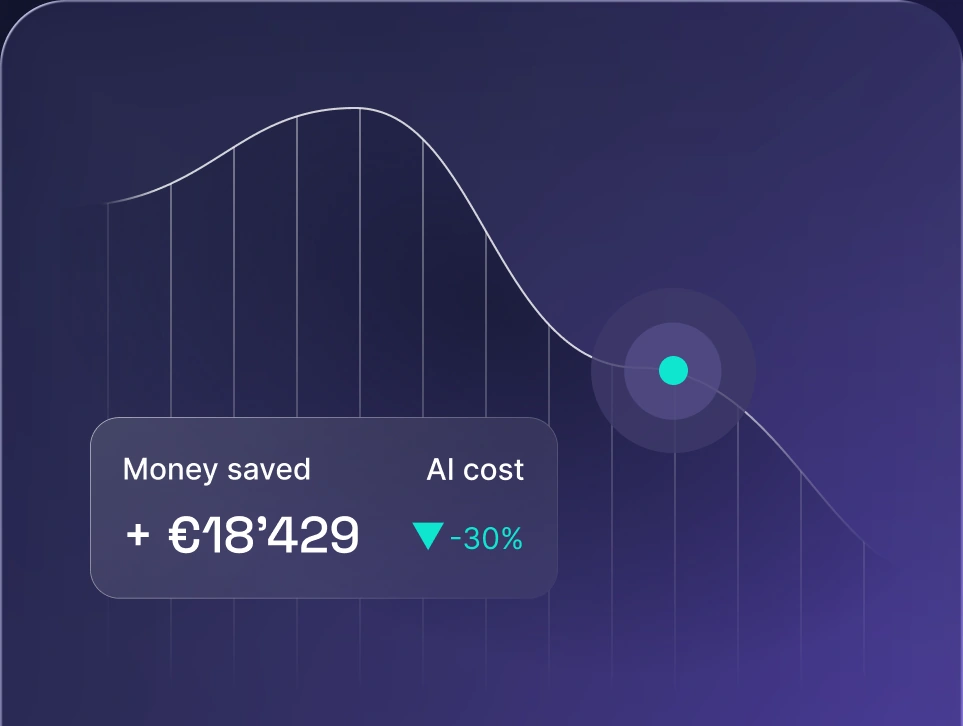
Control AI spend
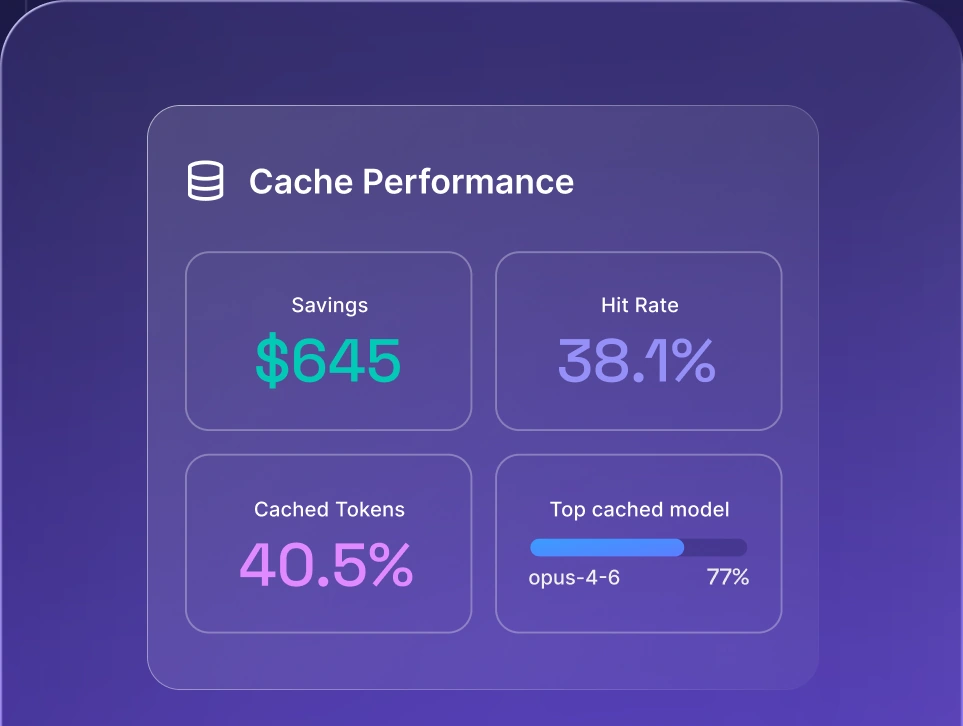
Optimize AI costs

How to use Kimi K3 for coding
Getting Kimi K3 running takes minutes. Three paths lead in: the Kimi Code CLI agent that runs terminal commands for you, your editor through an extension or protocol, and the API platform for anything custom. Most developers start with Kimi Code CLI because it needs the least setup and delivers the most capable agent out of the box.
Here's the full route from a clean computer to Kimi K3 working on your project.
1. Install Kimi Code CLI
Kimi Code CLI is the agent that does the actual work: reading and editing code, running shell commands, searching files, fetching web pages, and planning its next move from feedback as it goes. Written in TypeScript, distributed via npm, and running on Node.js, it installs two ways.
The official install script is recommended and needs no pre-installed Node.js. On macOS and Linux:
curl -fsSL https://code.kimi.com/kimi-code/install.sh | bash
On Windows, open PowerShell and run the irm https one-liner instead:
irm https://code.kimi.com/kimi-code/install.ps1 | iex
Both the macOS and Linux script and the irm https command download the latest release, verify the checksum, and place the kimi executable on your PATH. Windows users should install Git for Windows before first launch, because Kimi Code CLI uses the bundled Git Bash as its shell environment. When that bundled Git Bash sits in a custom location, set KIMI_SHELL_PATH to the absolute path of bash.exe.
Prefer a global npm install? That route needs Node.js 22.19.0 or later:
npm install -g @moonshot-ai/kimi-code
Confirm the install landed:
kimi --version
One trap worth catching early: Moonshot ships two agents and both install a binary called kimi. The legacy kimi-cli is no longer maintained and will stop working, so make sure Kimi Code CLI is what you installed.
2. Sign in and connect your Kimi account
Move into your project directory and start an interactive session:
cd your-project
kimi
First launch asks you to configure a provider. Type /login to open the platform selector, which supports two options: Kimi Code OAuth, a device-code flow where you open a link on any of your devices, sign in, and enter the code to authorize, or a Kimi Platform API key you paste directly.
Choose carefully, because the two platforms bill differently. Kimi Code membership plans run on a subscription with quota included, using an Anthropic-compatible base URL at https://api.kimi.com/coding/ and keys from the Kimi Code Console. The Kimi Open Platform is pay-as-you-go at https://api.moonshot.cn/v1, with keys from platform.kimi.com. A base URL and key that don't match is the most common reason a fresh session shows an empty model list, so check both against the plans you actually signed up for.
3. Select your model and start a session
Inside the app, /model switches the current model, and that command is how you select Kimi K3. Moonshot recommends Kimi Code as the agent framework that gets the most out of K3.
A good opening example is letting the agent learn your codebase:
Take a look at this project's directory structure and briefly describe what each directory is for.
Kimi Code CLI calls file-reading and search tools automatically before answering. Read-only operations run without confirmation, while anything that edits files or runs shell commands asks you first. Then hand over something real. This second example puts it to work:
Add a function in src/utils that converts any string to kebab-case, and add a unit test for it.
A handful of commands cover most daily use:
- /new. Starts a fresh session and clears current context.
- /sessions. Browses past conversations so you can resume earlier work across multiple projects.
- /compact. Compresses context to free up tokens, which matters when spend tracks usage.
- /fork. Forks the current session into an independent copy with full history while you stay put.
- /usage. Checks your quota and membership status against your current plans.
Outside the interactive app, kimi -p "your instruction" runs one command and kimi -c resumes your previous session. Kimi Code stores local data, including your log files, session records, and JSON config, under ~/.kimi-code/ by default, and KIMI_CODE_HOME moves it elsewhere. Worth knowing if you need to delete a stale log or inspect what the agent did on a previous run.
4. Integrate with your IDE
Prefer staying in your editor? Kimi Code CLI connects to supported IDEs through the Agent Client Protocol, driving a session from inside your development environment. A VS Code extension brings the same family into the editor with a diff view and revert.
For Zed, create an entry for the agent in ~/.config/zed/settings.json. The command field takes the executable path, and when kimi isn't on your PATH you supply the full path such as /Users/you/.local/bin/kimi. In args, the kimi acp subcommand switches into ACP mode. That kimi acp subcommand is the piece people most often leave out of their JSON. Leave env empty, since Zed injects a default environment automatically. Any MCP servers declared in Zed's agent_servers section get forwarded through the same protocol, so your existing data sources and plugins come along.
Those MCP servers matter more than they look. Model Context Protocol servers are how the agent reaches your issue tracker, your documentation, your internal data sources, and anything else outside the repository, and plugins built on the same standard extend what a session can touch. Install Kimi Code CLI and complete /login before wiring up your editor, because IDE integration rides on credentials already configured in the CLI. The protocol layer underneath all this gets a full explanation in our guide to what is MCP.
5. Set up API access
For custom tooling, CI pipelines, or your own framework, skip Kimi Code and go through the API platform directly. Generate an API key from the platform console, point an OpenAI-compatible client at the endpoint, and select kimi-k3 as your model. Moonshot provides OpenAI-compatible and Anthropic-compatible APIs, so Kimi drops into existing tooling without rewriting your integration layer.
Two details catch people out. Kimi K3 always has thinking enabled and returns reasoning_content, with depth controlled by the top-level reasoning_effort field, which accepts low, high, and max and defaults to max. K3 was also trained in preserved thinking history mode, so multi-turn conversations and tool calls require passing the complete assistant message back into messages exactly as returned, including reasoning_content and tool_calls, not just content. Skip that and your agent loses its train of thought between turns. Moonshot's quickstart docs cover the rest: vision input, video input for workflows that analyze recorded sessions, structured output, and context caching.
Self-hosting the open weights instead? Moonshot recommends running K3 on vLLM, SGLang, or TokenSpeed.
Keeping your setup current
Run kimi upgrade and the CLI checks for the latest version and walks you through the upgrade, or go straight through your package manager with npm install -g @moonshot-ai/kimi-code@latest. To uninstall a script install, delete the kimi executable. For npm, npm uninstall -g @moonshot-ai/kimi-code handles it.
Two notes. The two-line cd your-project / kimi block is split into separate bolded lines, since a single bolded run across a line break tends to collapse awkwardly on paste. And the quoted reasoning effort values lost their quote marks (low rather than "low"), since bold plus quotes reads cluttered. Say the word if you want the quotes back.
Kimi for coding API pricing
Pricing is why most teams look at Kimi in the first place, though these rates move fast enough that you should verify before budgeting. As of October 2026, Kimi K3 runs $3.00 per million input tokens and $15.00 per million output tokens, with cache hits dropping input to around $0.30. Kimi K2.7 Code and Kimi K2.6 both come in at $0.95 and $4.00, which is part of why K2.7 Code is the sensible default of the two [2].
Cache behavior matters more than it looks. The API automatically caches repeated request prefixes across two TTL tiers, five minutes and one hour, and input hitting the cache within its lifetime is billed at the cache-hit price only, with each hit refreshing the entry at no extra write charge.
Here's how published rates compare across supported models.
Model | Input / 1M | Cached input / 1M | Output / 1M |
|---|---|---|---|
Kimi K3 | $3.00 | ~$0.30 | $15.00 |
Kimi K2.7 Code | $0.95 | ~$0.19 | $4.00 |
Kimi K2.6 | $0.95 | ~$0.19 | $4.00 |
The takeaway: roughly three to four times separates K3 from the K2 series on both ends, which is exactly why routing by task pays for itself. Rates listed as of October 2026 and subject to change.
How much does a Kimi coding session cost?
Headline rates aren't your bill, though. What lands on the invoice is token appetite multiplied by session shape, and an agentic run looks nothing like a single API call. One task might mean 25 requests, each carrying the growing context of everything before it. Cache reuse keeps that from compounding into something painful. Here's roughly how the same work costs out, assuming a 25-request session with heavy prefix reuse [2].
Scenario | Model | Uncached input | Output | Rough session cost |
|---|---|---|---|---|
Boilerplate and tests | K2.7 Code | 40K | 15K | ~$0.10 |
Routine feature work | K2.7 Code | 80K | 30K | ~$0.20 |
Multi-file refactor | K3 | 200K | 60K | ~$1.50 |
Long-horizon debugging | K3 | 500K | 150K | ~$3.75 |
The takeaway: these figures are illustrative, calculated from published rates rather than quoted, and your real numbers depend on how much your sessions reuse cached context.
PRO TIP: Model an actual agent session, say 25 requests over one task, not a single call, when you estimate cost. Session shape and cache reuse change the total far more than the per-token rate does.
Cost-aware routing isn't new thinking. The research behind FrugalGPT showed years ago that cascading requests through cheaper models first, escalating only when needed, holds quality while cutting spend hard.
Is Kimi better than Claude or ChatGPT for coding?
The question has no winner-take-all answer, and anyone offering one is selling something. Kimi, Claude, and GPT models each lead on different work, and published benchmarks show exactly that pattern. Kimi K3 leads FrontierSWE at 81.2 against GPT-5.6 Sol's 71.3 and Claude Opus 4.8's 66.7, while GPT-5.6 Sol edges Terminal-Bench 2.1 at 88.8 to Kimi's 88.3, and Claude Opus 4.8 trails Kimi on DeepSWE at 59.0 to 67.5.
What matters in practice isn't which model wins overall, it's which one fits the task and the budget. Kimi Code will happily run any of them. Here's how that breaks down.
Task type | Lower-cost option often fits | Frontier model often worth it |
|---|---|---|
Boilerplate and scaffolding | Yes | Overkill |
Unit tests and docs | Yes | Rarely needed |
Complex refactoring | Sometimes | Often yes |
Long-horizon debugging | Sometimes | Often yes |
Design-to-code from images | Sometimes | Often yes |
The takeaway: use the right model for the right task, and keep the freedom to change your mind. Staying model-agnostic across LLMs means today's pick never becomes tomorrow's constraint, and you can test each new release against your actual work rather than taking a vendor's word for it. The full list of AI models available through one platform runs well beyond the three named here.
How to use Kimi for coding across your team
One developer running Kimi Code cheaply in a terminal is a nice hack. Fifty developers doing it is unmanaged spend with no audit trail. Moving from personal experiment to crew-wide tooling needs three things the CLI alone won't give you: visibility into what each person and project costs, freedom to switch models without rebuilding anything, and one place where access is granted and revoked.
Here's what each looks like when you get it right.
Making per-model spend visible
The model is great. Nobody knows what it costs until the invoice lands. That's the pattern on most teams adopting something new, and it's entirely avoidable. When usage flows through individual API keys scattered across laptops, basic questions go unanswered: which team drives the spend, which projects justify K3 over K2.7 Code, and whether last month's jump came from a new hire or a runaway agent loop.
Per-developer and per-team spend on a specific model is the view that changes decisions. Whoever signs the bill needs to see it before the month closes, not after. LLM observability through nexos.ai surfaces exactly that, breaking usage and cost down by person, team, and model so you can analyze an expensive pattern while you can still do something about it.
Avoiding lock-in to one model
Today's best coding model won't hold that title in six months. That's no knock on Kimi, just the pace of the field, and this entire lineup is newer than most onboarding docs. The expensive mistake is wiring your tooling so tightly to one provider that switching means a rewrite.
Keep the setup, swap the model underneath. Your developers keep the same interface while you change what runs behind it, test fresh releases against real work, and route cheap tasks to cheaper options without touching integration code. Fallbacks matter just as much: when a provider goes down, requests shift elsewhere and your crew keeps shipping instead of waiting.
Governance and access considerations
Adopting any external coding model at team scale raises the same practical security questions, worth answering deliberately rather than discovering later. Centralized key management puts access control in one place, so a departing developer doesn't leave a working key behind. Audit trails for agent runs give you a log of what ran, against which repository, and at what cost. Data-handling policies deserve a careful read before code leaves your environment, whichever provider you choose.
Security considerations here aren't unique to Kimi, and none of them need to feel alarming. The same checklist applies to any tool with access to your codebase, and the sub-agents, plugins, and MCP servers you connect widen that surface a little further each time. Wider questions worth asking are covered in our rundown of AI security risks.
How nexos.ai unifies access to Kimi and other models
nexos.ai gives your team one platform for 200+ leading AI models, Kimi alongside GPT, Claude, Gemini, and the rest, reached through a single governed AI gateway. One place to grant access. One place to watch spend. One setup that survives whatever ships next quarter.
Every problem this article keeps circling resolves in the same layer. Task fit stops being guesswork when you compare AI models side by side on your own prompts and see which one handles your refactor before committing a month of usage to it. Cost visibility arrives before the invoice, broken down by developer, team, and model. Lock-in stops being a risk when switching what runs underneath takes a setting change rather than a sprint.
Your crew stays fast, your CTO stays informed, and your model choices stay yours. See how nexos.ai handles multi-model coding workflows across your whole team.
References
[1] Moonshot AI, "Kimi K3: Open Frontier Intelligence," GitHub, 2026. [Online]. Available: https://github.com/MoonshotAI/Kimi-K3
[2] Moonshot AI, "Model Inference Pricing Explanation," Kimi API Platform, 2026. [Online]. Available: https://platform.kimi.ai/docs/pricing/chat


Run every AI model in one Gateway
One secure, lightweight layer to access, route, and manage 200+ models.
