Table of contents
Key takeaways
- Some optimization techniques trade accuracy for efficiency, while others preserve model quality.
- PTQ is a common starting point for reducing model memory requirements.
- Techniques stack, so you compress, compile, and then serve smarter.
- Benchmarking before and after every change keeps results honest.
- Matching the right model to each task is optimization too.
What is AI model optimization?
AI model optimization is the set of techniques that reduce a model's latency, memory footprint, and cost per token or prediction without a big drop in accuracy. It turns a model that works in a lab into an AI system you can afford to run at scale. Teams apply AI model optimization to image classification, recommendation systems, and other machine learning models. Optimizing AI covers artificial intelligence workloads of every size, from deep learning architectures to complex models with billions of parameters.
The term “AI model optimization” carries two meanings:
- Optimization during training. An optimizer like gradient descent or Adam adjusts weights to reduce prediction error. Hyperparameter tuning picks settings like the learning rate.
- Optimization for deployment. Engineers make an already trained model efficient to run. This second meaning is the focus of this article.
Optimization during training is the iterative process of finding the model settings that give the best performance on your data. Optimization algorithms like gradient descent and Adam sit at the core of deep learning and artificial intelligence. These optimization algorithms solve optimization problems with millions of variables. Neural networks learn by nudging weights toward lower error, and deep learning models rely on the same loop instead of being explicitly programmed.
Three habits make training-side optimization pay off:
- Clean the input data. Data preprocessing techniques like normalization and deduplication give the model better training data. Handling missing values early prevents silent errors, and filling or dropping missing values belongs in any routine.
- Tune the learning rate. The learning rate sets how big each weight update is, so the training process stays stable. A learning rate that's too high makes training unstable, and one that's too low wastes compute.
- Search the settings systematically. Grid search tries every combination in a specific range. Random search samples the range and often finds good settings faster. Bayesian optimization uses past results to pick the next try. It aims for optimal solutions with fewer runs when training is computationally intensive.
Better training-side choices improve model accuracy and model performance, and neural networks benefit most. They also give optimized models a stronger starting point for the deployment techniques below, and they help AI models reach the best performance on neural networks and other architectures.
Optimization for deployment makes a trained model efficient enough to serve real traffic. Teams optimize at three levels, and each level targets a different source of waste.
- Model level. You change the weights or model architectures through quantization, pruning, or distillation.
- System level. You change how the model runs through compilation, batching, and caching.
- Selection level. You choose and route between models per task, which is cross-model AI optimization.
People also say "AI model compression" for the model-level techniques. Compression is a subset of AI model optimization, because optimization also covers runtime and model selection choices. AI model compression and optimization both aim at the same result, a model that costs less and answers faster.
Why AI model optimization matters
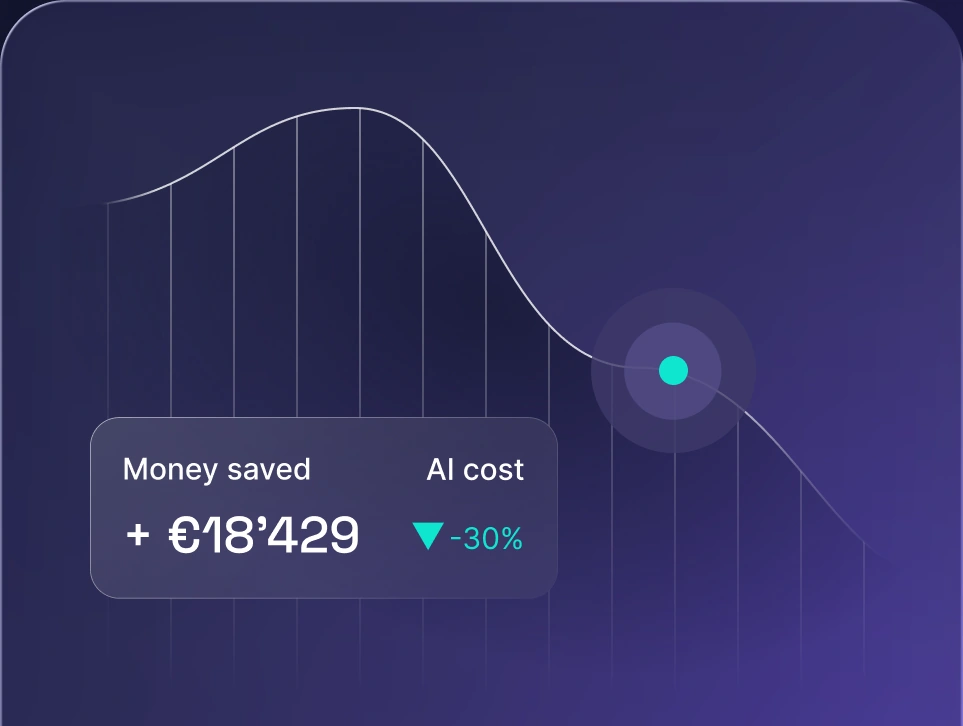
AI model optimization matters because every request a model serves costs compute, so efficiency decides whether an AI feature scales. Strong AI cost management starts with optimizing AI models and optimizing AI workloads so each does the job with fewer resources. Artificial intelligence workloads and large models make costs climb fast.
AI model optimization brings several advantages in budget, speed, and reach:
- Lower cost. Optimized models use less processing power per request, which helps you optimize AI spend and improves model efficiency.
- Lower latency. Improved performance and faster inference speed keep users engaged and make real-time features possible.
- Smaller memory footprint. Less memory usage lets models fit on cheaper GPUs, laptops, and edge devices.
- Higher throughput. One server handles more requests, so you scale without buying more hardware.
- Wider deployment options. A wider range of devices opens up. A smaller model can run on mobile phones and edge devices with limited memory, and it may help battery life on both.
9 AI model optimization techniques
Optimizing AI models takes practice, and the nine techniques below range from quick changes that need no retraining to structural changes that need new training runs. The table below compares the nine AI model optimization techniques by main gain, accuracy risk, retraining needed, and effort.
Technique | Main gain | Accuracy risk | Retraining needed | Effort |
|---|---|---|---|---|
Post-training quantization | Smaller model, hardware-dependent speedup | Low to medium | No | Low |
Quantization-aware training | Low-bit model, less accuracy loss | Low | Yes | Medium |
Pruning | Fewer parameters | Medium to high | Usually | Medium |
Knowledge distillation | Smaller student model | Medium | Yes | High |
Speculative decoding | Lower generation latency | None in lossless setups | No target-model retraining; draft training may be needed | Medium |
Model compilation | Faster runtime | None to low | No | Low to medium |
Batching | Higher throughput | None | No | Low |
Caching | Less repeated compute | None for KV and prefix reuse; varies for semantic caching | No | Low |
LoRA | Cheaper fine-tuning | Varies by task | Light | Medium |
Quantization, compilation, batching, and caching need no retraining, so the optimized models they produce usually carry the lowest risk and effort. Pruning, distillation, and fine-tuning cost more, and you reach for them when the cheap options fall short.
Each technique below follows the same pattern: what it is, how it works, when to use it, and the main trade-off. These key techniques are essential techniques for any optimization problem, and they work as powerful tools when you combine them.
1. Post-training quantization
Post-training quantization (PTQ) stores a trained model's weights, and sometimes activations, in lower precision formats. Common moves go from FP32 or FP16 to FP8, INT8, or INT4. Going from FP16 to INT8 halves the bytes per raw weight, and going from FP32 to INT8 cuts them to a quarter. Total runtime memory drops by less, and speedups depend on hardware and runtime support.
PTQ applies this change to an already trained model with no retraining. Some methods use a small representative calibration dataset, while others quantize without one. Use it early for most models, especially LLMs and other large models that don't fit the target hardware.
The trade-off is accuracy. Very low precision, like INT4, can hurt results on edge cases, so test these quantization techniques against your own evaluation set.
2. Quantization-aware training
Quantization-aware training (QAT) simulates low precision during training or fine-tuning, so the model learns to work with the rounding errors. QAT can recover accuracy lost through PTQ.
Use quantization aware training when PTQ causes accuracy loss you can't accept, and check model accuracy on your own tasks.
The trade-off is cost. QAT needs training data, compute, and more engineering time than PTQ.
3. Pruning
Pruning shrinks neural networks and deep learning models. It removes weights, neurons, layers, or attention heads that contribute little to the output. A pruned model has fewer parameters and a smaller AI system footprint.
Unstructured pruning removes individual weights. It doesn't automatically shrink dense tensors or speed up inference, so savings need suitable sparse storage and execution support. Structured pruning removes whole channels or layers, which is easier to speed up on standard hardware.
The trade-off is accuracy risk. Aggressive pruning usually needs a recovery step, like fine-tuning or distillation, to regain quality.
4. Knowledge distillation
Knowledge distillation trains a smaller model, called the student, to mimic the outputs of a larger teacher model. Knowledge transfer happens through the teacher's responses, so the student builds the model's understanding of the task.
Teams often combine distillation with pruning. They prune the model, then distill from the original to recover quality. Use distillation when you need much smaller, optimized models for a specific task and have the budget for a training run.
The trade-off is effort. Distillation needs good training data, compute, and expertise. The payoff is a compact, high performance model.
5. Speculative decoding
Speculative decoding speeds up text generation by splitting the work between two models. A small, fast draft model proposes several tokens ahead. The main model verifies them in parallel, which cuts the number of slow sequential steps. EAGLE-3 is one example of a draft-model approach, and it uses a trained draft component.
Lossless speculative decoding preserves the target model's sampling distribution, not necessarily the identical token sequence.
The trade-off is variability. Speedups depend on how often the main model accepts the draft tokens, and running two models adds memory use.
6. Model compilation
Model compilation gives AI models faster runtimes. It uses compilers and runtimes to optimize a model's computation graph for specific hardware. A common move is fusing several operations into a single kernel, which cuts memory traffic and launch overhead.
Examples include ONNX Runtime, TensorRT, XLA, TVM, and torch.compile. FlashAttention is a well-known example of an optimized attention kernel. These tools often deliver gains without touching the weights, so compilation works as a low-risk early step.
The trade-off is hardware dependence, since a compiled model may only run fast on the chip it was built for.
7. Batching
Batching groups several requests so the hardware processes them together, which raises throughput.
Continuous batching handles LLMs well and improves inference speed for many users at once. New requests join a running batch instead of waiting for the whole batch to finish.
The trade-off is latency. Larger batches raise throughput but can slow individual requests.
8. Caching
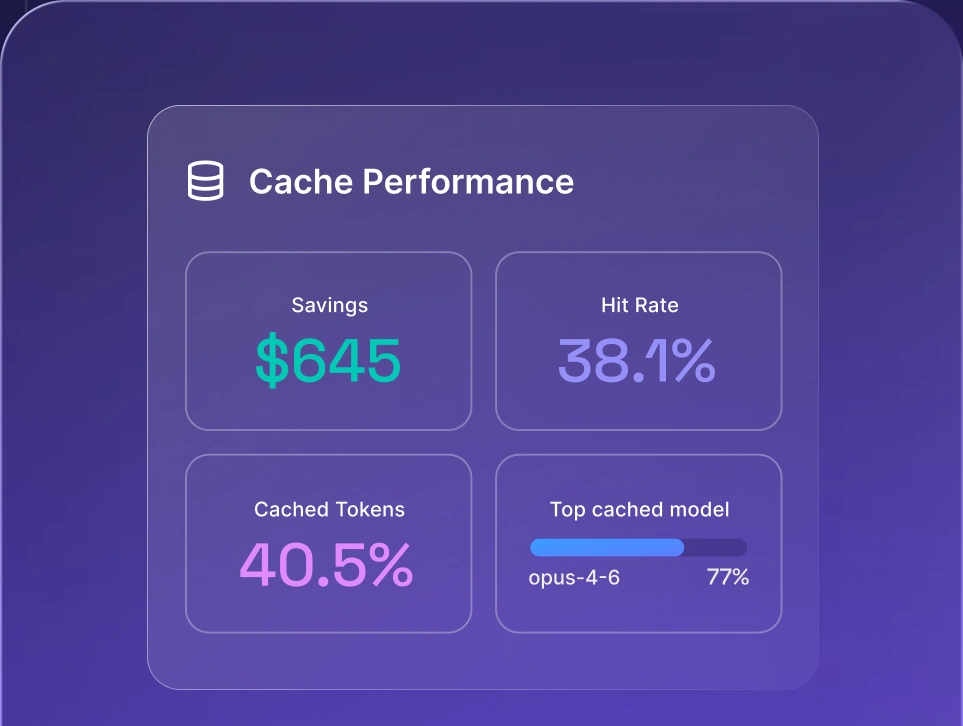
Caching reduces repeated compute, which lowers both latency and cost. The KV cache is the best-known example. LLMs store attention keys and values for previous tokens so they don't recompute them. PagedAttention manages this memory efficiently.
Prompt caching reuses computation for repeated system prompts or shared context. Exact KV and prefix reuse adds no accuracy risk. Semantic response caching differs, because it can return an unsuitable answer to a similar but different prompt.
The trade-off is memory. Caches take space, which is why KV cache quantization exists.
9. Parameter-efficient fine-tuning with LoRA
Low-Rank Adaptation (LoRA) trains small adapter matrices instead of all the weights, which lowers fine-tuning cost and memory. LoRA doesn't inherently shrink the model or cut inference cost. Fine-tuning of this kind works on most AI models.
Related methods support AI model training cost optimization, a key part of machine learning work. QLoRA runs LoRA on a quantized base model, and mixed-precision training uses lower precision to speed up the training process.
Multi-LoRA serving takes the idea into production. One base model stays in memory while lightweight adapters handle different tasks or customers. The trade-off is that quality varies by task, so test adapters against full fine-tuning on your own data.
What are the trade-offs of AI model optimization?
Every AI model optimization technique gives something up, so the goal is the best balance for your use case, with maximum compression as a bonus at most. Weigh these trade-offs against model performance before you start:
- Accuracy loss. Aggressive quantization or pruning hurts rare or complex inputs first, especially in neural networks.
- Hardware compatibility. Some formats and sparsity patterns only speed things up on specific chips.
- Engineering effort. QAT, distillation, and fine-tuning need data, compute, and expertise.
- Technique compatibility. Not every combination works together.
- Maintenance. Every new base model version means re-running the optimization pipeline.
Latency and throughput can also pull in opposite directions. Batching shows it clearly.
How to optimize an AI model step by step
You optimize an AI model step by step in a recommended sequence, and profiling tells you where to adjust it. Start with cheap, reversible changes and move to retraining only when you need it. Follow these six steps:
- 1.Define the goal and constraints. Decide whether you're optimizing for latency, cost, memory, or throughput. Name the target hardware, like a cloud GPU, CPU, mobile device, edge device, or laptop.
- 2.Measure a baseline. Record accuracy on a representative evaluation set. Add latency, memory, and cost per request.
- 3.Check whether a different model fits better. A smaller or task-specific model may meet your quality threshold at a fraction of the cost, with no compression work at all. A model-agnostic setup makes switching easier, because your application doesn't depend on one provider.
- 4.Apply low-effort techniques first. Start with post-training quantization, compilation, batching, and caching. None of them needs retraining.
- 5.Recover accuracy if needed. If quality drops below your threshold, use quantization-aware training, distillation, or LoRA fine-tuning. Fine-tuning may recover some lost quality, but recovery isn't guaranteed.
- 6.Validate in real conditions and monitor. Test with production-like traffic and confirm model performance holds. Compare results against your baseline on the same evaluation set. Keep tracking model performance, latency, and cost after launch, because usage patterns change.
These steps double as the core AI model deployment optimization techniques for teams shipping models to production. Teams that plan AI deployment around this sequence can avoid expensive rework later. Run inference tests at each step so every gain is measured, and treat the whole routine as an iterative process that helps you achieve optimal results.
Tools for AI model optimization
The right tool for AI model optimization depends mostly on your target hardware and model type. The table below lists AI model optimization tools by type, typical use, and hardware focus, in no particular order.
Tool | Type | Typical use | Hardware focus |
|---|---|---|---|
nexos.ai AI gateway | AI gateway | Model routing, fallbacks, usage visibility | Hardware-agnostic |
TensorRT Model Optimizer | Quantization, pruning, distillation | LLM inference | NVIDIA GPUs |
ONNX Runtime | Runtime with graph optimization | Cross-framework deployment | CPU, GPU, edge |
vLLM | LLM serving engine | Batching, KV cache management | Mainly GPUs |
llama.cpp | Local inference | Quantized LLMs on laptops | CPU, Apple silicon, GPU |
Hugging Face Optimum | Optimization toolkit | Export and quantize Transformers | Multiple backends |
PyTorch (torch.compile, torchao) | Compiler, quantization | Training and inference | CPU, GPU |
LiteRT | Deployment runtime and toolchain | Conversion, quantization, and running mobile and edge models | Mobile, edge |
OpenVINO | Inference toolkit | Intel hardware deployment | Intel CPU, GPU, NPU |
Core ML Tools | Conversion, quantization | Models for Apple devices | Apple silicon |
MLX | Array framework | Local LLM inference and fine-tuning on Mac | Apple silicon |
Most tools in the table work at the model or system level. The AI gateway works at the selection level, so it pairs with any of them.
Local AI model optimization for Apple silicon is now practical. Quantized models run through llama.cpp, MLX, or Core ML, which makes running LLMs on a laptop realistic for development and private workloads.
Open-weight models are the usual starting point for self-hosted optimization. Teams exploring open-source models for cost-efficient AI can quantize, prune, and fine-tune them, subject to each model's license and deployment restrictions.
Model optimization by task
Model optimization by task means matching each job to the smallest model that does it well. Summaries, classification, and extraction often work well on smaller, cheaper models. Complex reasoning may need a larger one.
Test the same prompts across several AI models on real tasks and compare model performance. Then pick per task by quality, speed, and price. Teams that coordinate models through AI orchestration can make that choice part of the workflow. Use these selection criteria:
- Output quality. Score each model on your own tasks, since public benchmarks rarely match your data.
- Latency. Check response time under realistic load.
- Cost per token. Compare input and output prices for your typical request.
- Context window. Confirm the chosen model fits your longest inputs.
- Data handling requirements. Check retention, hosting region, and compliance fit before you commit.
AI model routing for cost optimization
AI model routing for cost optimization sends each request to the model that fits it, based on rules you configure. You might send summaries to a smaller model and complex reasoning to a larger one. Routing doesn't detect task difficulty on its own, so you define which task types go where.
Fallbacks add resilience across AI models. If one provider is slow or unavailable, requests move to another model, so your app keeps working. An AI gateway usually handles both jobs as a single layer between your apps and model providers. The best AI gateways give you routing, fallbacks, and visibility in one place.
PRO TIP: Route by task type first, not by prompt length. A short prompt can still need strong reasoning, while a long document summary often works fine on a smaller model.
Usage monitoring across models
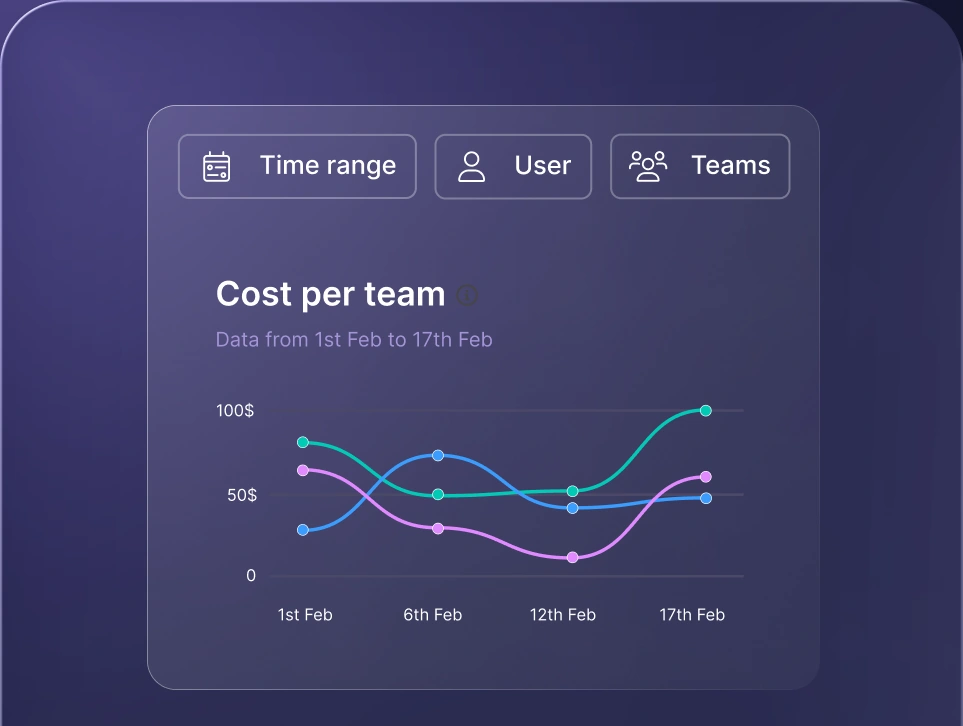
Usage monitoring across models means tracking tokens, cost, latency, and errors per model, team, and use case. You can't optimize what you don't measure.
Good monitoring gives valuable insights across AI models and shows where a cheaper model would do the job. It also shows where spend is growing. Solid AI usage tracking turns those signals into decisions you can defend to finance and engineering alike.

Run every AI model in one Gateway
One secure, lightweight layer to access, route, and manage 200+ models.
Monitor AI usage
Control AI spend
Optimize AI costs

How nexos.ai supports AI model optimization
nexos.ai is an all-in-one AI platform that gives teams unified access to leading AI models in one place, so you can optimize across models instead of committing to one. You get 200+ leading AI models, so you can test several models before you commit to fine-tuning.
The nexos.ai AI gateway gives you one access point to multiple models. Smart Router puts your routing rules into practice, so model selection becomes part of everyday work. You decide which model handles which task, and the gateway carries it out.
Governance and usage visibility keep cross-model work measurable and under control. AI Governance gives leadership a clear view of who uses which models, so optimization stays accountable.
You can also build AI agents on top of the same AI models. The model choices you make carry over to automated workflows.
Ready to optimize AI spend across every model you use? Book a demo and see how nexos.ai puts you in control.


Run every AI model in one Gateway
One secure, lightweight layer to access, route, and manage 200+ models.
