Table of contents
Key takeaways
- AI usage tracking should cover tokens, requests, costs, models, teams, apps, and policies, not just total spend.
- Technical usage tracking covers AI infrastructure. Employee AI monitoring tracks how staff use AI apps.
- A native provider dashboard works for one provider, but gets harder to manage as models and vendors multiply.
- A centralized AI gateway tracks request-level usage across providers and adds routing, governance, and cost controls
- The best tracking systems turn visibility into action with budgets, policies, issue diagnosis, and AI cost optimization.
What is AI usage tracking?
AI usage tracking is the practice of monitoring how AI tools, models, and APIs are used across an organization: who's using them, what the volume is in terms of tokens and requests, what that activity costs, and whether it aligns with company policies.
It covers two connected areas:
1. Technical and infrastructure tracking looks at token consumption, API calls, latency, errors, and cost by team, model, user, application, or project.
2. Organizational and governance tracking looks at which AI applications and models people are actually using, including tools that have not been approved by the organization, referred to as shadow AI.
Both matter, but this article focuses on the technical and infrastructure layer. That's where organizations running multiple models, applications, and providers often lose the ability to answer basic questions such as which workload generated a cost, which model handled it, or which team is responsible for the usage.
Token, API, and cost usage tracking vs. employee AI monitoring
These two approaches are related, but they serve different purposes:
- Technical AI tracking measures prompt volume, token usage, model activity, latency, errors, and cost. It’s typically owned by engineering, platform, FinOps, or finance teams.
- Employee AI monitoring looks at which AI applications employees access and, depending on the system, how frequently they use them. IT, security, or HR may own this area.
This table compares technical AI usage tracking with employee AI monitoring, showing the different data, owners, and use cases behind each approach.
Token, API, and cost tracking | Employee AI monitoring | |
|---|---|---|
Primary question | What AI traffic are we running and what does it cost? | Which AI tools are employees using? |
Typical data | Tokens, requests, models, cost, latency, errors | Applications, domains, access, activity |
Common owners | Engineering, platform, finance, FinOps | IT, security, HR |
Main purpose | Cost control, reliability, optimization, governance | Tool discovery, policy enforcement, adoption trends, usage patterns, power users |
Typical tracking layer | APIs, applications, AI gateway | Endpoint, browser, network, SaaS management |
Technical tracking occurs at the API, application, or LLM gateway layer, while tracking employee AI usage relies on endpoint, browser, SaaS management, or network visibility.
Technical tracking supports AI cost management, infrastructure optimization, debugging, and chargebacks. Employee monitoring is better suited to tracking tool adoption and catching shadow AI.

Run every AI model in one Gateway
One secure, lightweight layer to access, route, and manage 200+ models.
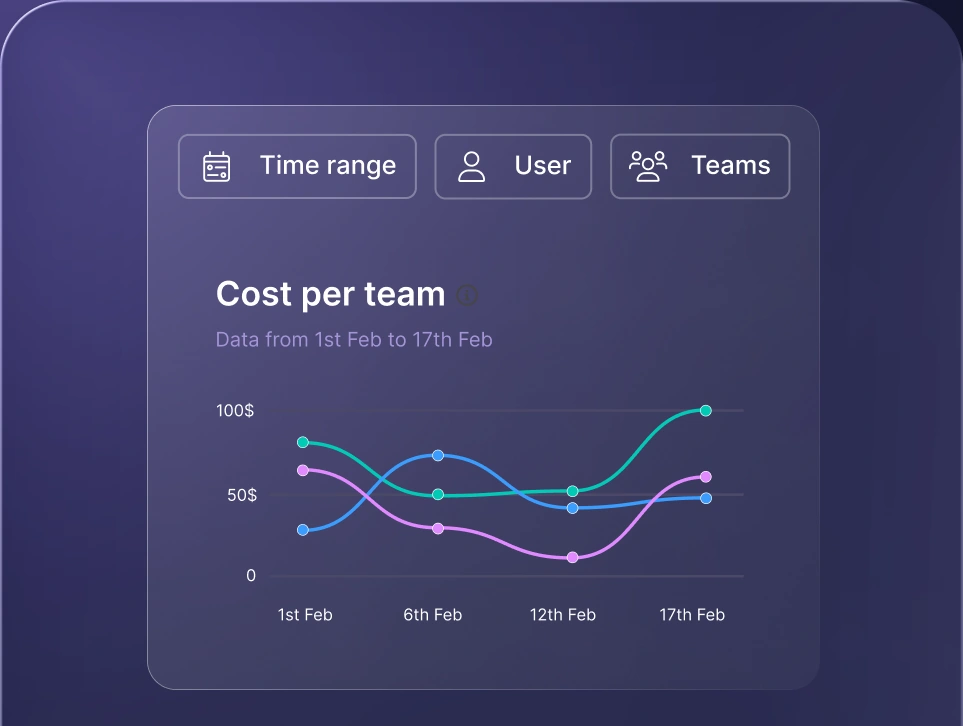
Monitor AI usage
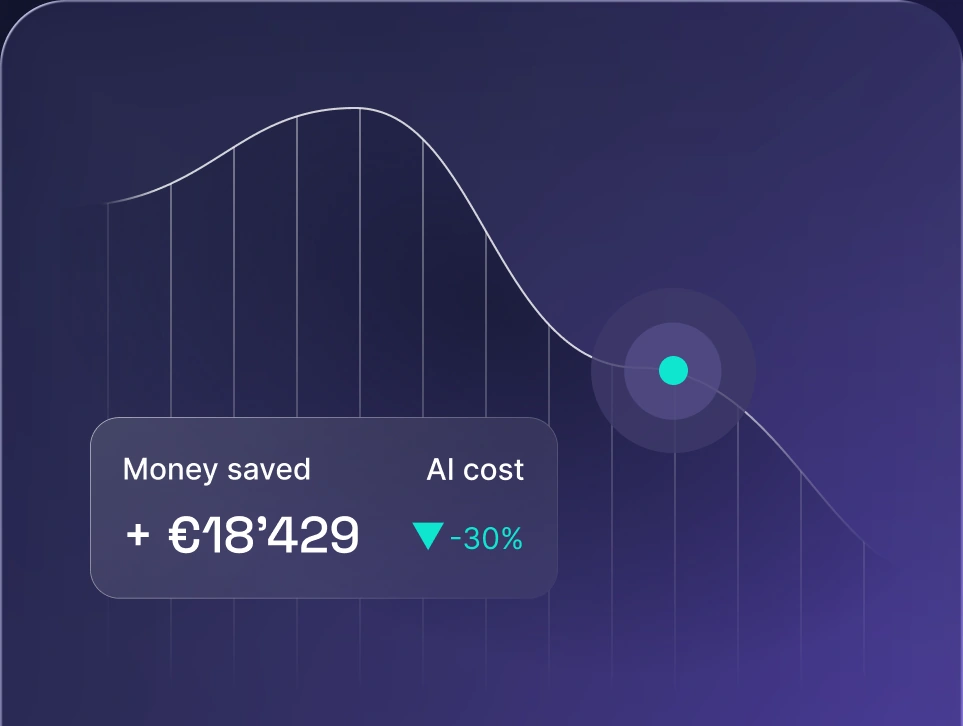
Control AI spend
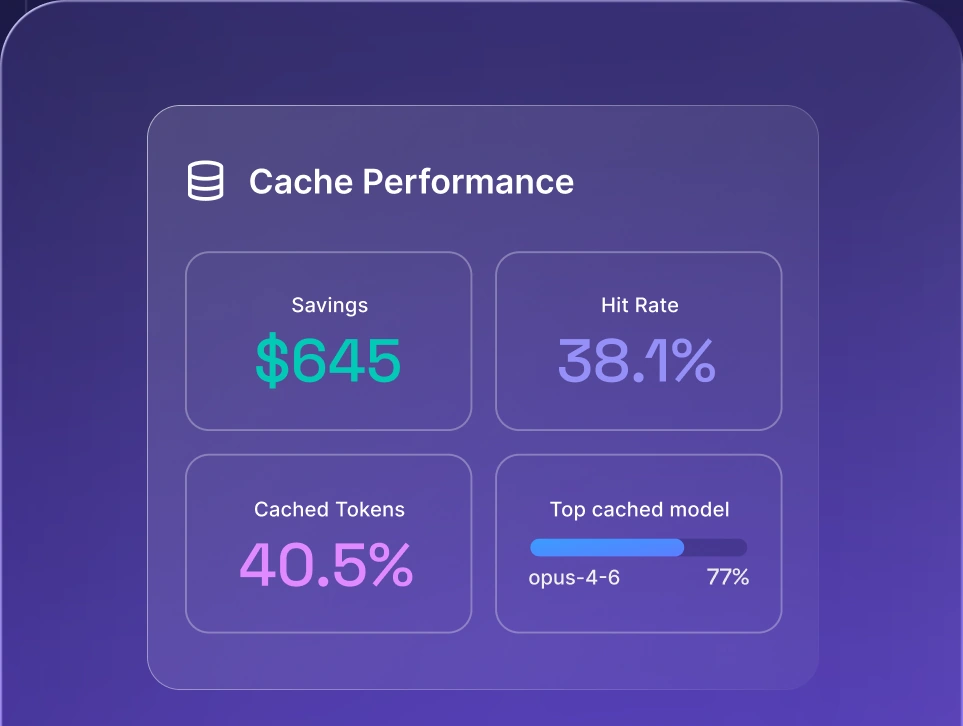
Optimize AI costs

Why AI usage tracking matters
As AI becomes part of everyday products and workflows, usage becomes an infrastructure and management problem rather than a question of whether employees have access to ChatGPT or another AI tool. AI usage tracking helps with:
- Cost control. AI workloads change quickly, and providers bill tokens differently. Managing OpenAI, Anthropic, and Google in silos makes it hard to determine which team or app caused an increase in spend. Tracking provides the attribution needed to manage budgets before costs become a finance problem.
- Shadow AI risk. In the AI era, teams adopt software faster than IT can approve it. Rogue developer accounts, personal subscriptions, and unvetted third-party tools lead to duplicate spend, access sprawl, and data leakage.
- AI governance and compliance. Usage records show who used a model, which application sent the request, and whether policies were applied. Requirements vary by jurisdiction and use case, so companies should check the current requirements that apply to their systems.
- ROI accountability. Without AI adoption and usage analytics, you can't prove AI is helping achieve business outcomes. McKinsey’s 2026 State of AI survey showed that only 37% of companies can attribute positive EBIT impact to AI, and top performers are twice as likely to measure the AI productivity impact directly.
Key AI adoption metrics to track
Effective AI usage tracking should cover more than overall request volume. To understand AI use, teams need to connect usage and cost data with model performance, ownership, and governance. That means tracking not just how many requests are made, but which provider, team, application, project, or cost center is responsible.
Usage and cost metrics
Usage metrics show how much AI your organization consumes, where usage comes from, and what it costs. Good AI API usage tracking should provide enough granularity to investigate both long-term trends and individual requests.
Useful metrics include:
- Token and API call volume. Track input and output tokens, as well as overall request counts.
- Cost per model. See how spend is distributed across different models and vendors.
- Cost per team, project, application, or user. Attribute spend to the parts of the business generating it and support budgeting or chargebacks.
- Request latency. Track response times to catch bottlenecks as usage grows or models are switched.
- Cache hit rate. Measure how often cached responses cut unnecessary model calls and token consumption.
These metrics make it easier to distinguish healthy AI adoption growth from inefficient AI spending growth.
Model and provider metrics
AI model usage tracking becomes more important as you add more models and providers. You need to know which models are handling each workload and where spend is concentrated.
Track the following:
- Usage by model and provider. See how requests and spend are distributed across models and vendors.
- Error and failure rates. Monitor failed requests, timeouts, provider errors, and other reliability issues.
- Model usage by team or project. Understand which parts of the organization depend on particular models or providers.
- Fallback behavior. Track how often traffic moves to a backup model and whether those fallback requests succeed.
These metrics are essential for multi-model setups balancing cost, performance, and uptime.
Governance and risk metrics
Generative AI usage tracking should also show whether AI use stays within company policies and approved systems.
Relevant metrics include:
- Shadow AI and unapproved tool detection. Identify AI services being used outside the official stack.
- Policy compliance. Track whether usage follows rules for access, user roles, projects, data, and budgets.
- Sensitive data exposure. Flag signs that protected or confidential information may be sent to an inappropriate model or service.
- Audit trail completeness. Confirm that requests can be traced to the relevant user, application, model, and policy context.
For organizations using agents, the same principle applies. AI agent usage tracking software should make agent-generated traffic attributable rather than allowing hundreds of automated requests to appear as an unexplained block of model spend.
How to track AI usage data across your organization
No single collection method covers every form of AI usage. Most organizations combine approaches depending on whether they need visibility into employee applications, internal APIs, production AI products, or all three.
Native provider dashboards
OpenAI, Anthropic, Google, and other model providers offer dashboards for tracking usage and billing within their own AI platforms. These work well when an organization primarily relies on one provider.
The limitation appears as the AI stack expands. Each dashboard contains only that provider's data, forcing teams to manually reconcile separate cost models, active users, projects, and reports.
Endpoint and browser-based monitoring
Endpoint, browser, and network monitoring shows which AI services employees access from company devices. This makes it useful for spotting shadow AI, browser extensions, and tools that may have been adopted independently.
Its main limitation is depth. Knowing a user accessed an AI service doesn’t necessarily reveal how many tokens were consumed, which model processed a request, or what a workflow cost.
Employee productivity monitoring
Some tools track time spent in AI applications to measure adoption. While useful for spotting basic usage trends, time metrics can’t replace technical cost tracking or governance. Time spent in an AI tool and actual model consumption are different measurements.
Centralized AI gateway tracking
An AI gateway sits between your applications and LLM providers, routing all AI traffic through a single control layer. This creates a central point where every request can be associated with data such as tokens, model, provider, cost, latency, project, team, API key, and status.
Because it sits directly in the traffic flow, a gateway provides consistent visibility across multi-provider environments and supports AI orchestration from the same layer. It also applies operational controls in real time:
- Smart routing and fallbacks. Route requests to the right model and switch to backups when a provider is unavailable or too slow.
- Cost and access controls. Set budgets, rate limits, permissions, and authentication rules by team, project, or user.
- Lower latency and spend. Cache repeated or similar requests to avoid unnecessary model calls and token usage.
For a broader comparison of options and evaluation criteria, see our best AI gateway guide.
AI usage tracking and governance
AI governance is difficult to manage without visibility. Rules such as "only Team X gets this model" or "Project Y has a $5k cap" have limited business value if you can’t see the requests to which those policies apply.
Pairing tracking with enforcement ties every request to specific users, teams, API keys, and projects. This makes it possible to define which models are available, establish usage or budget limits, and maintain a record of the resulting activity.
Detailed audit trails also make investigations easier. Teams can analyze failures, verify timestamps, and trace costs in one place without digging through separate vendor consoles.
The same visibility helps detect shadow AI at the infrastructure level. If teams bypass approved tools and connect to unmanaged providers, you can spot and address it immediately.
Regulatory expectations around documenting and governing AI usage are also increasing. The EU AI Act requires retaining automated logs for at least 6 months on high-risk systems, while Colorado’s Automated Decision-Making Technology Act requires keeping compliance records for at least three years.
How to choose an AI usage tracking solution
The right solution depends on whether you’re tracking a handful of API calls or establishing an organization-wide AI visibility layer. When comparing AI usage tracking tools, evaluate whether they provide enough detail to support the decisions you actually need to make.
- Multi-provider and model coverage. Can it track the providers you use now without creating a new visibility gap when another model is added?
- Token- and cost-level granularity. Look beyond access logs. You should be able to attribute tokens and spend to meaningful dimensions such as model, team, project, service, or user.
- Real-time vs. batch reporting. Real-time visibility is more useful for detecting unexpected usage, failures, and budget overruns before they become larger problems.
- Governance and policy enforcement. Determine whether the product only reports activity or can also enforce permissions, budgets, model access, and other controls.
- Deployment options. Consider whether SaaS, private cloud, and self-hosted deployments align with your organization's security and infrastructure policies.
- Security and compliance. Check the certifications, data-handling practices, access controls, retention options, and residency requirements relevant to your environment.
- Integration. A tracking layer should fit your existing APIs, applications, developer tooling, and AI workflows without requiring extensive rearchitecture.
If you need an API for tracking AI usage and billing, verify that the platform exposes request-level usage data and metadata programmatically rather than limiting analysis to a dashboard.
How nexos.ai helps you track AI usage
nexos.ai is an all-in-one AI platform that provides an enterprise-grade AI Gateway for centralizing AI traffic, usage visibility, costs, and controls.
The nexos.ai AI Gateway provides a single endpoint for accessing multiple providers and more than 200 models. Teams can track requests by model, user, team, or service, giving engineering and finance teams a consistent view across providers.
- With LLM observability, teams can monitor token consumption and costs, review prompts and responses, inspect logs and traces, and analyze individual requests. That request-level view also includes the context developers need to investigate errors, latency problems, and unexpected costs.
- nexos.ai governance adds controls on top of that visibility. Teams can enforce access rules and security policies across the organization instead of relying on each application to implement them separately.
- Cost optimization happens in the same layer. nexos.ai smart routing dynamically routes prompts based on factors such as cost, quality, and latency, backed by automatic fallbacks when a primary model is unavailable or too slow.
- nexos.ai LLM caching reduces unnecessary processing of repeated requests and context. nexos.ai supports Gateway-level response caching and helps manage provider-side prompt caching, while giving teams detailed visibility into cache effectiveness and the resulting token and cost savings.
The result is a single control plane for model access, cost attribution, and policy enforcement.


Run every AI model in one Gateway
One secure, lightweight layer to access, route, and manage 200+ models.
