Table of contents
Key takeaways
- OpenAI Codex is OpenAI's AI coding agent for delegated tasks.
- Claude Code is Anthropic's AI coding agent for steered sessions.
- Codex and Claude Code cover the same core tasks with different defaults.
- Both tools support instruction files, permission modes, and MCP.
- Claude Code with Opus 5.5 reports a higher Terminal-Bench 4.0 score than Codex with GPT-6.1 Sol.
- Frontier models pay off for large refactors and tricky debugging, while cheaper models handle routine work.
What is OpenAI Codex?
OpenAI Codex is OpenAI's AI coding agent that reads your codebase, edits files, runs commands, and finishes the tasks you assign, from your terminal, your IDE, the ChatGPT desktop app, or the cloud.
Codex runs on several surfaces:
- Codex CLI. Open source and runs locally in the terminal.
- IDE extension. Codex works inside your editor, so you stay in one window.
- Codex cloud tasks in ChatGPT. Cloud tasks run in a sandbox while you do other work.
- GitHub integration. Codex handles code review on pull requests.
- Codex app. The ChatGPT desktop app hosts Codex for local and cloud work. The app suits people who prefer a window to a terminal and shares your CLI settings.
As of November 2026, OpenAI's Codex documentation recommends models by task. GPT-6 Astra suits complex reasoning, GPT-6.1 Sol balances capability and cost, and GPT-6 Luna suits high-volume workloads. GPT-6.1 Terra is also available. Codex comes with paid ChatGPT plans. The pricing section has the details.
What is Claude Code?
Claude Code is Anthropic's agentic coding tool that reads your codebase, edits files, runs commands, and connects to your development tools, from your terminal, your IDE, the desktop app, or the browser.
Claude Code runs on several surfaces:
- CLI. The original terminal experience.
- VS Code and JetBrains extensions. The VS Code extension and the JetBrains plugin put Claude Code next to your editor.
- Claude Code on the web. Sessions run in the cloud.
- GitHub Actions. You can run Claude Code in your CI workflows.
- Claude Agent SDK. You build your own agents on the same harness.
Per Anthropic's docs, checked November 2026, Claude Code's current model lineup includes Opus 5.5, Sonnet 5.5, Haiku 5.5, and Fable 5.1. Opus 5.5 is Anthropic's recommended starting point, though the best Claude model for coding depends on the task. Claude Code shares an account with Anthropic's chat product, and the gap between the two chat assistants in Claude vs ChatGPT matters far less once the work moves into a repo.
Claude Code vs OpenAI Codex comparison at a glance
Claude Code and Codex differ in default workflow, not capability. Anthropic’s Claude Code is built for interactive sessions where the developer approves each step, while OpenAI’s Codex is built for delegated tasks the agent completes independently.
The table below compares OpenAI Codex and Claude Code on surfaces, project instruction files, file editing, open-source status, MCP support, subscription access, and API options.
Feature | OpenAI Codex | Claude Code |
|---|---|---|
Developer | OpenAI | Anthropic |
Working style | Delegate a task, review the result | Interactive, closely steered |
Main surfaces | CLI, IDE extension, cloud, ChatGPT | CLI, IDE extensions, web, SDK |
Project instructions file | AGENTS.md | CLAUDE.md |
File editing | Patch-style diffs | Find-and-replace edits |
Open-source CLI | Yes (Apache-2.0) | No |
MCP support | Yes | Yes |
Subscription access | Paid ChatGPT plans | Claude Pro, Max, eligible team seats |
API option | OpenAI API key | Anthropic API, Amazon Bedrock, Google Vertex AI |
Choose Codex when you want to delegate well-scoped tasks and review the results. Choose Claude Code when you want to steer each step of a session.
Features on both sides change often, and the table reflects the official docs as of November 2026.
How the Codex and Claude Code workflows differ
Codex defaults to delegated tasks, and Claude Code defaults to interactive sessions. Both agents plan changes, edit files, and run tests. The sections below cover interactive steering, delegated tasks, instruction files, and permissions.
Interactive steering in Claude Code
Claude Code lets you steer every step of a task like a pair programmer. Claude Code runs directly in your terminal, so you watch each step. Sessions keep you in the loop, and risky actions need your approval by default. You can run Claude Code in plan mode first on any task. Plan mode lets you review the approach before a single file changes. Step approvals let you accept or reject each action, and you can course-correct mid-task with a short message.
Power users lean on subagents, hooks, and project-scoped slash commands. Subagents split a job into focused helpers. Hooks run your own scripts at set moments. Slash commands save the prompts your team repeats, so custom workflows live in the repo. Build custom workflows once and every developer gets them.
Delegated tasks in Codex
Codex lets you assign a task and review the result when it finishes. Codex cloud tasks run in a sandbox, then return a diff or pull requests for your review. Codex cloud works as a cloud agent, so you can launch several tasks in parallel. Multiple agents work on separate tasks at once, and automated PR reviews on GitHub catch problems before a teammate looks. Codex suits developers who review diffs all day. Multi-agent workflows are possible on both sides, so keep multiple agents off the same files to avoid merge conflicts.
Codex also works interactively in the CLI. Both tools are configurable, so the difference comes down to defaults and emphasis.
Project instruction files
CLAUDE.md and AGENTS.md both give the agent standing instructions for your project. Each holds conventions, build and test commands, and architecture notes that the agent reads at the start of a session. Both support nesting, so a file in a subfolder adds rules for that part of the repo while the file in the project root sets the baseline.
Teams switching tools or running both should keep one shared source file and reference it from the other, so instructions don't drift. A short CLAUDE.md that points to AGENTS.md is a common setup. The same project then behaves consistently in either agent.
Permissions and sandboxing
Codex and Claude Code both ask before risky actions, and both let you tune how much they ask.
- Codex approval modes. Sandbox levels run from read-only to auto to full access. Older Codex CLI releases called the approval levels suggest, auto edit, and full auto mode.
- Claude Code permission modes. Modes cover default prompts, auto edit for file changes, plan mode, and auto mode, plus allow and deny lists for specific commands.
- Restrictive first. Start with the most restrictive setting on production repos. Loosen it once your team trusts the results.
Keep network access off or limited in sandboxes until a task truly needs it. Save full auto mode for throwaway environments.
Codex CLI vs Claude Code in the terminal
Codex CLI and Claude Code differ in setup, openness, and extensibility, though both run well in the terminal. Developers most often frame the choice as Codex CLI vs Claude Code.
Setup and platform support
Codex and Claude Code both install in minutes and handle terminal-style tasks such as builds, tests, and scripts from day one. Check each vendor's docs for the current commands. At the time of writing, the installs are npm install -g @openai/codex for Codex and npm install -g @anthropic-ai/claude-code for Claude Code.
- Codex sign-in. Sign in with a ChatGPT account or an OpenAI API key.
- Claude Code sign-in. Sign in with a Claude account or API billing.
- Platform support. Both run on macOS, Linux, and Windows. Check whether each uses native Windows support or WSL on your version.
Open-source status
The Codex CLI is open source under Apache-2.0, so teams can inspect it, fork it, and extend it. Claude Code isn't open source, but the Claude Agent SDK lets you build on top of it. Weigh that openness against your own audit and customization needs.
Extensibility features
Codex and Claude Code both extend well beyond the defaults, and you can write custom skills on either side. MCP, short for Model Context Protocol, is an open standard that connects agents to outside tools and data. Teams new to the protocol usually start by grasping what MCP is. In short, MCP lets the agent call tools like GitHub, a database, or Google Calendar through connected MCP servers. MCP tool calls add context to every request. Limit MCP servers to the ones each project needs, and review MCP servers like any other dependency.
- MCP servers. Codex supports MCP and Claude Code does too. Codex MCP setup lives in its config file, and Claude Code's MCP ecosystem is broad.
- Hooks and subagents. Claude Code offers both for deterministic automation and delegated work on complex tasks.
- Subagents and exec mode. Codex adds subagents and a non-interactive exec mode for scripts and CI.
- Custom commands and skills. Both support custom skills and reusable commands, and Codex skills package team know-how the same way.
Coding performance and benchmarks
Codex and Claude Code both score well on coding benchmarks, and Claude Code currently reports the higher number. GPT-6.1 Sol scores 58.2% on Terminal-Bench 4.0 in the official Codex run, while Claude Code with Opus 5.5 reports 66.4%. The gap depends on the benchmark, the model, and the date.
The table below compares the Codex and Claude Code default models on Terminal-Bench 4.0, the only benchmark with published scores on both sides.
Benchmark | Codex default model | Claude Code default model | Source | Date |
|---|---|---|---|---|
Terminal-Bench 4.0 | GPT-6.1 Sol: 58.2% (official result, Codex, max effort) | Claude Opus 5.5: 66.4% (Anthropic-reported, xhigh effort, with safeguards and fallbacks) | Terminal-Bench leaderboard (Codex); Anthropic (Claude) | November 2026 |
The two scores come from different setups, so they aren't a controlled head-to-head test.
Three caveats matter when you read any scoreboard:
- Models, not harnesses. Benchmarks measure models, not the agent harness around them. Claude Code's harness and the Codex harness each shape the final result.
- Vendor versus independent. Vendor-reported and independent scores often differ. Anthropic notes that its own Terminal-Bench setup and the public leaderboard land in different places.
- Fast flips. Leadership flips with nearly every release. September 2026 releases added new coding benchmark results, since Opus 5.5, Sonnet 5.5, and GPT-6.1 Sol launched that month. Haiku 5.5 followed in October 2026.
SWE-bench Verified and SWE-bench Pro have a published score for only one side right now, so they're left out. Scores like these are easy to misread, as LLM benchmarks in general show, and the best LLM for coding changes often enough that any ranking has a short shelf life.
Reliability depends on how often each tool produces code that looks right but isn't, a failure mode closely tied to AI hallucination. Anecdotes about either model don't settle it. Run both on your own repo and your own tasks, then compare code quality and review effort.
Codex vs Claude Code pricing
ChatGPT Plus (which includes Codex) and Claude Pro (which includes Claude Code) both cost $20/month, and both cap usage. Above $20, price depends on plan tier and usage limits. Each subscription also bundles non-coding features such as chat, image generation, and projects.
ChatGPT plans that include Codex
Codex is included in ChatGPT Free, Go, Plus, Pro, Business, Edu, and Enterprise plans, with limits that scale by plan. Plus costs $20/month and covers Codex on the web, in the CLI, and in your editor, plus cloud code review. Pro now has $100, $200, and $500 tiers that add higher limits. ChatGPT Business has two seat types. Standard costs $25/user/month, or $20 billed annually, and includes Codex. Premium costs $125/user/month, or $100 billed annually. Per OpenAI's pricing page, Plus and Standard Business get an estimated 15 to 160 local messages per five-hour window on GPT-6.1 Sol. Local messages and cloud chats share that allowance. A ChatGPT subscription is also a bundle that includes chat, image generation, and more.
Claude plans that include Claude Code
Claude Pro costs $20/month, or $17/month billed annually ($200 billed up front), and includes Claude Code. Claude Code Pro access is the entry point, and Claude Code Pro users can move up to Max when limits bite. Claude Max starts at $100/month for 5x Pro usage and costs $200/month for 20x.
Team and Enterprise seats include Claude Code on eligible seat types. Claude Pro is a bundle too, covering chat, projects, and the coding agent. At the September 22 Opus 5.5 launch, Anthropic announced higher five-hour limits for Pro, Max, Team, and seat-based Enterprise.
The table below compares monthly prices for ChatGPT and Claude plans and the coding agent access each one includes.
Plan | Price (USD/month) | Coding agent access |
|---|---|---|
ChatGPT Plus | $20 | Codex included |
ChatGPT Pro | From $100 ($200 and $500 tiers) | Codex with higher limits |
ChatGPT Business | Standard $25 ($20 billed annually); Premium $125 ($100 billed annually) | Codex included |
ChatGPT Enterprise | Per seat | Codex included |
Claude Pro | $20 ($17/month billed annually, $200 up front) | Claude Code included |
Claude Max 5x | $100 | Higher Claude Code limits |
Claude Max 20x | $200 | Highest individual limits |
Claude Team / Enterprise | Per seat | Claude Code on eligible seats |
Entry pricing is identical, so usage patterns decide which bundle costs less.
API pay-as-you-go pricing
Codex and Claude Code can both run on API billing instead of a subscription, and API usage is priced per token, with input and output billed separately. Codex with an API key uses standard OpenAI pricing, and Claude Code bills through the Anthropic API, Amazon Bedrock, or Google Vertex AI.
- Codex models. GPT-6.1 Sol costs $2 per million input tokens, $10 per million output tokens, and $0.10 per million cached input tokens for API prompts up to 272K input tokens. Above that threshold, the full request costs $4 input and $15 output, with $0.20 cached input per million tokens. GPT-6 Luna costs $0.10 and $0.50.
- Claude models. Claude Opus 5.5 costs $4 per million input tokens and $20 per million output tokens. Cache reads cost $0.20 per million.
Prompt caching and choosing a smaller model change the math significantly. Cached input rewards agents that reuse context, so long agent sessions cost far less than the headline rates suggest.
How usage limits work
Codex and Claude Code subscription usage limits run on rolling five-hour windows plus weekly caps. Larger models and longer contexts use up allowances faster, and cloud runs can use more than local messages.
Context window size and usage quota are different things. A context window is how much one session can hold, and long sessions fill the context window faster. GPT-6.1 Sol defaults to 500K tokens in Codex, and Claude Code with Opus 5.5 defaults to 1M tokens. Neither figure is a universal API or tool limit. A quota is how much total work your plan allows. A big window gives a session more room, and a bigger plan gives you longer runtime before limits hit. Tight context management helps with both.
Which coding tasks need a frontier model?
Large refactors, tricky debugging, and architecture planning need a frontier model, and most other tasks don't. Matching model tier to task is where most savings come from.
Tasks that justify a frontier model
Big refactors, debugging, and architecture planning justify the cost of a frontier model.
- Large multi-file refactors. Changes ripple across modules, so the model needs deep cross-file reasoning.
- Tricky debugging with unclear root causes. The cause is rarely obvious, and a weaker model burns time guessing.
- Architecture and migration planning. Mistakes here are expensive to undo later.
Tasks a cheaper model handles well
Boilerplate, unit tests, and docs run well on smaller, cheaper models.
- Boilerplate and scaffolding. Patterns are predictable, so a cheaper model keeps pace.
- Unit tests for well-defined functions. Scope is clear and results are easy to verify.
- Docs, comments, and changelogs. Risk is low and review is quick.
The table below matches six common coding tasks to a suggested model tier and gives the reason for each.
Coding task | Suggested model tier | Why |
|---|---|---|
Multi-file refactoring | Frontier | Needs deep cross-file reasoning |
Tricky debugging | Frontier | Root cause is rarely obvious |
Architecture planning | Frontier | Mistakes are expensive later |
Boilerplate | Smaller, cheaper model | Predictable patterns |
Unit tests | Smaller, cheaper model | Scope is well defined |
Docs and comments | Smaller, cheaper model | Low risk, easy to review |
Reserve frontier models for work where a wrong answer is costly, and send the rest to smaller models.
LLM routing, which sends each request to the model that fits it, makes this automatic at team scale. When teams access models through nexos.ai, Smart LLM Routing can send routine requests to a lower-cost model and reserve frontier models for complex work. Developers keep one workflow, and finance sees the difference in the invoice. Routing is one of several levers to reduce AI costs for work.
Why engineering leaders need visibility into coding agent spend
Leaders need visibility because nobody knows what a coding agent costs until the invoice lands. The gap hurts most on API billing and across mixed subscriptions, where some developers use Codex, others use Claude Code, and a few use both. Without one view, you can't tell who spent what.
A CTO or engineering manager needs a short list of answers:
- Spend per developer. See who relies on a coding agent and how heavily.
- Spend per team or project. Tie cost to the work it supports.
- Spend per model. Spot where frontier models are doing work a cheaper one could handle.
- Trends over time. Catch growth before the bill arrives.
nexos.ai gives you that view for models accessed through the platform. AI usage tracking covers usage and cost by user and team, and LLM observability adds visibility across providers. nexos.ai doesn't read Codex or Claude Code subscription usage directly, so the view applies to traffic that runs through the platform. Together they give finance and engineering the same numbers for AI cost management.
PRO TIP: Set a monthly budget per team before rollout, not after the first surprise invoice. A budget makes "who used what" a routine monthly review.
How to avoid lock-in as coding models change
You avoid lock-in by keeping your setup constant and swapping models underneath. Leadership between OpenAI and Anthropic models has changed several times, and today's top coding model is unlikely to hold that spot for long.
Prompts, instruction files, and workflows should survive a model change. Fallbacks matter too. If one provider has an outage or rate-limits your team, requests should move to another model and keep work flowing.
nexos.ai's AI gateway gives teams a model-agnostic layer with unified access to multiple leading models. The AI models available on nexos.ai let your team switch as the leaderboard moves, and fallbacks keep requests flowing when a provider has trouble.

Run every AI model in one Gateway
One secure, lightweight layer to access, route, and manage 200+ models.
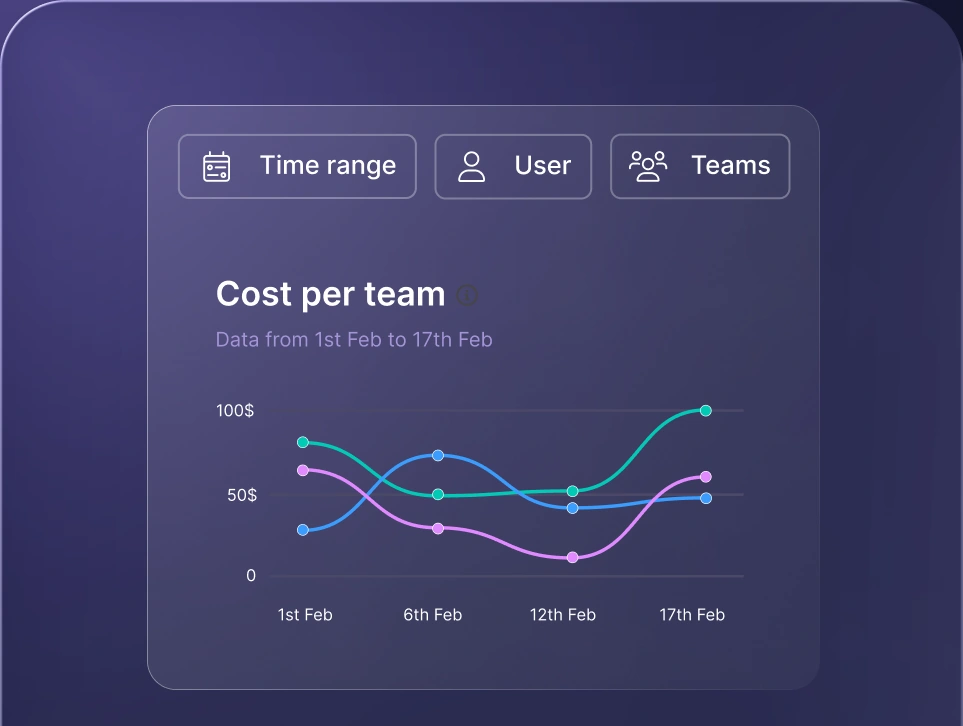
Monitor AI usage
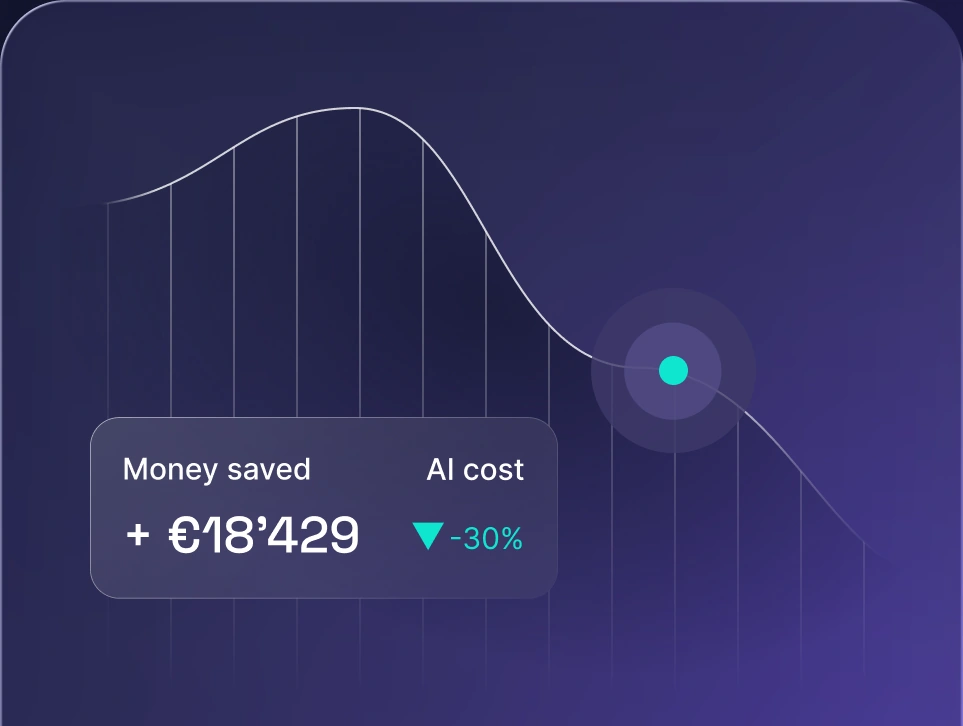
Control AI spend
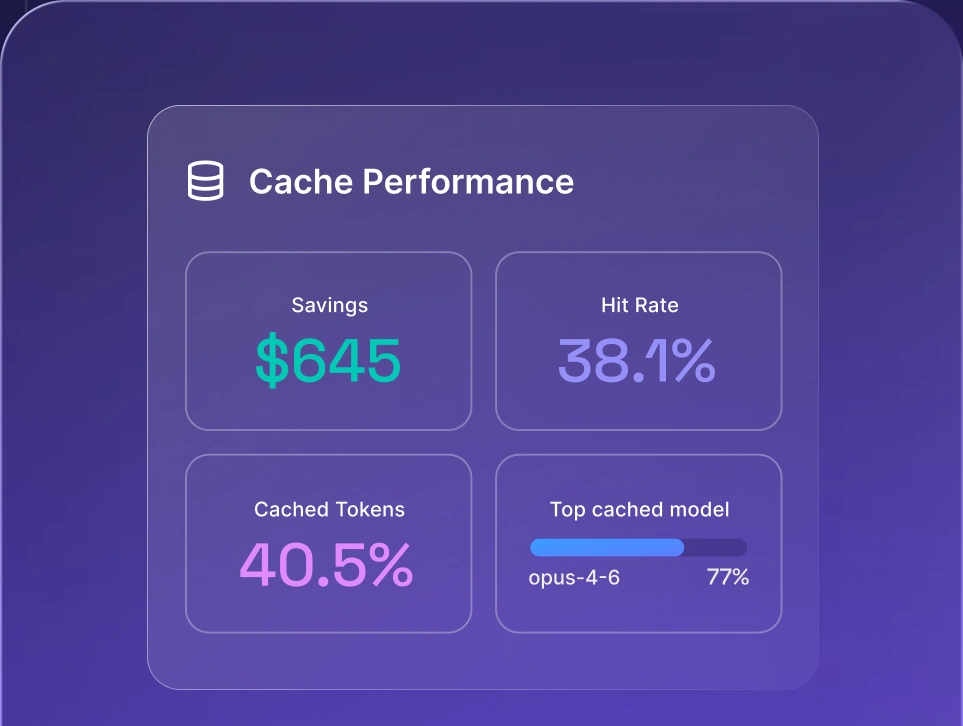
Optimize AI costs

How Codex and Claude Code compare with other AI coding tools
Cursor, Gemini CLI, and OpenCode are the main alternatives, and none of them is a clear winner over Codex or Claude Code. Teams comparing options often start from these Claude alternatives and then narrow the list by workflow.
Cursor vs Claude Code vs Codex
Cursor is an AI-first IDE, while Codex and Claude Code are agents that also run in the terminal. Many developers run an agent inside or alongside their editor, so the choice is often a pairing. A Claude Code Codex pairing alongside Cursor is common.
Codex vs Claude Code vs Gemini CLI
Gemini CLI is Google's terminal agent, and it suits teams that want a third model family in the comparison.
OpenCode vs Claude Code vs Codex
OpenCode is an open-source terminal agent that works with multiple model providers, so it suits teams that prioritize flexibility.
What teams should check before rolling out a coding agent
Teams should check data handling, access controls, approved tools, and agent permissions before rollout. Review these items on each plan before you give a team access:
- Data handling. Check data handling and retention settings on each plan.
- Access controls. Confirm SSO, admin controls, and seat management.
- Approved tools. Separate approved from unapproved tools to avoid shadow AI.
- Agent permissions. Define what agents can access or run.
Organizations that use several AI providers can apply AI governance policies centrally through nexos.ai, so rules stay consistent whichever coding agent a developer picks.
Which one should you choose?
Codex fits delegated work and Claude Code fits steered work, as of October 30, 2026. Codex vs Claude Code Reddit threads show split opinions that shift with each release, so treat them as a snapshot of sentiment.
When Codex is the better fit
Codex is the better fit when the task is well scoped, especially if your team already lives in ChatGPT. These signs point to Codex:
- Delegation. You prefer delegating well-scoped tasks and reviewing the diffs.
- ChatGPT. You already pay for ChatGPT.
- Open source. You want an open-source CLI.
When Claude Code is the better fit
Claude Code is the better fit for developers who steer step by step. These signs point to Claude Code:
- Steering. You prefer steering interactively.
- Extensibility. You rely on hooks and subagents.
- Scale. You work on large, multi-file changes.
When to use both
Many teams use Codex and Claude Code together, and a Claude Code Codex split is common. One tool handles implementation and the other handles review. Test the same prompt on both before you commit. For developer teams, nexos.ai offers one place to manage every provider's models, usage, and spend.
Match model tier to task: frontier for refactors and hard bugs, cheaper models for boilerplate, tests, and docs.


Run every AI model in one Gateway
One secure, lightweight layer to access, route, and manage 200+ models.
