Table of contents
Key takeaways
- Choose LiteLLM if you need to run the gateway and its logs in your own environment, with full control over API keys and team budgets, and you have engineers to run the proxy server.
- Choose OpenRouter if you want one API key, one invoice, and hundreds of models working today without any infrastructure.
- Run both together if you want LiteLLM as your central LLM gateway plus OpenRouter's reach to models you have no direct contract for.
OpenRouter vs LiteLLM comparison at a glance
OpenRouter and LiteLLM both act as an API gateway between your application code and multiple providers, and the core difference is who runs that layer.
The table below compares LiteLLM and OpenRouter across deployment, billing, routing, rate limits, and operations.
Feature | LiteLLM | OpenRouter |
|---|---|---|
Deployment | Self-hosted (Docker, Kubernetes) | Cloud-hosted SaaS |
Billing | Pay each provider directly | Unified credits |
Platform fee | Free OSS, paid enterprise tier | 5.5% Standard / 8% Business / custom Enterprise |
BYOK | Native | Standard and Business BYOK: first $25,000/month of equivalent list-price inference is fee-free, then 5% applies above that allowance. Enterprise terms are custom. |
Routing and fallbacks | Configurable strategies | Provider routing, Auto Router |
Rate limits | Per key, team, model | Per account and model |
Spend controls | Virtual keys, budgets | Per-key, member, and workspace budgets |
Observability | Logging callbacks, Prometheus | Activity dashboard |
Ops overhead | Maintained by your team | Managed by vendor |
Pick LiteLLM for infrastructure control and data residency. Pick OpenRouter for fast setup, hundreds of models under one API key, and no hosting overhead.
What is LiteLLM?
LiteLLM is an open-source AI gateway that gives one OpenAI-style interface to many LLM providers through a unified API. LiteLLM comes in two forms:
- Python SDK. A library you embed directly in your application code.
- LiteLLM proxy server. A standalone gateway that several teams share.
The typical stack for the proxy has three parts:
- Docker or Kubernetes. Runs the proxy server and scales instances.
- PostgreSQL. Stores virtual keys and spend tracking.
- Redis. Handles caching and multi-instance rate limiting.
An enterprise tier adds enterprise features such as SSO and audit trails, and it covers enterprise controls like role-based access for the LiteLLM proxy.
LiteLLM strengths
LiteLLM's strengths center on full control over the gateway, logs, and budgets.
- Full control. The gateway and its logs run where you decide, though upstream providers still receive your prompts.
- BYOK. Use your own provider contracts and negotiated pricing.
- Virtual keys. Set per-user and per-team budgets.
- Configurable routing. Customize routing logic, model routing rules, and fallback chains in your config.
A platform team might give each internal app its own virtual key and monthly budget. Every team gets its own cost tracking and cost attribution, and nobody's experiment drains the shared model budget.
LiteLLM weaknesses
Self-hosting LiteLLM brings operational responsibilities that your team owns.
- Operations. Your team deploys, scales, patches, and upgrades the proxy server.
- High availability. Your team runs redundant proxy instances and maintains resilient dependencies.
Teams weighing self-hosting have other options, including several LiteLLM alternatives that cover the same ground.
What is OpenRouter?
OpenRouter is a managed gateway that gives you one API key, a single API endpoint that's OpenAI-compatible, and one credit balance across many model providers. A free tier of models helps you test. You buy credits and send requests to OpenRouter's endpoint, and OpenRouter forwards each request to the provider. OpenRouter deducts inference costs from your credit balance at the listed model and provider rates, and its platform fee applies when you buy credits, not to each inference request.
OpenRouter's routing features include provider routing preferences, an Auto Router option, and automatic deprioritization of providers having outages.
OpenRouter strengths
OpenRouter's strengths center on speed, simplicity, and one bill for many providers.
- Fast start. You reach your first API call in minutes.
- No infrastructure. There's no server, database, or cache to run.
- One bill. A single balance covers many providers.
- New models. Newly released AI models often appear quickly.
A startup prototyping with several models before committing to one provider can swap model names in a single line.
OpenRouter weaknesses
OpenRouter's trade-offs are factors to weigh against your compliance and cost needs.
- Third-party path. Requests pass through OpenRouter, so check its data policies against your compliance needs.
- Fees. Platform fees apply on credit purchases and on BYOK usage beyond the free allowance.
- Vendor-side configuration. You set routing and logging through the vendor's options instead of your own code.
Other managed and self-hosted options exist, and many teams start with a shortlist of OpenRouter alternatives before they commit.
Key differences between LiteLLM and OpenRouter
The differences that most often decide the choice are architecture, cost, routing, latency, rate limits, data handling, and observability. Use them as a decision framework for your shortlist.
LiteLLM proxy vs OpenRouter's hosted API
The architecture difference between these two LLM gateway options is who runs the routing layer and where requests travel. The request path looks like this:
- LiteLLM. App, then your proxy, then the provider.
- OpenRouter. App, then OpenRouter, then the provider.
Because both expose a unified API in the OpenAI format, switching often means changing the base URL, the API key, and the model name in the OpenAI SDK.
LiteLLM vs OpenRouter cost
LiteLLM is free software with infrastructure costs, while OpenRouter charges a platform fee when you buy credits. With LiteLLM, you pay for hosting, engineering time, and an optional enterprise license. OpenRouter charges 5.5% on Standard credit purchases (with a $0.80 minimum per Standard credit purchase), 8% on Business, and custom Enterprise terms.
For break-even, divide your monthly infrastructure cost by OpenRouter's 5.5% Standard fee. The table below shows break-even model spend for two LiteLLM infrastructure budgets, using worked examples from OpenRouter's own comparison post. The figures assume the 5.5% fee and identical inference prices.
Illustrative break-even at the Standard 5.5% fee | Approx. break-even model spend |
|---|---|
$200 monthly infra cost | ~$3,600/month |
$500 monthly infra cost | ~$9,100/month |
The calculation excludes engineering hours, high-availability setup, enterprise licensing, and other operating costs. The figures don't apply unchanged to Business, negotiated Enterprise terms, or fee-free BYOK usage.
Routing behavior
LiteLLM gives you configurable routing logic and load balancing, while OpenRouter handles most model routing on the vendor side. In LiteLLM, you configure these strategies, plus fallbacks and retries, in your config:
- Simple shuffle.
- Least busy.
- Usage-based.
- Latency-based.
- Cost-based.
In OpenRouter, you choose from these options:
- Provider preferences.
- Auto Router.
Each strategy is a form of LLM routing that you tune to balance cost, latency, and reliability.
Latency overhead
A standalone proxy adds an intermediary request hop. LiteLLM's embedded Python SDK doesn't require a separate gateway server. With the LiteLLM proxy, the overhead depends on your hosting and number of instances. With OpenRouter, it depends on the vendor's network and on which provider serves the request.
Published latency numbers are each vendor's self-reported figures from different setups, so they aren't a like-for-like benchmark.
Rate limits
LiteLLM sets limits per virtual key, team, or model, while OpenRouter ties limits to the model and your account's credit purchases. In LiteLLM, you set requests-per-minute and tokens-per-minute limits, and upstream provider limits still apply. In OpenRouter, free models are capped at 20 requests per minute and 50 per day. The daily cap rises to 1,000 after you've purchased at least $10 in credits cumulatively.
Paid model variants have no platform-level request cap, though upstream provider limits still apply. Handle 429 errors with retries, backoff, and fallback models.
Data handling
LiteLLM runs the gateway and its logs in infrastructure you control, while OpenRouter routes requests through its own service. With LiteLLM, requests still reach external providers unless you serve the model yourself, so your provider agreements govern what happens at the model side.
With OpenRouter, review its current policy on prompt logging and zero-data-retention routing options. Business and Enterprise plans also support EU and US in-region routing for models available through the corresponding regional endpoints. Teams reviewing whether OpenRouter is safe should compare that policy against their own data requirements.
Self-hosting gives you more control over data privacy and your security posture but doesn't make a setup compliant by itself. If prompts carry personal data, add PII detection before requests leave your network.
Observability
LiteLLM sends data out through callbacks to external tools, exposes Prometheus metrics, and runs cost tracking in its database. OpenRouter offers an activity dashboard with usage and cost per key or model. Teams usually track these metrics to understand AI usage and cost:
- Cost per request.
- Latency.
- Error rates.
- Token usage.
LLM monitoring tools track these numbers and alert your team when they drift.
When to choose OpenRouter
Choose OpenRouter when you need multiple models working under a single API key and bill, without dedicating anyone on your team to running gateway infrastructure.
- Fast setup. You need many models working today without a server.
- No ops capacity. No one on the team can own gateway infrastructure.
- Consolidated billing. One balance is simpler than many provider accounts.
- Model experimentation. You test new models often and want quick access.
Choose OpenRouter if getting many models running fast matters more than owning the infrastructure.
When to choose LiteLLM
Choose LiteLLM when you need control over where your gateway runs, which provider contracts you use, and how requests are routed.
- Traffic control. Internal policy requires the gateway and its logs to run in your own environment. Prompt processing location still depends on the upstream provider or your self-hosted model deployment.
- Existing provider contracts. You want to use negotiated enterprise pricing directly.
- Granular governance. You need per-team budgets, virtual keys, and custom routing in code.
- Custom logic. You want your own caching, guardrails, or callbacks for custom agents and AI agents.
Choose LiteLLM if control over your gateway, data path, and provider contracts matters more than the effort of running it.
LiteLLM vs OpenRouter for production B2B workloads
LiteLLM's open-source version covers the core proxy, virtual keys, and budgets. LiteLLM's docs place SSO beyond five users, audit logs, fine-grained access control, and professional support in the enterprise tier. OpenRouter handles uptime and fallbacks itself. OpenRouter's Enterprise plan adds SSO/SAML, contractual SLAs, and dedicated support, and its budgets work per key, member, and workspace.
A production B2B gateway needs access control, audit trails, budgets per team, uptime, support, and vendor review by security and procurement teams. Use this checklist to test any gateway:
- SSO and role-based access.
- Audit logs.
- Spend limits per team.
- Fallbacks.
- Data retention settings.
- Support and SLA terms.
Many teams score more options than these two against this checklist, including the best AI gateways compared across security, governance, and cost. They also pair the gateway they pick with LLM security tools for threat detection.
How to use OpenRouter as a provider inside LiteLLM
You can use OpenRouter as a provider inside LiteLLM by adding it as an upstream route in your config. A common pattern runs LiteLLM as your internal LLM gateway and adds OpenRouter as one upstream provider for models you don't have direct contracts with. Follow these steps:
- 1.Get an OpenRouter API key and store it as an environment variable.
- 2.Add OpenRouter models to the LiteLLM config using the openrouter/ model prefix.
- 3.Start the LiteLLM proxy and point your app's OpenAI SDK at its base URL.
- 4.Set fallbacks so requests can move between direct providers and OpenRouter.
Use this template config for step 2. Replace <model-id> with an available Anthropic model slug. LiteLLM defaults its OpenRouter upstream URL to https://openrouter.ai/api/v1, so you don't need to set an explicit api_base.
For the app, point it at the LiteLLM proxy, authenticate with a LiteLLM API key, and request the configured model alias. The SDK base URL is http://localhost:4000 for the LiteLLM proxy and https://openrouter.ai/api/v1 for OpenRouter directly. Claude Code can also route through a LiteLLM proxy.
PRO TIP: Use direct provider routes where your contracts offer better pricing, and add OpenRouter for extra model coverage or fallback capacity. Requests routed through LiteLLM remain subject to its configured logging and budget controls.

Run every AI model in one Gateway
One secure, lightweight layer to access, route, and manage 200+ models.
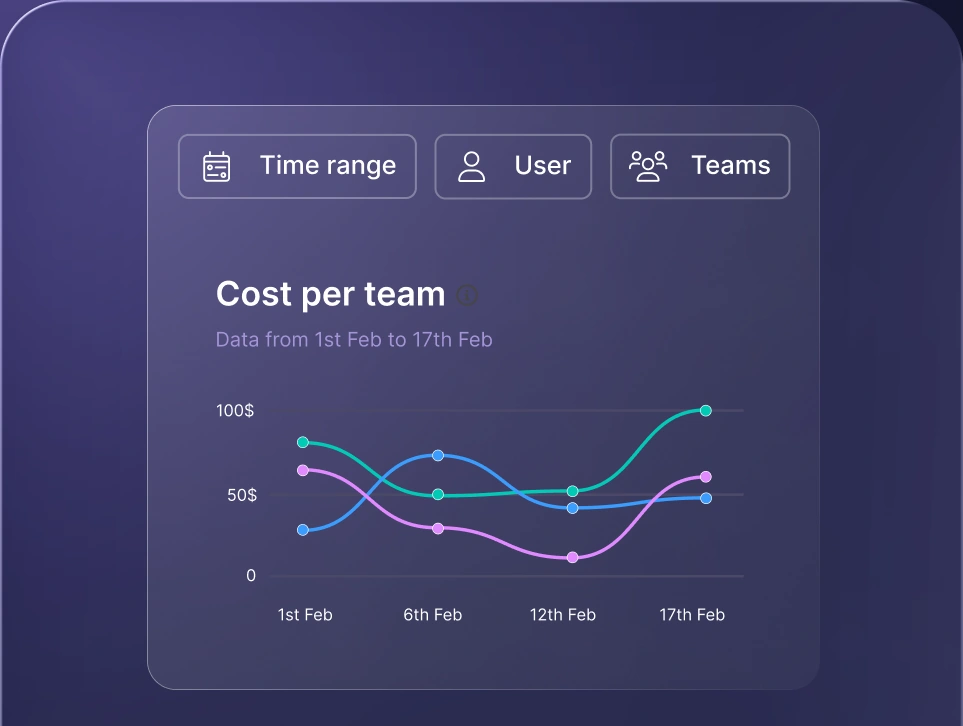
Monitor AI usage
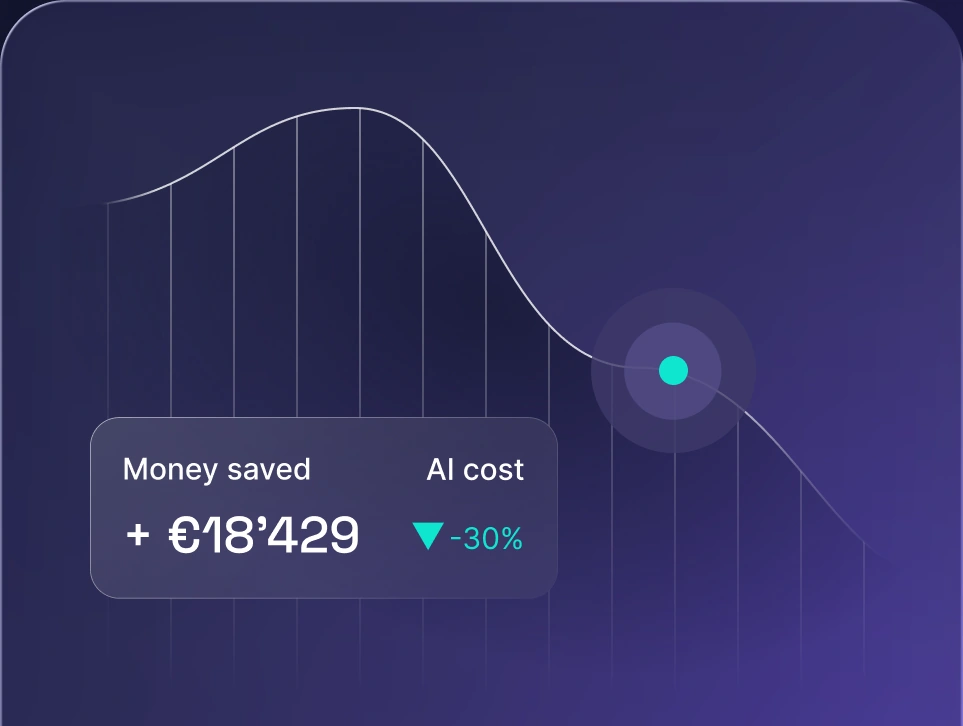
Control AI spend
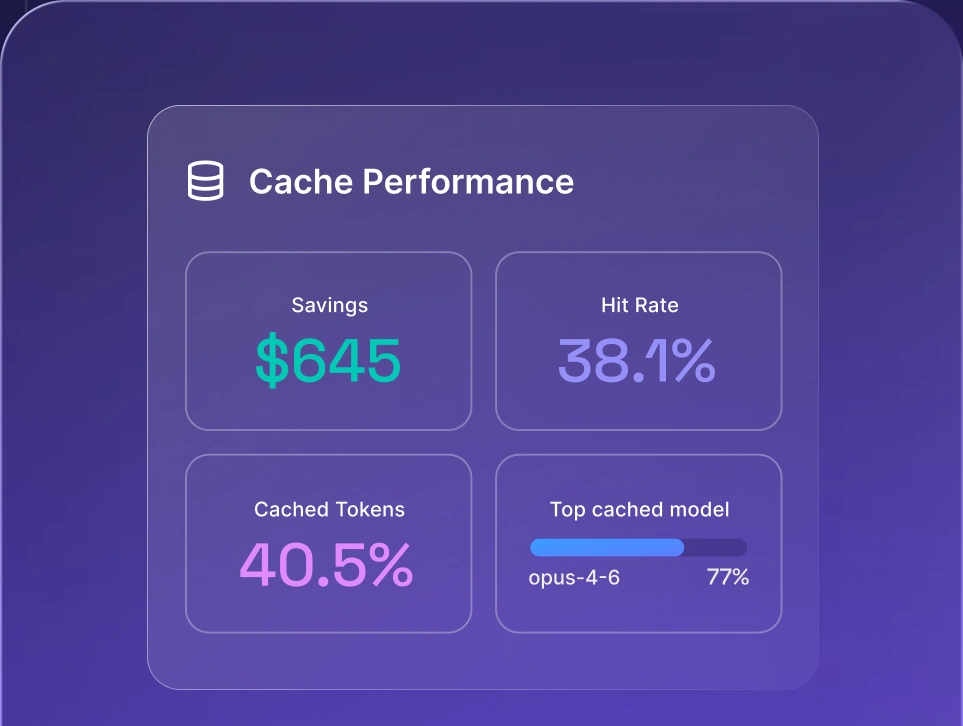
Optimize AI costs

How nexos.ai provides unified access to AI models
nexos.ai is an all-in-one AI platform that provides unified access to AI models through one gateway, for teams that want routing, observability, and spend control without running their own proxy. The nexos.ai AI gateway works as an API gateway that gives you one access layer to 200+ leading AI models. The gateway includes smart LLM routing and LLM observability, so your teams see usage and cost in one place.
On the workspace side, nexos.ai gives non-developers Chat & Agents, so your whole team can use the same governed models. Agent Builder lets anyone create AI agents for their own work. Explore nexos.ai and book a demo to talk with the team.


Run every AI model in one Gateway
One secure, lightweight layer to access, route, and manage 200+ models.
