Table of contents
Key takeaways
- OpenRouter lets you access multiple AI models through a unified API instead of integrating every provider separately.
- The best OpenRouter alternative depends on your priority: cost, platform control, or governance.
- Open-source gives you self-hosted control, while managed services handle the operational work.
- Enterprise teams often need routing plus security, access controls, observability, security policies, and hard spend limits.
- nexos.ai is an OpenRouter alternative for teams that want unified multi-model access with governance and centralized AI cost control.
What is OpenRouter?
OpenRouter is an LLM API aggregator that gives you one OpenAI-compatible API for routing requests across multiple large language models from different providers. Its API combines model access, unified billing, provider routing, and automatic failovers behind a single integration. As of 2026, the catalog of OpenRouter models spans more than 500 models and 80+ providers.
That setup supports a model-agnostic approach because applications can switch between models and providers without maintaining a separate integration for each one. OpenRouter also handles part of the AI orchestration layer, particularly around routing, provider selection, and failover.
This makes it useful for teams that want to test and compare multiple models without managing separate provider accounts, APIs, and billing systems.
Why teams look for OpenRouter alternatives
Teams start looking for OpenRouter AI alternatives when model access is no longer the only concern. Production workloads add requirements for cost control, latency, observability, routing, security, and governance.
Four constraints tend to come up most often when teams consider moving beyond OpenRouter:
- No self-hosting. OpenRouter is a managed cloud service, so requests pass through its infrastructure. That’s a limitation for teams with strict data residency, private VPC, or air-gapped deployment requirements.
- Usage fees add up. OpenRouter charges a 5.5% fee on prepaid credits, while BYOK usage above the first 1 million requests per month carries a 5% fee. At high volumes, those charges become a meaningful part of total API spend.
- Governance is more limited. OpenRouter provides API keys and spend controls, but platform teams with more complex requirements may need deeper RBAC, hierarchical budgets, virtual keys, and more granular controls across users, teams, and projects.
- Compliance depends on the full provider chain. OpenRouter offers GDPR-oriented controls such as DPAs and zero-data-retention routing, but teams still need to assess the data practices of the underlying model providers. For HIPAA workloads that require a Business Associate Agreement, OpenRouter currently doesn’t offer one.
How to evaluate an LLM API aggregator
Before comparing individual products, establish the criteria that matter to your workload. This makes it easier to compare direct OpenRouter competitors with platforms that solve only part of the same problem.
Criterion | What to check | Why it matters |
|---|---|---|
Model coverage | Providers, models, and modalities | Makes it easier to switch models and support different workloads |
Pricing model | Provider rates, markup, BYOK fees, and self-hosting costs | Helps forecast spend and compare total cost |
Routing | Fallbacks, cost- and latency-aware routing, and load balancing | Improves reliability, performance, and cost efficiency |
Deployment | Managed, self-hosted, VPC, or hybrid | Determines infrastructure ownership and data-residency options |
Security and compliance | Data retention, certifications, regional hosting, DPAs, and ZDR | Helps meet security and regulatory requirements |
Access control | RBAC, SSO, API-key policies, and model permissions | Controls who can use which models and services |
Observability | Request logs, traces, latency, errors, usage, and cost data | Makes production issues and unexpected spend easier to diagnose |
Spend controls | Budgets, hard caps, quotas, and team-level limits | Helps prevent unexpected AI costs |
Key features tell only part of the story. These details are worth checking before choosing a gateway:
- Model coverage. Look beyond the headline model selection. Check whether the models you actually use are available, how quickly new releases appear, and whether multimodal, embedding, reranking, image, or audio models matter to your applications.
- Pricing model and markup. Compare underlying provider prices, platform fees, credit-purchase fees, BYOK fees, and infrastructure costs. Comparing the prices of OpenRouter alternatives can produce very different results at 10,000 requests a month versus hundreds of millions of tokens.
- Routing. Basic fallback protects against provider failures. More advanced gateways may also provide cost-aware, latency-aware, semantic, or quality-based model routing. Determine how much routing logic you want the gateway to manage.
- Deployment. Self-hosting gives you total infrastructure control, but you’re responsible for deployment, scaling, updates, and uptime. Managed services handle the operational work for you, while VPC and hybrid setups sit between the two.
- Security and compliance. Review data retention rules, regional hosting, DPAs, zero-data-retention options, and the policies of the underlying model vendors.
- Access control. You’ll need RBAC, SSO, service permissions, API-key policies, and model restrictions as more teams and applications share the gateway.
- Observability. Look for request-level logs and traces, along with latency, error, token, and cost metrics. Effective LLM monitoring in production helps you debug issues and track spend.
- Spend controls. Usage dashboards tell you what already happened. Budgets and policy enforcement stop unwanted spend before it happens.
PRO TIP: Score each option against your two or three non-negotiable criteria first. A "best" tool for one team can be the wrong fit for another.
Best OpenRouter alternatives compared
The following best OpenRouter alternatives for 2026 are organized by operating model rather than ranked from first to last. Open-source gateways offer maximum infrastructure ownership, managed inference services remove much of the operational burden, and enterprise platforms combine unified access to multiple models with broader controls.
Each option has different strengths, so you should ask yourself which architecture fits your team.
Open-source and self-hosted gateways
These options suit engineering teams that want infrastructure ownership, self-hosting, code-level flexibility, or an alternative to paying a managed gateway markup.
LiteLLM
- Broad provider and model support
- Granular budgets, virtual keys, and caching
- Full control over deployment and data flow
- Requires infrastructure and ongoing maintenance
- Operational complexity grows with usage
LiteLLM is one of the most established open-source alternatives to OpenRouter. It provides an open-source AI gateway and proxy server that standardizes requests across multiple LLM providers while supporting an OpenAI-compatible interface.
It supports usage and spend tracking across 140+ providers, along with load balancing, granular budgets, rate limits, virtual keys, caching, and configurable fallback logic. Instead of relying only on retrospective usage reports, you can set granular budgets per team or project.
What makes it different: You can keep the gateway layer inside your own infrastructure instead of routing traffic through a third party. It also supports load balancing and cost-based routing across multiple instances of the same model.
Tradeoffs: Self-hosting means more responsibility for your team. You need to manage deployment, upgrades, monitoring, databases, and incident response, and that operational complexity increases as usage scales.
Best for: Engineering teams that want an open-source, self-managed gateway and are comfortable owning the operational layer.
Pricing: The open-source version is free to self-host, while the Enterprise plan is custom-priced. You still pay your model providers and the infrastructure costs of running the gateway.
Kong AI Gateway
- Strong API governance and policy enforcement
- Fits existing Kong infrastructure
- Supports AI and traditional API traffic in one control plane
- Broader platform than teams needing only LLM routing may require
- Best fit when Kong is already part of the stack
Kong AI Gateway takes a different approach. Rather than starting as a standalone LLM router, it extends API management infrastructure into AI traffic.
Kong supports routing and load balancing across AI providers, authentication, policy enforcement, access controls, token and latency analytics, and OpenTelemetry-based observability. Its AI gateway also handles MCP and agent-to-agent traffic alongside conventional LLM requests. Data planes can run in self-hosted, cloud, or Kubernetes environments while being managed through Kong's control-plane architecture.
What makes it different: The surrounding API management ecosystem. Organizations already using Kong can apply familiar traffic controls and policies to AI rather than introducing an entirely separate infrastructure pattern.
Tradeoffs: It’s broader than a lightweight model aggregator. That helps when AI traffic is part of a larger platform-engineering responsibility.
Best for: Platform teams that want to govern AI traffic alongside existing APIs and services.
Pricing: Pricing depends on deployment and Kong plan, with managed AI gateway capabilities available as paid add-ons and enterprise pricing handled separately.
Managed routing and inference services
Managed routing and inference platforms are a good fit if you want to skip operational heavy lifting. They don’t always match OpenRouter feature for feature, but they often stand out for optimized model serving.
Together AI
- Strong open-model inference performance
- Serverless and dedicated deployment options
- Fine-tuning and customization built in
- Less focused on broad commercial-provider aggregation
- Multimodal coverage is narrower than marketplace platforms
Together AI is a managed inference platform built around open and open-weight models. You can use serverless inference for on-demand workloads, fine-tune models, or move predictable production traffic to dedicated capacity. You won’t have to change the OpenAI-compatible API for that.
What makes it different: Together AI is built more as a broader model-serving platform than a pure routing layer. It’s a good fit for teams that want to run, customize, and scale open models without managing the underlying GPU infrastructure themselves.
Tradeoffs: Together AI is still primarily focused on text and open-model inference. It supports image generation, but video and audio are not core parts of the platform, so teams planning broader multimodal products may still need multiple providers.
Best for: Teams that want managed, high-performance inference for open models, especially when they also need fine-tuning or dedicated capacity.
Pricing: Together AI uses a pay-as-you-go model for serverless inference, with separate rates for dedicated endpoints and reserved GPUs at higher volumes.
Fireworks AI
- Fast production inference
- Strong support for structured outputs and tool calling
- Serverless, batch, and dedicated deployment options
- Limited model catalog
- Less focused on cross-provider governance
Fireworks AI is another managed inference platform built around fast production inference. Its APIs support OpenAI-compatible access, function calling, structured outputs, embeddings, reranking, vision, batch inference, and dedicated deployments. Fireworks currently documents 100+ supported models across text, vision, audio, image, and embeddings.
What makes it different: Its feature set is especially useful for applications where model output needs to feed reliably into software rather than simply return prose. Structured JSON and tool calling are important, for example, when building agents that interact with APIs or business systems.
Tradeoffs: The model catalog is more curated than broad marketplace-style aggregators. Its strength is optimized serving rather than acting as a universal control layer across every commercial AI provider.
Best for: Teams building latency-sensitive applications, structured-output workflows, and agentic systems.
Pricing: Serverless pricing varies by model and is charged per 1 million tokens. Batch inference is 50% of standard serverless rates. Dedicated deployments are billed separately by GPU usage.
Replicate
- Large model catalog across image, video, audio, and text
- Easy access to niche and community models
- Dedicated deployments available for production workloads
- Limited multi-provider routing and failover
- Pricing and performance vary by model
Replicate takes a marketplace-oriented approach. It provides access to thousands of community-contributed open-source models as well as proprietary models, covering text, image, video, audio, and other machine-learning workloads.
Replicate shines on model breadth. You can run open-source models on shared infrastructure or spin up dedicated deployments to have direct control over hardware, scaling, and request queues. Replicate also maintains 100+ “official models” that are always warm, use stable APIs, and have predictable pricing based on outputs such as images, video seconds, or tokens.
What makes it different: Dedicated deployments give models their own endpoints with configurable hardware, eliminating cold starts for steady production traffic.
Tradeoffs: Replicate is primarily a model-hosting platform. It doesn’t focus on multi-provider routing or failover across separate commercial AI providers in the same way a dedicated LLM gateway does.
Best for: Teams running open and community models who don’t want to manage the underlying servers themselves.
Pricing: Replicate typically charges based on GPU compute time, while some popular models, including FLUX, use fixed per-output pricing instead. Some workloads are billed by runtime and others by units such as generated images, video seconds, or tokens.
Enterprise multi-model platforms
The third segment targets organizations that need more than routing. Key requirements often include unified model access, security, AI governance and control, observability, organizational permissions, and centralized spend management.
nexos.ai
- Unified access to 200+ models
- SSO, RBAC, budgets, audit logs, and policy controls
- Routing, caching, observability, and centralized spend visibility
- Broader platform than teams needing only a lightweight router may require
- No free trial
nexos.ai is an all-in-one AI platform that combines an AI gateway for unified model access with AI chat, AI agents, an agent builder, and model comparison tools. For engineering teams, the gateway functionality provides a unified AI API for accessing leading commercial and open models.
The gateway routes traffic to more than 200 models through a single API. You can compare AI models side by side to evaluate outputs across providers before choosing the right model for the task. nexos.ai cost optimization features include intelligent routing, caching, budgets and hard spend caps, while enterprise controls include SSO, RBAC, and audit logging.
What makes it different: nexos.ai pairs model access directly with organization-level governance and LLM observability. It provides request-level tracing, token analytics, provider-level performance metrics, and routing visibility, giving engineering teams one place to investigate latency, errors, costs, and routing decisions across production AI systems.
Tradeoffs: The platform covers more than API routing, so teams looking only for a simple gateway may not need its AI workspace for multiple LLMs and governance features. The gateway doesn’t offer a free trial.
Best for: Organizations evaluating the best AI tools for business that want governed multi-model access with centralized cost, security, and usage controls across both technical and nontechnical teams.
Pricing: nexos.ai charges provider rates plus a 5% platform fee for pay-as-you-go Gateway usage, with custom Enterprise pricing. Review current nexos.ai pricing before comparing costs.

Run every AI model in one Gateway
One secure, lightweight layer to access, route, and manage 200+ models.
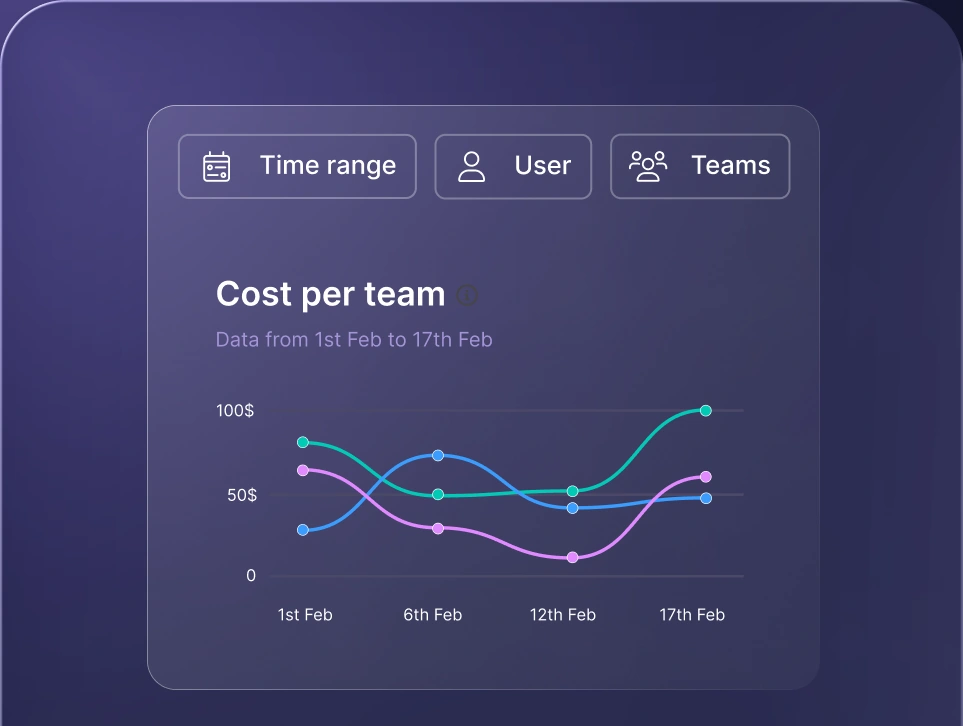
Monitor AI usage
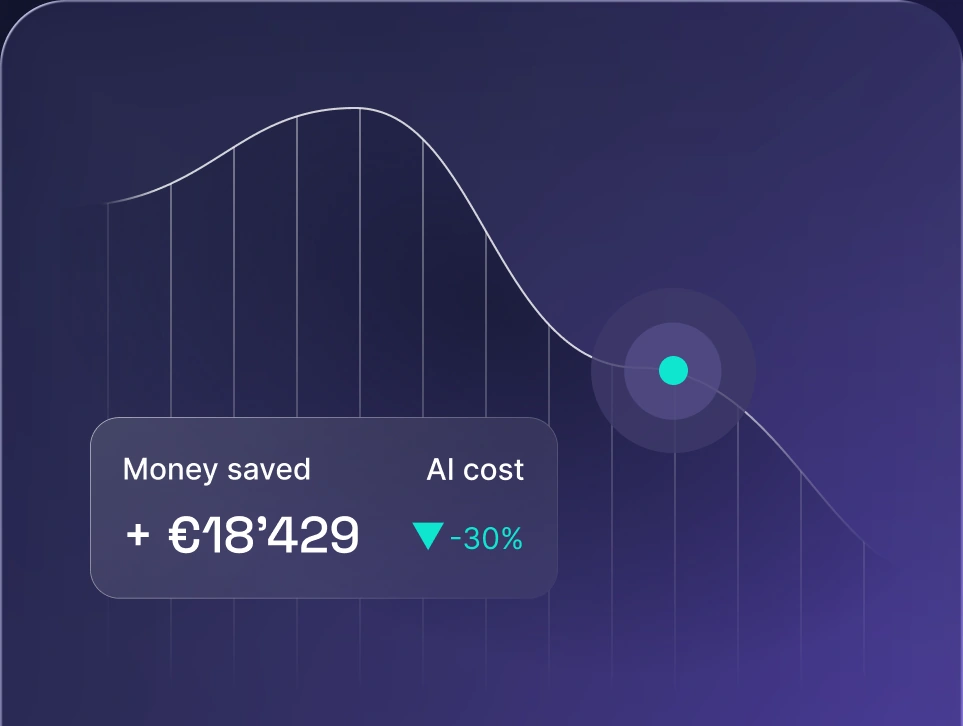
Control AI spend
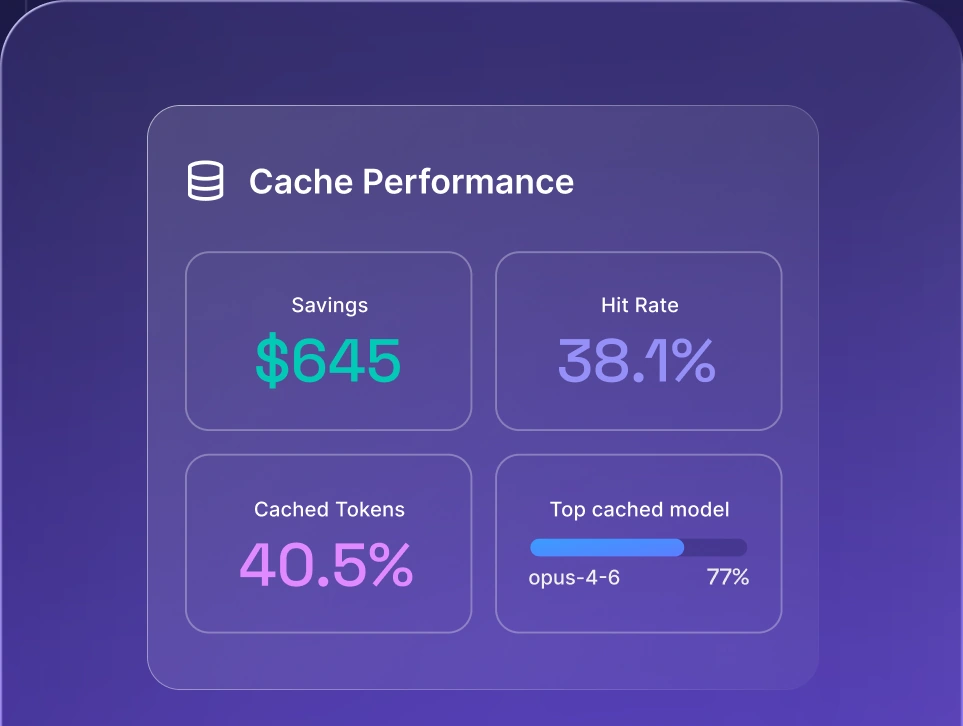
Optimize AI costs

OpenRouter alternatives compared side by side
The table below shows how the six OpenRouter alternatives differ at a glance. Some capabilities vary by plan or deployment, so confirm requirements such as SSO, private hosting, audit logging, and support directly with each vendor before committing.
Platform | Deployment | Multi-provider access | Self-host | Access control | Best for |
|---|---|---|---|---|---|
LiteLLM | Open-source / managed | Yes | Yes | Yes | OSS-first teams |
Kong AI Gateway | Self-hosted / managed | Yes | Yes | Yes | Platform teams |
Together AI | Managed | Hosted model catalog | No | Varies | Open-model workloads at scale |
Fireworks AI | Managed | Curated model catalog | No | Varies | Low-latency workloads |
Replicate | Managed | Marketplace | No | Limited | Media and prototyping |
nexos.ai | Managed | Yes | Varies by model setup | Yes | Governed multi-model access |
These products solve overlapping problems from different starting points. LiteLLM and Kong give teams more operational ownership over the gateway and deployment layer. Together AI, Fireworks AI, and Replicate focus more heavily on inference. nexos.ai combines model access with organizational governance.
How to choose the right OpenRouter alternative
The simplest way to narrow the list is to start with your operating constraint. Decide which requirement you're least willing to compromise: infrastructure ownership, request cost, latency, or organizational governance.
Best for open-source and self-hosting
LiteLLM is a strong fit for teams looking for open-source alternatives to OpenRouter and willing to run the gateway themselves. Kong is another option when self-hosting matters, but the organization wants AI traffic integrated into an established API-management architecture.
Self-hosting avoids a SaaS gateway markup, but calculates infrastructure and engineering costs before describing it as free.
Best for cost control
No single OpenRouter alternative is cheapest because cost depends on model mix, traffic volume, cache hit rate, infrastructure, provider agreements, and routing behavior.
If you’re self-hosting, LiteLLM offers basic budgets and cost-aware routing. Managed platforms such as nexos.ai add hard caps, usage attribution, and response caching.
The real goal isn’t finding the lowest platform fee. You want to drive down your total cost per successful production request.
Teams interested in cutting LLM API costs with FrugalGPT are trying to solve the same core problem: avoiding unnecessary use of expensive models when a cheaper option can handle the request. Gateways support a similar cost-control strategy through model routing, caching, and spend limits.
Best for low-latency production
If inference speed is your main constraint, look at Together AI and Fireworks AI. Fireworks excels at fast function calling and structured outputs, while Together provides serverless and dedicated capacity for scaling open-source models.
Benchmark your actual prompts before deciding. Average benchmark latency doesn’t tell you what will happen with your context lengths, regions, concurrency patterns, and model choices.
Best for enterprise governance
For enterprise deployments, focus on platforms that combine multi-model access with identity, security, auditability, and cost controls.
Kong is compelling for organizations whose platform teams already operate API infrastructure and want AI to follow the same control-plane model. nexos.ai fits organizations that want unified multi-model access together with SSO, RBAC, audit logs, spend visibility, budgets, and tools for both engineering and business users.
It’s also worth looking at the controls applied before a request reaches a model. Sensitive data handling, model permissions, and request policies matter as much as routing.


Run every AI model in one Gateway
One secure, lightweight layer to access, route, and manage 200+ models.
