Table of contents
Key takeaways
- LiteLLM fits prototyping, but production needs pile up fast.
- Two camps: gateways for routing, observability tools for insight.
- Open source trades upkeep for control, managed trades flexibility for speed.
- Governance, cost, and routing drive most switches.
- nexos.ai unifies gateway, governance, and observability.
What is LiteLLM?
LiteLLM is an open source Python library and proxy that gives you a unified, OpenAI compatible API across various models and model providers. LiteLLM is popular for fast prototyping and snappy provider switching, and being free, flexible, and easy to set up doesn’t hurt either. If you’re wiring up a prototype and want a single endpoint in front of multiple providers, LiteLLM does the job well. The friction shows up later, when you’re pushing towards production systems and need more than raw routing.
Why teams look for LiteLLM alternatives
As you scale, the questions change from "does it work?" to "can I run this safely at scale?" Most teams considering a switch aren’t necessarily unhappy with LiteLLM, they’ve simply matured past what a lightweight proxy covers. Here are the common drivers that push teams to consider other LiteLLM alternatives.
- Production latency and reliability. Sustained load exposes gaps that didn’t show during prototyping, so teams want predictable performance and automatic fallback.
- Limited observability out of the box. You need real usage data, request logging, and usage tracking that shows what's actually happening.
- Governance and access control gaps. Enterprise governance means RBAC, audit logs, and policy enforcement that a bare proxy doesn’t centralize.
- Centralized cost controls. Finance wants token usage and spend visibility across every team and every API key in one place. This is also where reducing LLM costs with FrugalGPT can pay off.
- Enterprise deployment and support. Regulated industries and larger orgs need a managed service option, security controls, and SLAs.
These are normal maturation needs, not red flags. A proxy that was ideal for a weekend prototype wasn’t designed to be the governed front door for every request your company sends to AI. That’s why teams look at LiteLLM alternatives with deeper routing logic, richer observability, and centralized cost controls once real traffic and real budgets are on the line.
How to choose a LiteLLM alternative
To compare tools head to head, first define what matters for your AI stack. The right choice depends on your stage, your AI infrastructure, and how much operational burden your team can carry. Weigh these criteria as you shortlist LiteLLM alternatives.
- Routing and fallback. Look for intelligent routing, load balancing across providers, and automatic fallback when a model degrades.
- Latency overhead. Measure how much the gateway layer adds under sustained load, not just at idle.
- Observability and logging. Confirm audit logs, usage tracking, and dashboards that turn raw usage data into decisions.
- Governance. Check RBAC, audit logging, and policy enforcement so enterprise governance is built in, not bolted on.
- Cost controls. You want budget caps, token usage tracking, and cost controls that span every team.
- Open source vs. managed. Decide between an open source gateway you run yourself and a managed service someone else operates.
- Self hosting and data residency. Self hosted deployment keeps data on your infrastructure, which matters in regulated industries.
- Provider and model coverage. Broader provider breadth and a broad catalog mean fewer walls later.
- Agent and MCP support. Whether the gateway exposes tools to agents through the Model Context Protocol. If it's new to you, what is MCP explains it.
PRO TIP: Map criteria to your actual stage. A solo builder optimizes for simplicity and model breadth, while a scaling team prioritizes governance, observability, and centralized spend control.
Quick comparison of the top LiteLLM alternatives
This scannable table lets you self select before you read the detail below. Cells stay short and factual, labeling each tool by type, whether it's open source, self hosting availability, routing and fallback, and best for.
Takeaway: Gateways handle routing and control, observability tools handle insight, and a control plane like nexos.ai brings both together.
Tool | Type | Open source / self-host | Routing & fallback | Best for |
|---|---|---|---|---|
nexos.ai | Enterprise control plane | No / contact sales | Yes | Governance plus unified access |
OpenRouter | Managed marketplace | No / no | Availability based | Model breadth and prototyping |
Portkey | Managed gateway | Core / enterprise only | Yes | Governance-focused gateway |
Bifrost | Open source gateway | Yes / yes | Yes | High-throughput self-hosting |
Helicone | Observability | Yes / yes | N/A companion | Logging and cost tracking |
Langfuse | Observability | Yes / yes | N/A companion | Tracing and evaluation |
Kong AI Gateway | API gateway | Core / yes | Yes | Teams already on Kong |
Cloudflare AI Gateway | Managed edge gateway | No / no | Static fallback | Edge and caching |
The best LiteLLM alternatives to consider
With the criteria set, here’s the core roundup, tool by tool. Each entry gives you a positioning line, attributes, highlights, then pros, cons, best for, and pricing. Some are full gateways, some are open source, and a couple are observability companions.
nexos.ai
All-in-one AI platform whose AI Gateway unifies model access, governance, and cost control.
Pay-as-you-go + enterprise custom
Managed cloud
-
Secure access to 200+ AI models through one gateway
-
Smart Routing, caching, and automatic failover
-
Shared AI Workspace and no-code Agent Builder
-
SOC 2 Type 2, ISO 27001, and GDPR compliant
-
Broader than teams that only need a basic API proxy
-
No self-hosting
nexos.ai is an all-in-one AI platform whose AI gateway provides unified access to 200+ leading AI models from providers such as OpenAI, Anthropic, Google, Meta, Mistral, and AWS Bedrock. Cost visibility and governance are built into the gateway, not bolted on as a separate tracing product.
Key features: Unified access to 200+ models, Smart Routing, cost tracking, semantic caching, virtual keys, audit logs, and enterprise governance controls, plus Chat, the ability to compare AI models side by side, and AI Agents behind one unified API.
Pros: nexos.ai brings model access, spend controls, observability, and policy enforcement into one platform, which makes multi-provider usage easier to monitor and manage.
Cons: As a managed platform, it doesn't offer a self hosted deployment for teams that require full control of their own infrastructure.
Best for: Teams that want centralized cost visibility, governance, and routing across multiple providers through one AI gateway. For the bigger picture, see AI orchestration explained.
Pricing and open source: Proprietary. Pay-as-you-go pricing covers gateway features on top of standard provider token costs, with enterprise custom pricing available.

Run every AI model in one Gateway
One secure, lightweight layer to access, route, and manage 200+ models.
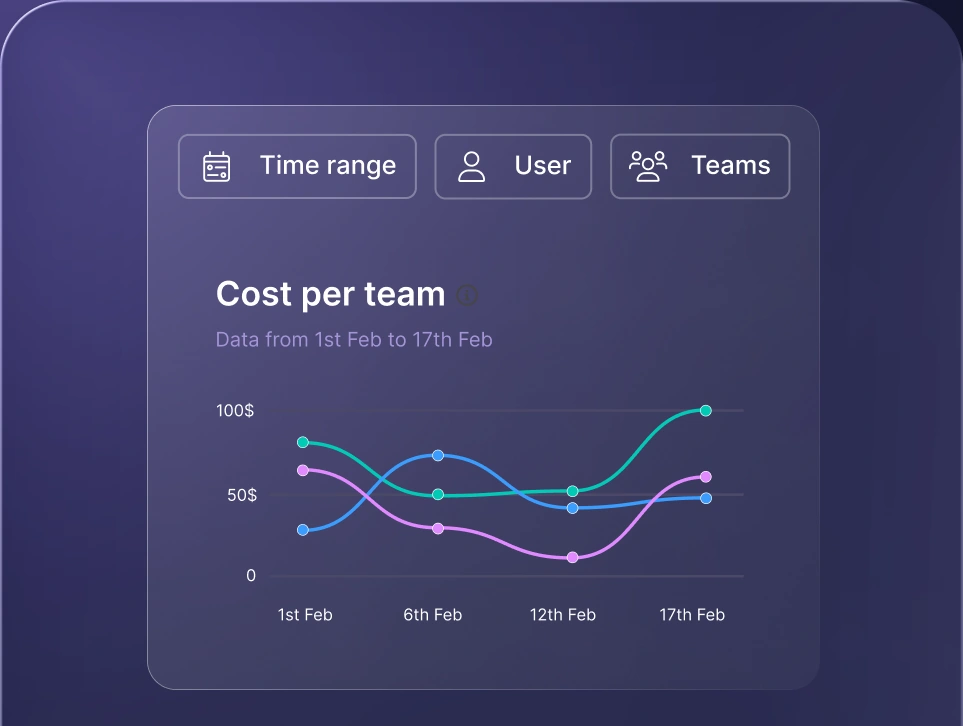
Monitor AI usage
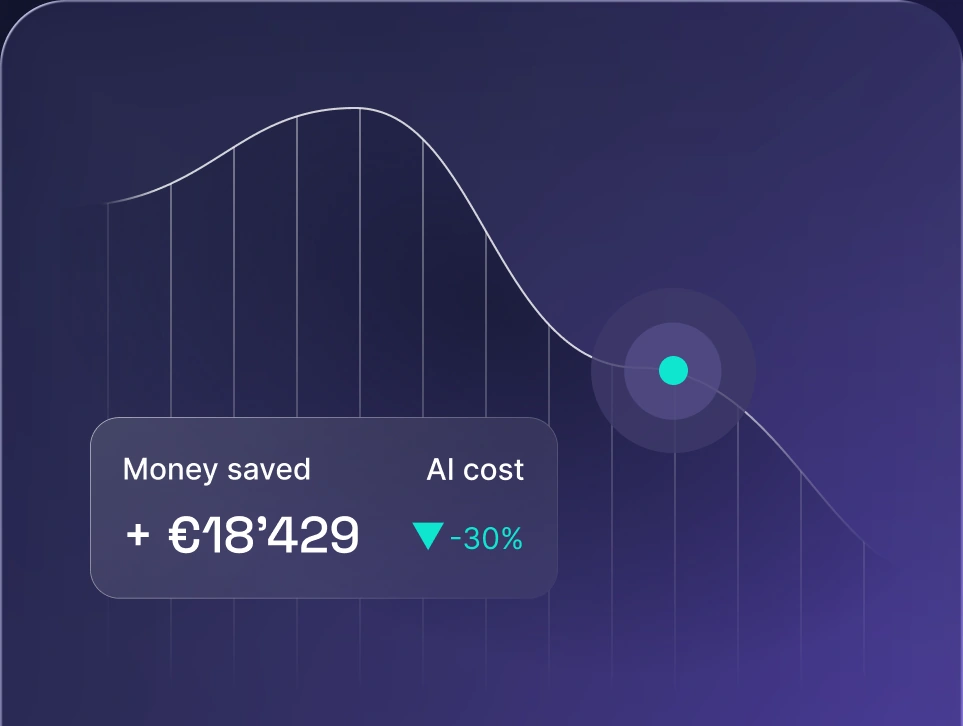
Control AI spend
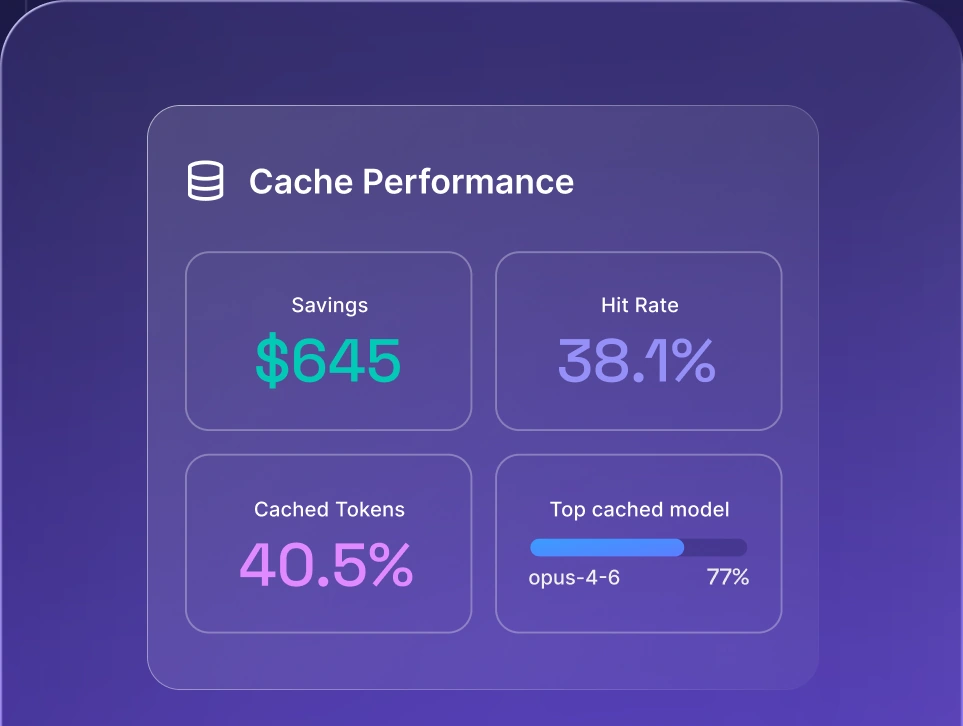
Optimize AI costs

OpenRouter
Managed marketplace with one API across a broad model catalog.
5.5% credit fee + custom enterprise
Managed cloud
-
Broadest model breadth on this list
-
Near zero setup, one invoice
-
Fast model swapping to compare quality
-
Light observability and governance
-
Availability-based routing only
OpenRouter is a managed marketplace that gives you a single API across a huge catalog of models from OpenAI, Anthropic, Google Vertex AI, and many more through one unified interface. You buy credits once, then spend them on any model, so you can prototype and start routing requests without juggling separate API keys per provider.
Key features: Unified access to hundreds of models, availability based routing and automatic fallback, shared credits, virtual keys for scoping model access per team, usage analytics, and bring your own key support.
Pros: The broadest model breadth here, near zero setup, and one invoice instead of many. Swapping models to compare output quality takes seconds.
Cons: Routing is availability based, so it is thin on intelligent routing logic. Built in observability and enterprise governance are light, with no self hosting.
Best for: Rapid multi model experimentation and teams that want the widest catalog fast.
Pricing and open source: Proprietary and managed only. OpenRouter charges a 5.5% fee on credit purchases ($0.80 minimum). Bring your own key requests are free up to 1,000,000 requests per month, then a 5% fee applies above that. Enterprise pricing is custom.
Portkey
Managed AI gateway with observability and governance built in.
Free tier + from ~$100/mo
Managed, self-host on Enterprise
-
Strong observability and governance out of the box
-
Open source core you can inspect
-
Mature fallback and load balancing
-
Cost climbs with recorded logs at volume
-
RBAC, SSO, and self-hosting need Enterprise
Portkey is a managed AI gateway that layers reliability and observability on top of provider access, positioning itself as a control panel for production AI. It routes requests to 250+ models while recording logs, traces, and cost data for every call.
Key features: Unified API to 250+ models, automatic fallbacks, conditional routing, retries, semantic caching, prompt management, virtual key management, audit logs, and dashboards for token usage.
Pros: Strong observability and governance out of the box, quick integration, and an open source core you can inspect. Reliability features like automatic fallback and load balancing are mature.
Cons: Pricing is metered on recorded logs, so cost climbs at volume. Advanced governance like RBAC and SSO, plus self hosting, sit behind the Enterprise tier.
Best for: Teams wanting a managed gateway with governance controls without running infrastructure themselves.
Pricing and open source: Open source core, managed service on top. The Dev plan is free with 10,000 recorded logs per month and 30-day retention. Pro starts around $100 per month for a 100,000 log base, then $9 per additional 100,000 logs up to 3M. Enterprise is custom, typically $2,000 to $10,000+ per month.
Bifrost
Open source, Go-based gateway built for high throughput self hosting.
Free core + quoted enterprise
Self-hosted + managed tier
-
Among the fastest gateways available
-
Full control, no vendor lock in
-
Apache-2.0 core is free
-
You own uptime, patching, and scaling
-
Smaller catalog than the marketplaces
Bifrost is a high performance, open source AI gateway written in Go by Maxim AI for production scale self hosting. It unifies 20+ providers, including OpenAI, Anthropic, AWS Bedrock, and Google Vertex AI, behind one OpenAI compatible API while adding almost no latency.
Key features: Very low overhead, efficient LLM routing and load balancing, automatic fallback, semantic caching, MCP support, a built in web UI, and support for self hosted models, with full control over your source code and configuration files.
Pros: Among the fastest gateways available and completely self hosted, so you keep full control and avoid vendor lock in. The Apache-2.0 core is free.
Cons: You own uptime, patching, and scaling, so the upkeep is real. The catalog is smaller than the big marketplaces.
Best for: Teams that want to stay self hosted with maximum performance and control. See how model-agnostic AI routing keeps you flexible.
Pricing and open source: Open source under Apache-2.0 and free to self host. A managed enterprise tier with full governance is available on request, with a 14-day trial and no published list price.
Helicone
Observability first tool, best used as a companion to a gateway.
Free tier + $79/mo Pro
Managed + self-host (MIT)
-
Generous free tier
-
MIT licensed, self hostable for data control
-
Dashboards are quick and easy to read
-
In maintenance mode after Mintlify acquisition
-
Not a gateway replacement on its own
Helicone is an open source, observability first platform for logging, monitoring, and cost tracking of LLM requests. It sits alongside your gateway as a companion, giving you request level visibility into every call.
Key features: Request logging, usage tracking, latency and cost tracking, dashboards, prompt tools, and a cost calculator across hundreds of models.
Pros: A generous free tier, MIT licensed, and self hostable for full data control. Dashboards are quick to set up and easy to read.
Cons: Helicone was acquired by Mintlify in March 2026 and is now in maintenance mode, so new feature development has stopped. It's not a gateway on its own.
Best for: Teams prioritizing request level monitoring who are comfortable with a tool in maintenance mode.
Pricing and open source: MIT licensed and open source, self hostable for free. The Hobby tier is free with 10,000 requests per month and 7-day retention. Pro is $79 per month, and Team is $799 per month.
Langfuse
Open source observability and evaluation layer for production systems.
Free tier + paid plans
Managed cloud + self-host (MIT)
-
MIT licensed, EU-native, free to self host
-
Generous free cloud tier
-
Traces become evaluation datasets
-
Pairs with a gateway, doesn’t replace one
-
Longer retention needs paid tiers
Langfuse is the most widely deployed open source observability platform, covering tracing, evaluation, and prompt engineering for production systems. Its deep execution trees let you follow complex, multi-step runs end to end.
Key features: Detailed traces and spans, online and offline evaluations, datasets, prompt management and prompt tracking, cost monitoring, and native support for structured pipelines including Pydantic AI.
Pros: MIT licensed, EU-native, and free to self host at scale. The free cloud tier is generous, and production traces can become evaluation datasets.
Cons: It's an observability and evaluation layer, so it pairs with a gateway instead of replacing it. Longer data access windows require paid tiers.
Best for: Production grade observability and evaluation, especially for teams running agentic, multi-step workflows.
Pricing and open source: MIT licensed and open source, free to self host. Langfuse Cloud offers a free Hobby tier with 50,000 observations per month and a 30-day data access window. Core, Pro, and Enterprise tiers add longer retention, higher limits, and support.
Kong AI Gateway
AI plugins layered on a mature, general purpose API gateway.
Free core + Konnect from ~$25/mo
Self-hosted core + Konnect
-
Open source core, free to self host
-
Mature and reliable at scale
-
Slots into existing Kong deployments
-
General-purpose API management, not a model abstraction layer
-
AI plugins gated to paid tiers
Kong adds AI specific plugins on top of Kong Gateway, the widely used API gateway, bringing enterprise grade traffic control, security, and rate limits to your AI calls across production environments.
Key features: Auth, rate limits, traffic shaping, token rate limiting, semantic caching, spend controls, policy enforcement, and Prometheus and Grafana observability for LLM infrastructure.
Pros: The open source core gateway is free to self host with no functional limits, and it's mature across production environments. It slots neatly into existing Kong deployments.
Cons: It’s general purpose API management first, so it's not a model abstraction layer by default. The AI plugins and advanced governance sit behind Konnect or Enterprise licensing.
Best for: Teams already standardized on Kong, or those weighing full enterprise AI platforms.
Pricing and open source: The open source Kong Gateway is free to self host. Managed Konnect starts around $25 per month per serverless control plane (up to $200 for hybrid), with AI plugins referenced around $100 per model per month (max 5). Enterprise is custom, commonly $30,000 to $50,000+ per year.
Cloudflare AI Gateway
Managed edge gateway leaning on Cloudflare's edge network for caching and speed.
Free gateway + usage-based storage
Managed cloud
-
Free to start, fast to set up
-
Backed by Cloudflare's edge network
-
Cost and log visibility built in
-
Static fallback only
-
Lighter on deep observability and governance
This managed edge gateway routes and caches your AI requests across Cloudflare's edge network. It's a low friction way to add caching, rate limits, and basic analytics in front of your model providers.
Key features: Edge caching, rate limits, request logging and analytics, cost visibility, static fallback, and one endpoint across many providers.
Pros: Free to start, fast to set up, and backed by Cloudflare's edge network for low latency. Cost and log visibility are built in.
Cons: Routing is limited to static fallback, so it is lighter on deep observability and governance than dedicated gateways.
Best for: Edge focused or caching first setups, especially teams already on Cloudflare.
Pricing and open source: Proprietary and managed only. The AI Gateway itself is free to use. Persistent log storage and analytics are billed on usage through Cloudflare Workers, where the first 10 GB is free and additional ingestion runs about $1 per GB.
Whichever gateway you pick, most sit in front of the same major model providers, so you can route requests to OpenAI, Anthropic, AWS Bedrock, and Google Vertex AI without rewriting code. That provider breadth is why a unified API matters: you keep model access broad while your API keys, virtual keys, and rate limits stay centralized.
The pattern is consistent: unify the LLM providers behind one endpoint, add intelligent routing and LLM routing rules, then layer governance on top. Beyond these, other LiteLLM alternatives exist as LLM gateways and routing tools, but the shortlist above covers the strongest options across gateway, observability, and control plane categories.
Open source LiteLLM alternatives
If you want no vendor lock in and full control, the open source route is compelling. Several tools ship as open source, so you can self host, read the source code, and shape the gateway layer to your needs. The trade-off is real: you gain control and avoid lock in, but you take on the operational burden of running it yourself. Here are the open source options.
- Bifrost. An open source gateway for high throughput self hosted deployment, with a built in web UI and support for self hosted models.
- Langfuse. Open source observability, tracing, and prompt management for production systems.
- Helicone. Open source logging and cost tracking you can self host.
- Portkey. The open source core of a governance focused gateway.
- Kong AI Gateway. An open source core API gateway extended with AI plugins.
One security note worth keeping factual: any open source dependency chain can be a supply chain risk. A supply chain attack that slips malicious code into a package, or credential stealing malware hidden in a transitive dependency, is a real supply chain security concern. This applies to every open source project, so treat supply chain security as normal diligence: vet your dependency chain, pin versions, and scan for malicious code before it reaches production. A self hosted gateway isn’t just an install.
You own uptime, patching, and scaling, so a self hosted setup rewards teams with engineering bandwidth. If you’d rather skip that work, a managed control plane gives you the same self hosted benefits, like data residency, without the day to day burden. For deeper insight, see our guide to LLM monitoring and the nexos.ai approach to LLM observability. For related resources, the FAQ rounds out the picture.
Managed vs. self-hosted alternatives
Deployment model is often the real decision, so compare managed and self hosted approaches across concrete dimensions so you can pick what fits. Both are valid, and the right one depends on your team, your compliance requirements, and how much control you need.
Dimension | Managed | Self-hosted |
|---|---|---|
Setup effort | Low | Higher |
Operational overhead | Vendor managed | Your team |
Customization | Limited to vendor | Full control |
Data residency control | Vendor dependent | Your infrastructure |
Vendor lock in | Higher | Lower |
Takeaway: managed wins on speed and low operational overhead, self hosted wins on control and data residency, and the best fit follows your security and compliance requirements.
Where nexos.ai fits
If your shortlist has grown because you need routing, governance, and observability at once, nexos.ai brings all three into a single control plane instead of separate tools.
Where a bare proxy stops at routing, the nexos.ai AI gateway for unified LLM access adds AI governance controls and complete cost visibility, all reachable through one unified AI API. For regulated teams, self hosted deployment and private model hosting keep sensitive workloads on your own infrastructure. It's the managed, enterprise-ready option for teams that have outgrown running a gateway solo.


Run every AI model in one Gateway
One secure, lightweight layer to access, route, and manage 200+ models.
