Table of contents
Why AI costs are outpacing budgets at work
AI usually enters a company through small, inexpensive experiments. A development team adds an API to one product. Marketing buys a few chatbot subscriptions. Customer support trials an AI assistant. Then suddenly applications start calling multiple models, agents running multi-step workflows, and different teams buying overlapping AI tools.
Individual products look cheap in isolation, but uncoordinated AI usage is one of the most persistent LLM challenges, which creates massive cost sprawl across SaaS contracts, cloud spend, and expense reports.
Worse, agentic AI costs multiply the bill. A chatbot makes one model call for each prompt, but an AI agent can trigger dozens of calls, retries, and database searches for a single task.
At scale, AI agents add a variable, usage-based layer to otherwise predictable labor and software budgets, with costs driven by token consumption, retrieval, and tool calls. Gartner predicts that inference will account for 70% of total model lifetime costs through 2028. It also expects inference costs per agentic workflow to rise more than fivefold over that period as additional reasoning and model calls outweigh falling token prices.
This leaves companies with a major ownership gap. Engineering sees API charges, procurement sees software contracts, finance sees invoices, and department leaders see their own subscriptions. Nobody sees total AI spending or knows which part of it’s actually driving return on AI investment.
Most of your AI bill stays hidden until an invoice or renewal arrives. Effective AI cost management starts by treating AI as a shared operational category rather than a collection of unrelated tools.
Architectural ways to reduce AI costs
Architectural changes lower the cost of each AI interaction through better model choice, leaner prompts, reduced token usage, caching, and smarter scheduling.
This form of AI cost optimization doesn’t require teams to stop using AI. In many cases, users won’t notice any difference because the application still produces the same result. The work simply reaches that result with a lower-cost model or fewer paid tokens.
Route tasks to the right model (model tiering)
Not every request needs a frontier model. Paying premium prices for basic extraction is like hiring a senior architect to copy data from one spreadsheet row to another.
Divide your tasks into tiers:
- Low-complexity tasks: Data tagging, extraction, reformatting, and brief summaries.
- Mid-complexity tasks: Content drafting, document comparison, and routine coding.
- High-complexity tasks: Difficult reasoning, ambiguous research, advanced coding, strategic analysis, and decisions that depend on several sources.
Send high-volume, predictable tasks to smaller, cheaper models. Reserve premium models for requests where their complex reasoning or specialized abilities produce a measurable improvement.
Strategic routing is often the largest single lever in LLM cost optimization because model prices vary widely. If thousands of simple requests currently go to an expensive model, moving them down one or two tiers produces much larger savings than small adjustments elsewhere.
Research supports this approach. An NVIDIA-led study estimated that specialized small models could handle 40% to 70% of calls made by three agent frameworks. In separate benchmark experiments, Stanford researchers’ FrugalGPT approach matched the best individual LLM, including GPT-4, while reducing inference costs by up to 98%. It used a learned cascade to send each query through a cost-effective combination of models. Actual savings will depend on the workload and required quality.
Start manually by assigning specific models to specific workflows. At a larger scale, rules or an intelligent router can choose models based on complexity, quality, latency, and price.
A shared AI workspace for multiple LLMs also lets employees choose or compare models without buying separate subscriptions. The aim is to choose not the cheapest model every time, but the cheapest one that completes the task reliably.
Optimize prompts, context windows, and token usage
Model APIs charge for the input and output tokens they process. Extended prompts, oversized context windows, and unnecessarily chatty responses make cheap API calls surprisingly expensive.
To cut AI token costs:
- Trim prompts. Remove redundant rules and outdated examples. Precision beats length every time.
- Truncate chat history. Send recent messages or a brief summary of older context instead of the entire log with every request.
- Cap output length. Set max-token limits appropriate for the job. A classification task doesn’t need as many tokens as a detailed report.
- Use structured outputs. Use JSON schemas to reduce unnecessary text and make downstream processing more reliable.
- Use retrieval-augmented generation. Retrieve only relevant information from a knowledge base instead of adding entire documents or policy libraries to every prompt.
- Remove duplicate framework context. Middleware and agent libraries often add the same instructions or source material. Audit your code to ensure you don’t send context twice.
- Avoid retry loops. Vague prompts and schema failures force applications to rerun calls. One clear prompt is always cheaper than three retries.
Test prompt changes against output quality. Cutting useful context may weaken results, creating more retries and human correction. Remove tokens that don’t help the model complete the task. To reduce LLM API costs, measure cost per successful task, including tokens and retries, rather than focusing on the price of a single request.
Use caching and batch processing
Prompt caching cuts costs on static inputs like system prompts, reference context, tool schemas, and document prefixes. Semantic caching goes further by serving stored responses for similar queries, avoiding a new model call altogether.
Savings vary by model and provider, but cached input tokens may cost up to 90% less. To improve cache matches, arrange prompts so stable content appears first and variable content appears later.
Batch APIs offer another way to reduce LLM costs. Many AI workloads, including report generation, data extraction, and content analysis, don’t need an immediate response. Sending them through discounted batch APIs can cut eligible processing costs by 50% with providers such as OpenAI and Anthropic.

Build no-code AI Agents in minutes
Move from chatting with AI to getting things done.
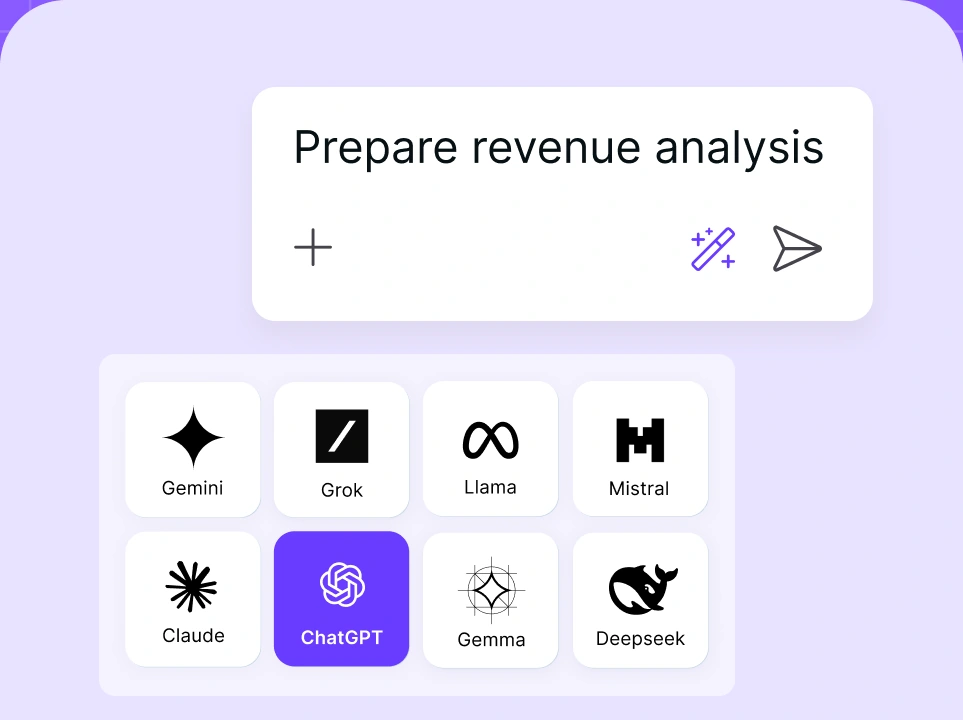
Chat with leading AI models
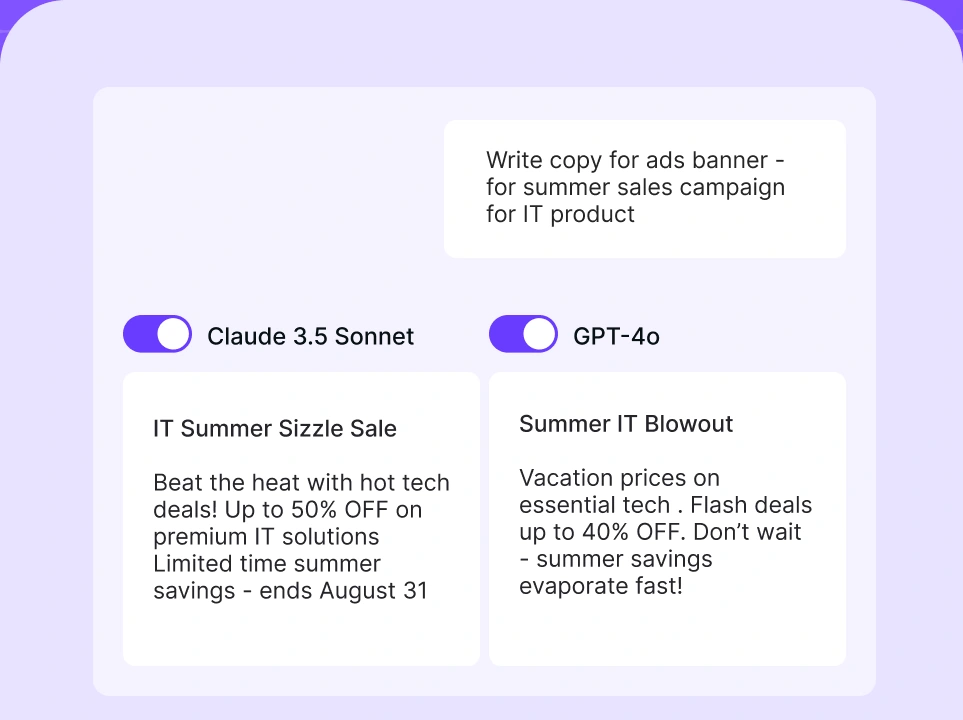
Compare AI models
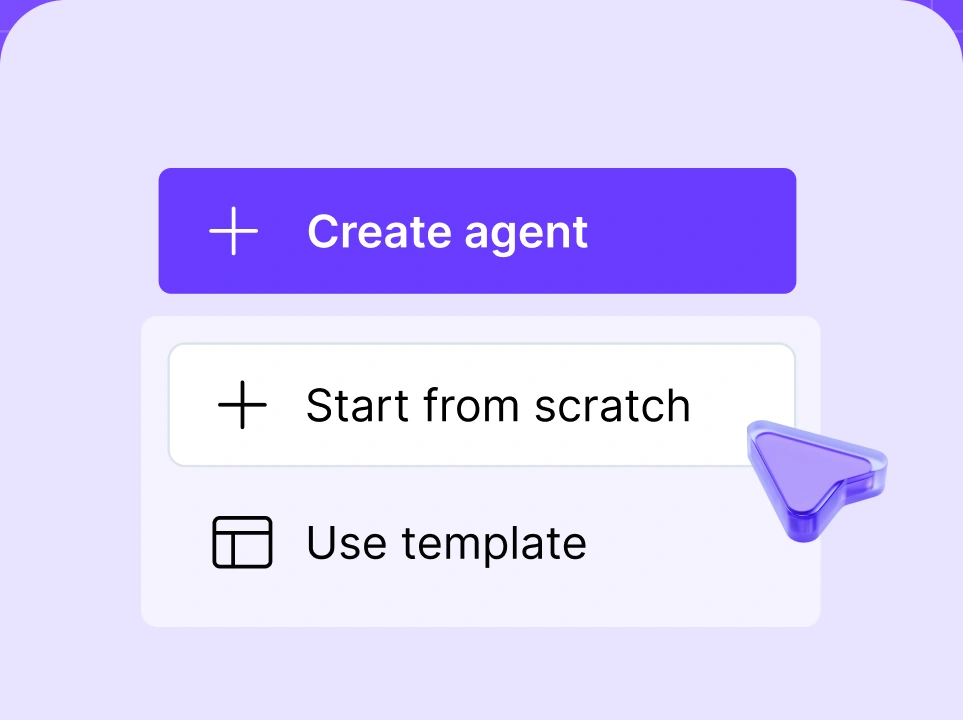
Build no-code AI Agents

Governance ways to reduce AI costs
Architecture lowers the price of individual requests. Governance determines which requests, tools, and subscriptions should exist in the first place.
Optimizing your codebase won't stop you from paying for duplicate tools, unused seats, and rogue agents. Governance exposes that waste, so your technical savings make it to the bottom line.
Centralize usage through an AI gateway
An AI Gateway sits between your enterprise applications and model providers. Instead of connecting to OpenAI, Anthropic, or Google individually, everything runs through one managed layer.
This creates a central point for AI cost management. A gateway helps reduce costs by tracking AI tool usage across providers, managing credentials, enforcing budgets and limits, caching repeated inputs, and routing requests to more cost-effective models. Engineering teams can switch models without rebuilding every integration, while finance and IT get a consolidated view of AI spending.
It also flags unusual activity instantly. Usage spikes or simple tasks sent to flagship models become visible immediately, not weeks later on a surprise invoice.
Enforce spending limits
AI systems need limits at several levels. A single monthly company cap isn't enough because it tells you the budget has been exhausted only after different workloads have competed for the same allowance.
Essential controls include:
- Daily or monthly budgets by team, application, or API key.
- Limits on request tokens, rate limits, and maximum agent steps or retries.
- Alerts as spending approaches its limit.
- Approval for flagship models.
- Automatic pauses when spending or behavior becomes unusual.
These controls act as both a kill switch and a benchmark. They can stop a malfunctioning agent before it burns through the entire AI budget or show that a valuable workflow needs more resources.
For example, a customer-support assistant that consistently reaches its cap may be delivering enough value to justify a larger budget. An internal experiment that hits the same cap without regular users may need to be redesigned or closed.
Good AI cost management tools set thresholds according to each workload’s value, risk, and urgency. This protects useful adoption while preventing silent overruns.
Get full visibility with LLM observability
Effective AI cost optimization requires a complete view of spending, including the incremental costs that build as AI projects scale.
LLM observability records each request with details such as the model, provider, token usage, estimated cost, latency, response status, application, and team. Logs and traces also reveal the steps inside multi-stage or agentic workflows.
This helps answer important AI spend management questions:
- Which teams, applications, and projects cost the most?
- What does each completed task cost?
- Which models offer the best balance of quality and price?
- Where are long prompts or outputs increasing token usage?
- How often do requests fail or retry?
- Are agents making more calls than intended?
Also track hidden costs outside the model provider’s bill, including vector database usage, data egress, and idle GPU capacity.
Dashboards show the overall cost and usage pattern, and request-level traces reveal the root cause. Both are necessary. A spend increase may come from booming adoption — or an agent stuck in a loop. Each requires a different response.
Observability ties spend directly to results. Tracking your cost per lead researched, support ticket resolved, or file processed tells you far more than a raw API spend total ever will.
Measure AI ROI regularly
AI cost optimization requires regular review. Track spending against actual usage and business results rather than assuming higher adoption creates more value.
Key metrics include:
- Cost per active AI user.
- Cost per workflow or completed task.
- Adoption by department.
- Time saved against a pre-AI baseline.
- Active versus assigned licenses.
- Business outcomes linked to AI use, such as tickets resolved, leads qualified, cycle time, or error rates.
These measures show which workflows deserve more investment, which need improvement, and which should be retired. They also reveal new opportunities to reduce waste as AI use changes.
Audit and eliminate shadow AI
Shadow AI isn't usually malicious. It happens when employees use personal accounts, unapproved SaaS, or unregistered API keys to bypass slow official processes.
Audit expense reports, corporate cards, SSO logs, and software contracts — and ask teams directly what they actually use. Look for:
- Duplicate writing or chat tool subscriptions.
- Unused accounts, unassigned licenses, and forgotten paid trials.
- Pricey AI add-ons that nobody uses.
- Separate provider accounts serving similar applications.
- Abandoned test projects still running up API charges.
Canceling unused licenses delivers quick cost savings without hurting productivity. For a long-term business impact, replace rogue tools with an approved central workspace, giving teams the models they need with the AI governance you require.

Run every AI model in one Gateway
One secure, lightweight layer to access, route, and manage 200+ models.
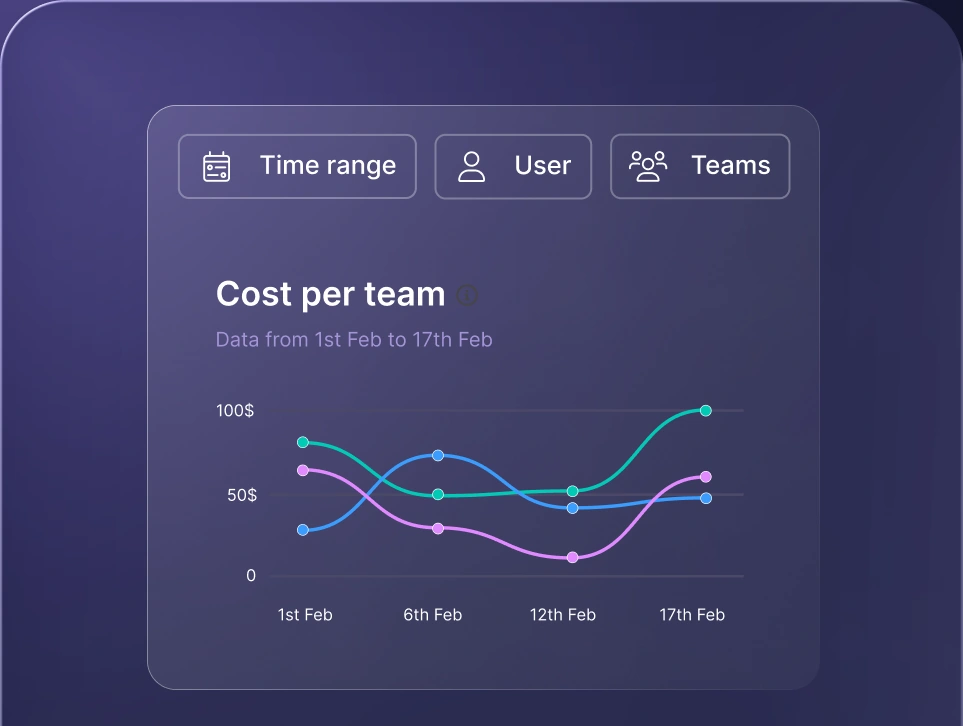
Monitor AI usage
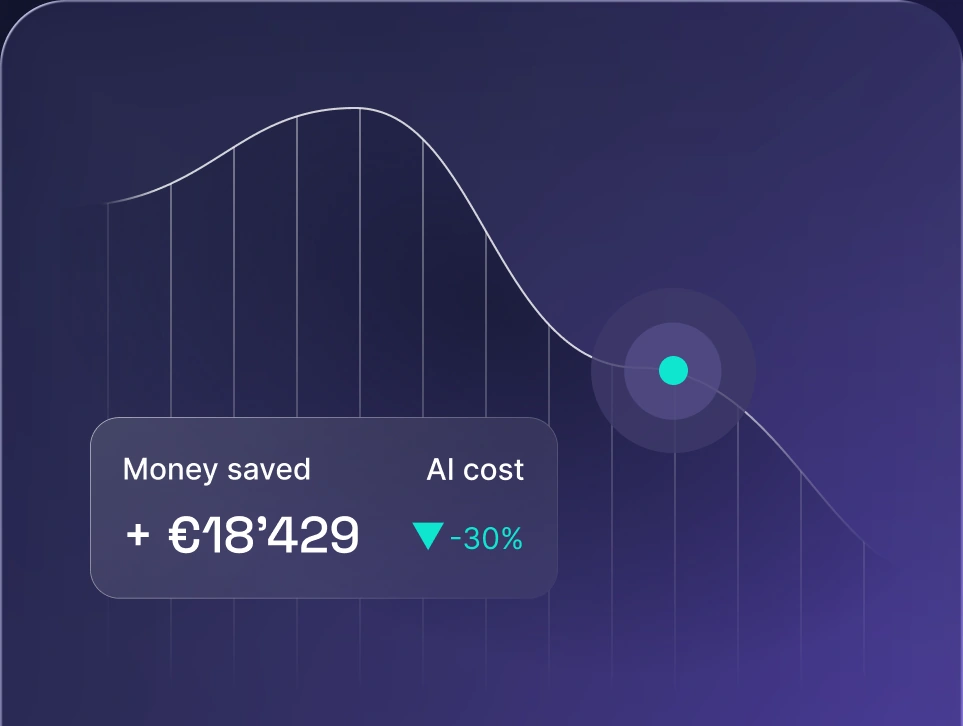
Control AI spend
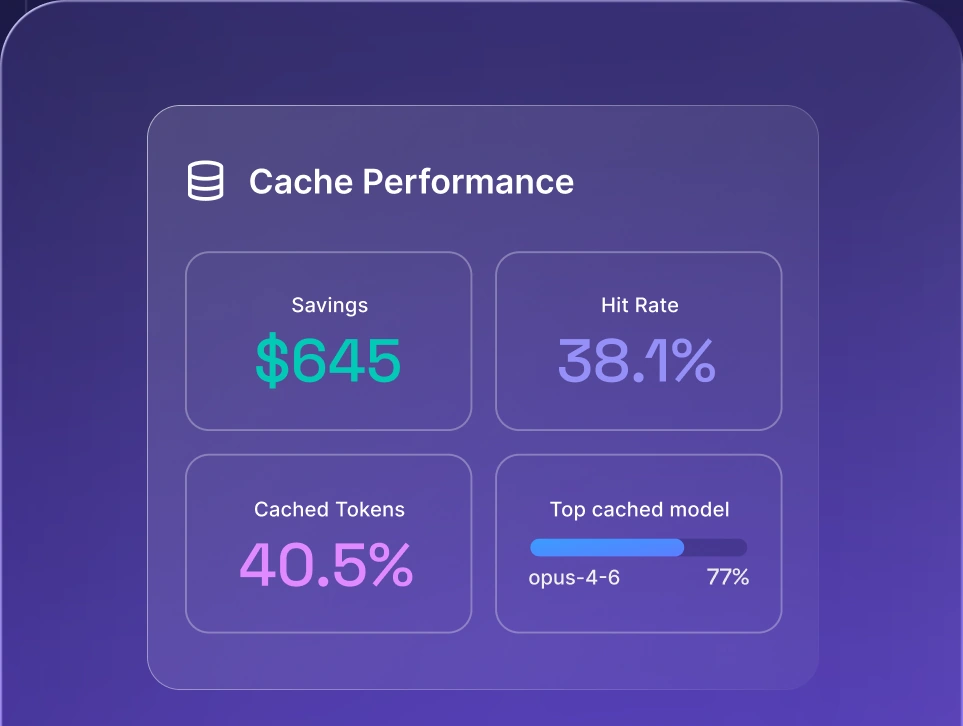
Optimize AI costs
Choosing cost-effective AI models and vendors
Cheap tokens don’t always mean the lowest total cost. A budget model may need repeated retries, complex prompt engineering, or extra human review. A flagship model may complete the task accurately in one call.
To understand how to reduce AI model costs effectively, evaluate candidates on your own task data across four factors:
- 1.Price. Include input, output, cached-token, batch, long-context, and tool-use charges.
- 2.Quality. Test accuracy, consistency, instruction-following, and edge cases.
- 3.Latency. Measure response times under normal and peak traffic.
- 4.Operational fit. Confirm that context windows, structured outputs, rate limits, data residency, and compliance controls meet your requirements.
Public benchmarks narrow the list, but they can’t tell you which model performs best on your support tickets, documents, codebase, or terminology. Build a representative test set and run the same easy, typical, difficult, and failure-prone tasks across several models.
The best options for reducing AI model costs involve a model portfolio rather than a single default model. Use lightweight models for simple tasks, mid-tier options for routine work, and flagship engines for complex reasoning. Use escalation rules to automatically pass failed tasks up the chain.
Avoid locking yourself into a single provider API. Provider prices, rate limits, and performance shift constantly. If switching vendors requires rewriting application code, you lose the savings.
Self-hosting removes provider API charges but adds the infrastructure costs, plus scaling, monitoring, security, and maintenance. This makes financial sense for large and predictable workloads, but managed APIs remain cheaper for smaller or fluctuating traffic.
A gateway gives you the abstraction layer needed to test releases and shift traffic on the fly. With nexos.ai, you can compare AI models by capability, context window, output, and pricing model.
Actionable AI cost control plan
A simple AI cost reduction plan should include:
- A baseline of current tools, subscriptions, API usage, and owners.
- Cost per team, application, and completed business task.
- A model tier for each major workload.
- Budgets, alerts, and agent-step limits.
- A test set for comparing model quality and cost.
- Monthly reviews of ROI, unusual spending, and unused tools.
- Quarterly reviews of models, providers, prices, and business value.
These steps turn optimization into an operating process instead of a one-time cost-cutting exercise.
How nexos.ai helps reduce AI costs at work
nexos.ai is an all-in-one AI platform that gives business and engineering teams access to more than 200 LLMs through a shared workspace and centralized gateway.
- Multi-model routing. Route simple tasks to smaller models, save frontier models for hard problems, and switch providers without rebuilding each integration. Smart routing automates this process by weighing cost, quality, latency, and task complexity.
- AI Gateway. Bring all application traffic into one control layer. Built-in prompt caching reduces token use, while spend caps prevent runaway bills.
- LLM observability. Break down spend by model, team, and application to catch bloated prompts, retry loops, and bad routing before the invoice arrives.
- Governed AI Workspace. Replace unmonitored subscriptions with central access to approved tools, chats, and agents, keeping shadow AI in control.
Try nexos.ai’s all-in-one AI platform to control spending across every model and team, with built-in governance and observability.


