Table of contents
What are agentic workflows?
Agentic workflows are AI systems in which one or more autonomous AI agents pursue a goal by planning, taking actions, using tools, and adapting along the way, with little human intervention at each step. Because they rely on natural language processing to interpret a request, you can hand them a goal stated in plain words rather than a coded set of instructions. Rather than executing a fixed sequence, the workflow reasons about what to do next and carries it out.
This is where they part ways with traditional automation and RPA. Traditional automation and RPA follow rules you define in advance: if this, do that, step by step. They are excellent for stable, repetitive tasks, but they break the moment the input strays from the script. Agentic AI workflows instead handle complex processes that require context and judgment, adjusting to messy or unexpected data instead of failing on it.
At the center sits the reasoning engine. A large language model interprets the goal, weighs options, and decides each action, which is what gives an agent workflow its flexibility. The rise of capable AI models, and generative AI in particular, is what makes this possible: today's models can reason through a problem step by step rather than just autocomplete text.
A few characteristics define what makes a workflow genuinely agentic:
- Autonomy. The system acts on its own toward a goal rather than waiting for step-by-step instructions.
- Goal-directed behavior. Every action serves an objective, and the agent works until the goal is met.
- Adaptability. It adjusts to new information and exceptions instead of breaking when conditions change.
- Tool use. It calls external tools and AI tools to act on the world, not just generate text.
- Memory. Agentic workflow memory lets it retain context across steps and sessions so it can build on what came before.
Core components of agentic workflows
Agentic workflows are built on several interdependent components that work together to turn a goal into completed work. No single piece acts alone; the agents reason, tools let them act, memory keeps context, and an orchestration layer coordinates the whole thing. Here is what each part does.
AI agents
AI agents are the autonomous units at the heart of the workflow, perceiving inputs, reasoning through them with an LLM, and taking actions to move toward a goal. Enabling AI agents to work well starts with giving each one a clear role and the right permissions, rather than pointing a single general agent at everything.
In practice, agents are often specialized: one might focus on research, another on writing, another on data checks. That specialization makes the system more reliable and sets up the multi agent systems covered later.
Tools and integrations
Tools and integrations are what let agents act beyond generating text, connecting them to APIs, databases, search engines, and code executors.
This tool access is the line between an agentic system and a simple chatbot: a chatbot can only talk about booking a meeting, while an agent with calendar and email tools can actually schedule it. The ability to reach into real systems is what makes the workflow useful.
Memory
Memory is what lets an agent hold on to context rather than starting fresh at every step. Short-term memory lives in the model's context window and carries the current task, while long-term memory is stored in vector stores and databases the agent can query later.
Long-term memory often draws on RAG in AI, retrieving relevant information so the agent can learn from past steps and keep continuity across sessions. This is the backbone of agentic document workflows, where an agent works through long documents and remembers what it found earlier.
Orchestration layer
The orchestration layer is the coordination system that routes tasks between agents, manages state, and handles errors when a step fails. It decides which agent runs when, passes results along, and keeps the workflow on track.
Frameworks like LangGraph and LangChain are commonly used to build this layer, and at scale it connects to broader AI orchestration that manages many agents and models together.
Key capabilities of agentic workflows
What makes a workflow truly agentic is a set of interconnected capabilities that go beyond scripted automation.
These are the building blocks that enable autonomous, adaptive behavior, letting the system reason about a task rather than just run through it. Four capabilities stand out.
Planning and task decomposition
Planning and task decomposition is the agent's ability to break a complex goal into an ordered set of smaller steps. Ask an agent to produce a market research brief, and it decomposes that into search the web for sources, summarize each one, then synthesize the findings into a brief.
By splitting a big goal into manageable sub-tasks, the agent can tackle work that would overwhelm a single prompt.
Reflection and self-correction
Reflection and self-correction is the agent's ability to evaluate its own output and improve it before handing over a final result. Instead of accepting its first draft, the agent checks the work against the goal, spots gaps or errors, and revises.
This loop produces noticeably higher quality than single-pass generation, because the agent catches its own mistakes the way a person reviewing their work would.
Tool use
Tool use is the agent's ability to choose and call the right external tool for the task in front of it, from web search to code execution to database queries.
For example, asked to analyze a sales figure, the agent might run a database query to pull the numbers, then execute code to calculate the trend, picking each tool based on what the step needs. This dynamic selection is what lets one agent handle varied work.
Multi-agent collaboration
Multi-agent collaboration is where several specialized agents work together, with multiple agents dividing the labor instead of one doing everything. A common pattern is the orchestrator-worker model: one agent plans and delegates, while worker agents execute subtasks in parallel or in sequence and report back.
Running this across different models is far easier in an AI workspace for multiple LLMs, where each agent can use the model best suited to its job.

Build no-code AI Agents in minutes
Move from chatting with AI to getting things done.
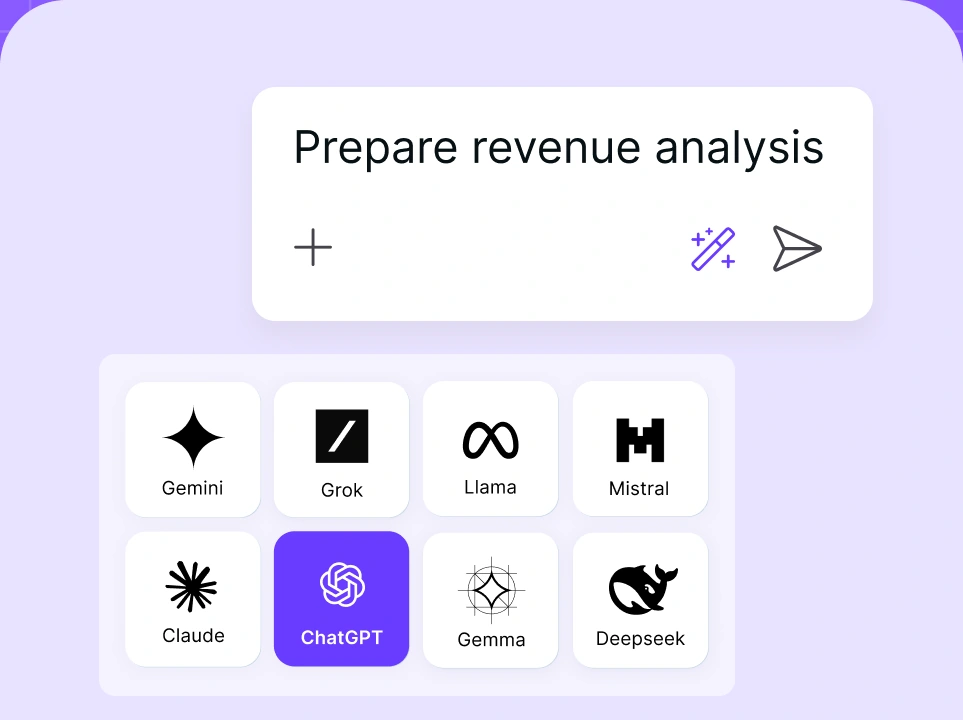
Chat with leading AI models
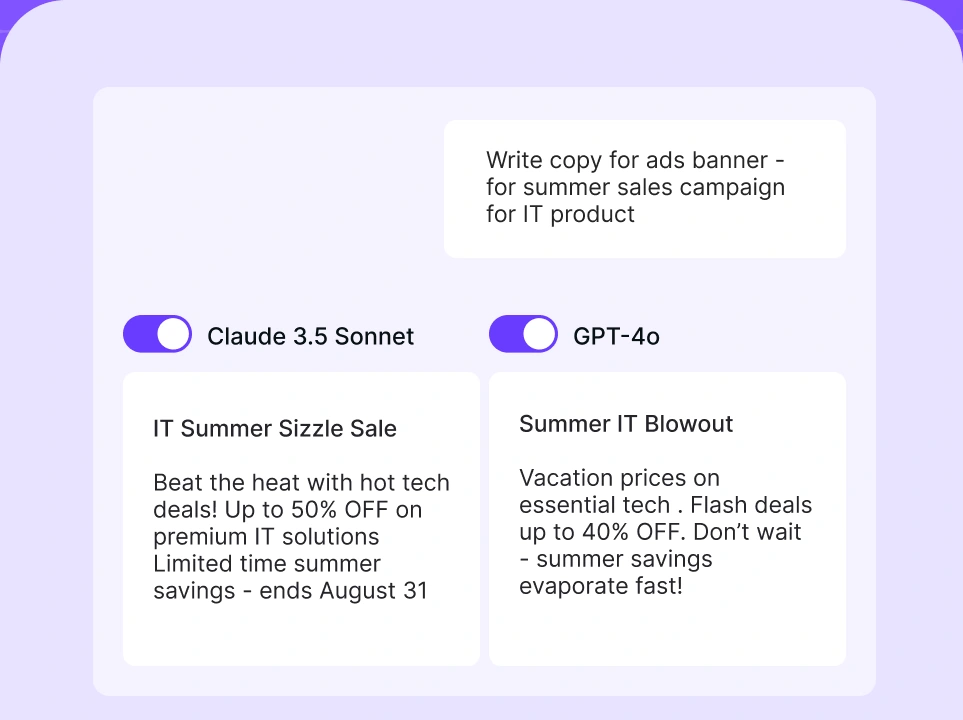
Compare AI models
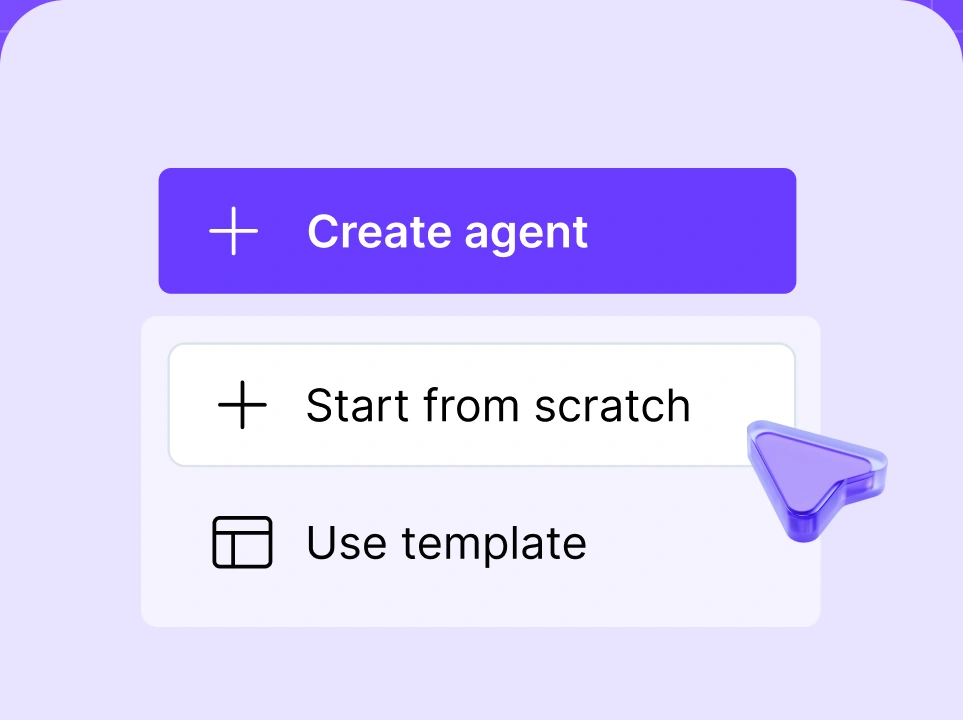
Build no-code AI Agents

Agentic workflows use cases
Agentic workflows show up across functions that involve multi-step, judgment-heavy work, from customer service to finance. The examples below show how different teams put them to use, and you can find many more in these agentic AI use cases.
- Customer service. Agents handle multi-step support tickets end to end, retrieving knowledge base articles, drafting replies, escalating when needed, and following up, without a human at every step. For example, a customer asking to change a subscription and update billing can have both handled in one flow while the agent confirms each change.
- IT operations. An AI agent receives a helpdesk ticket, runs diagnostics, checks logs, retrieves the relevant documentation, and either resolves the issue or escalates it. For instance, a slow-server alert triggers the agent to pull metrics, spot the bottleneck, and restart the service or flag it for an engineer.
- Sales automation. Agents research prospects, draft personalized outreach, update CRM records, and schedule follow-ups. For example, after a demo request, an agent enriches the lead, writes a tailored email, logs the activity, and books the next call.
- Finance and compliance. Agents process invoices, flag anomalies, cross-reference policies, and route approvals. For instance, an incoming invoice is matched against a purchase order, checked for duplicates, and sent for sign-off only when something looks off, keeping regulatory compliance intact.
- Supply chain and operations. Agents take on supply chain optimization and predictive maintenance across core business processes, the kind of complex tasks that span many systems. For example, an agent can monitor equipment sensor data, predict a likely failure, and reorder the part before a line goes down, all through AI driven automation rather than a technician checking manually.
Benefits of agentic workflows
Agentic workflows offer advantages that rule-based systems cannot match, mostly because they reason and adapt rather than follow a fixed path. These AI driven workflows shift teams from running processes by hand to overseeing systems that run themselves. The main benefits:
- Handles complexity at scale. Unlike static scripts, agentic workflows manage multi-step, dynamic processes that need context and judgment, from research to end-to-end task execution.
- Reduces manual effort. Agents take on repetitive tasks and routine tasks, including the administrative tasks that drain a team's time, freeing people for strategic work.
- Adapts in real time. Workflows adjust to new data, exceptions, and changing conditions, supporting real time data analysis instead of breaking when inputs vary like rule-based systems do. This makes them well suited to dynamic environments where conditions shift constantly and a fixed script would quickly fall out of date.
- Scales without headcount. Agentic systems run parallel tasks and absorb rising demand without a matching increase in staff. Handing narrow, specific tasks to dedicated agents lifts operational efficiency without adding people to the payroll.
- Improves over time. With feedback loops and memory, agents learn from past executions and refine their outputs, so intelligent workflows get better the more they run.
Challenges and considerations of agentic workflows
Agentic workflows bring real risks alongside their benefits, and understanding them is what separates a safe deployment from a costly one. The main considerations:
- Reliability and error propagation. In multi-step workflows, an early mistake compounds as later steps build on it. Validation checkpoints and human-in-the-loop design catch errors before they cascade.
- Observability and auditability. Autonomous systems need logging and monitoring so teams can trace why an agent made a decision and catch failures.
- Security and data exposure. Agents with tool access and broad permissions open new attack surfaces, which is why guardrails on what they can do are essential.
- Integration complexity. Connecting agentic systems to existing enterprise infrastructure takes careful planning to avoid brittle, tangled setups.
- Governance and compliance. When agents make decisions on their own, organizations need clear policies governing what is allowed and who is accountable.
Several of these overlap with broader AI security risks that any team deploying autonomous systems should plan for.
How to implement agentic workflows in your organization
Implementing agentic workflows works best as a staged process, starting small and expanding autonomy as confidence grows. These are the steps to implement agentic workflows in your organization.
Step 1: Identify the right use case
Start with high-volume, multi-step processes where current automation falls short or demands too much manual intervention. These are the spots where an agentic approach delivers the most value fastest.
Step 2: Choose the right agent architecture
Match the architecture to the task. A simple sequential setup suits linear jobs, an orchestrator-worker model fits work that splits into parallel subtasks, and fully autonomous designs suit the most complex processes to execute tasks. Complexity should drive the choice, not novelty.
Step 3: Define goals, constraints, and guardrails
Before deployment, give agents clear objectives and firm safety boundaries. Well-defined goals keep the agent focused, while guardrails set the limits it must not cross, which matters most when agents can act on real systems.
Step 4: Build in observability from day one
Every agent action should be logged, traceable, and reviewable from the start. Retrofitting observability later is painful, and without it you cannot debug failures or prove what an agent did.
Step 5: Start with human-in-the-loop for critical decisions
Keep a human in the loop for high-stakes decisions at first, with the agent proposing and a person approving. This early human oversight builds confidence in the system and catches mistakes before they reach anything critical. As the workflow proves reliable, you can expand its autonomy gradually rather than handing over everything at once.
Step 6: Use a platform that provides built-in governance
Rather than stitching tools together yourself, use a platform that provides built-in governance, multi-LLM support, and observability out of the box. nexos.ai is built for exactly this, which the next section covers.
How to build agentic workflows with nexos.ai
nexos.ai helps organizations build and govern agentic workflows on one platform, so you get the pieces of a production-grade agentic system without assembling them yourself. As an all-in-one AI platform, it brings model access, safety, and oversight together, which is what turns a promising prototype into something you can run across a business. Here is what it offers:
- Multi-LLM workspace. Run different agent types across Claude, GPT-4, Gemini, and other models in one environment, so each agent uses the model best suited to its job.
- LLM observability. Full visibility into every agent action and decision for auditability and debugging. Set it up through LLM observability.
- AI governance. Policy enforcement and access controls built for enterprise deployments. Set it up through AI governance.
- Easy implementation. No need to stitch together fragmented tools, since everything needed to deploy agentic workflows lives on one platform.
If you want to move from experimenting to running agentic workflows in production, nexos.ai gives you the model flexibility, controls, and governance to do it safely. Instead of stitching together separate AI solutions and hoping they hold together, you get everything on one platform that stays aligned.
For a hands-on walk-through of the agent itself, this guide on how to build an AI agent pairs well with the workflow-level steps above.


