Table of contents
Key takeaways
- OpenClaw matters because it turns an AI model into a hands-on assistant that takes real actions across your files, apps, and services, not just one that answers questions.
- It is open source and self-hosted, so you own where it runs, which model powers it, and what it can access.
- Its capabilities come from four core parts working together: a local gateway, persistent memory, a skills system, and a scheduled heartbeat.
- It needs model credits to run, and nexos.ai lets you power it with any supported model through a single API key and one shared balance, with no per-model keys to manage.
- Its broad system access creates real security risks, which routing it through nexos.ai helps contain with governance and observability set once and enforced on every request.
What is OpenClaw?
OpenClaw is an open-source personal AI agent framework that connects to messaging platforms you already use and executes tasks autonomously through a system of skills, memory, and scheduled actions. Unlike a hosted chatbot that only replies inside one app, you can install OpenClaw to run on your own machine or server, plugs into your chosen AI model, and can read files, run commands, browse the web, and act across the services you connect it to.
What sets it apart from the competition is ownership. You control where OpenClaw runs, which model powers it, and what it can touch. That makes OpenClaw closer to a programmable assistant than a fixed product, which is a big part of why it has become one of the more talked-about ways to keep your personal AI assistant running. The tradeoff is that you also own the setup, the costs, and the security.
How does OpenClaw work?
OpenClaw works through a handful of core components that run together on your own machine, each handling one part of turning a model into an agent that can act. The gateway routes messages, persistent memory holds context, skills extend what it can do, and the heartbeat lets it act on a schedule. Here is what each component does.
The Gateway
The Gateway is a single Node.js process that runs locally and acts as the control plane for the whole agent. By default it listens on port 18789 and binds to localhost, so it is reachable only from your own machine unless you change that. Its job is to route messages from every connected chat platform to the agent runtime, process the model's responses, and send them back to the right place. Everything the agent does passes through this one process, which keeps the moving parts in a single spot you can watch and manage.

Run every AI model in one Gateway
One secure, lightweight layer to access, route, and manage 200+ models.
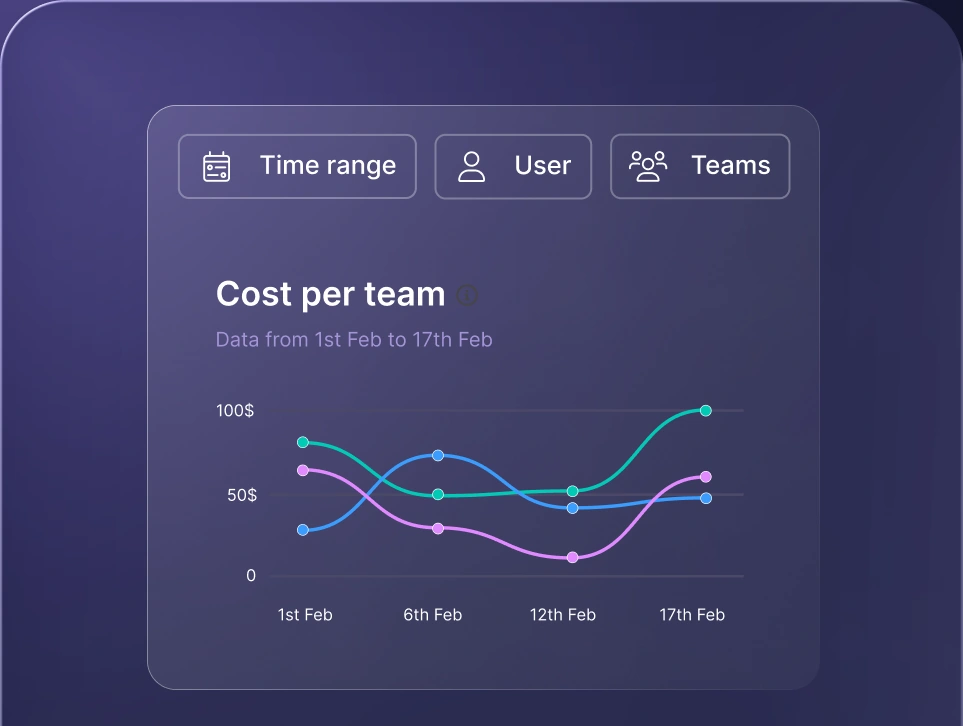
Monitor AI usage
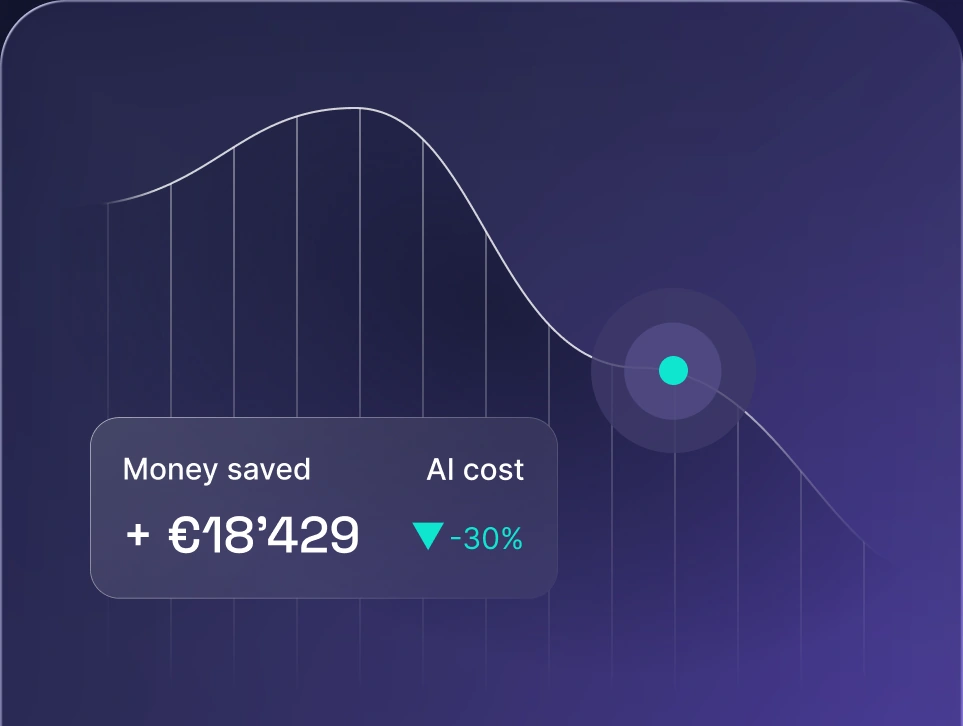
Control AI spend
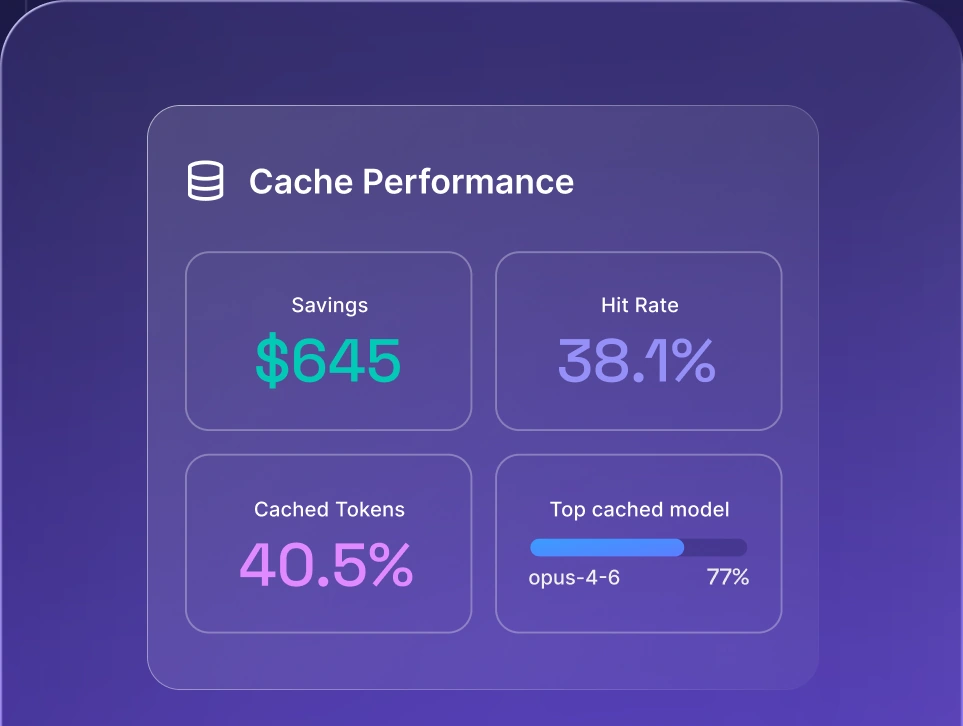
Optimize AI costs

Persistent memory
Persistent memory is what lets OpenClaw remember you between sessions instead of starting fresh every time. A typical chatbot like ChatGPT or other LLM resets once a conversation ends, so it forgets your projects, preferences, and past instructions. OpenClaw takes a different approach and stores conversations, preferences, and facts as local Markdown files on your machine. Because that context stays on disk, the agent picks up where you left off, recalling prior real world tasks and how you like things done, which makes it far more useful for ongoing work than a stateless chat window.
OpenClaw skills
OpenClaw skills are modular plugins that extend what the agent can do, and they are the reason it can go well beyond conversation. OpenClaw capabilities are a Markdown-based file (a SKILL.md) that tells the agent how to perform a particular capability, from running shell commands and managing files to browsing the web and connecting with external services. There are 100+ preconfigured skills available on ClawHub, the community repository, so you can bolt on new abilities without writing everything yourself. The agent can even create its own skills when it needs one that does not exist yet, which is powerful and, as the security section explains, worth handling carefully.
Heartbeat and automation
The heartbeat is what turns OpenClaw from a responsive assistant into a proactive one. It is a configurable cron job, set to every 30 minutes by default, that wakes the agent on a schedule to check a task list stored in a HEARTBEAT.md file and act on it without you prompting anything. That single mechanism unlocks autonomous workflows: a morning briefing waiting when you sit down, ongoing monitoring that flags issues as they appear, or scheduled tasks that run quietly in the background. Combined with skills and memory, the heartbeat is what makes OpenClaw feel like it works for you rather than just answering when spoken to.
What can you use OpenClaw for?
OpenClaw fits a wide range of jobs because its skills and automation let it plug into the tools you already run. Here are the main use cases of OpenClaw:
Developer workflows and DevOps
Developers use OpenClaw to offload the repetitive parts of shipping code. It can handle code review, manage pull requests, monitor errors through a Sentry integration, drive CI/CD automation, and open GitHub issues when something breaks. Because it runs locally with access to your repos and command line, it slots into an existing workflow rather than forcing you into a separate dashboard.
Personal productivity
As far as personal productivity tools go, OpenClaw takes over the admin that eats your day. It manages your email and inbox, schedules calendar events, handles flight check-ins, plans meals, and keeps notes in sync across Notion, Obsidian, and Trello. The persistent memory helps here, since the agent learns your preferences and stops asking the same questions every time.
Business automation
Businesses point OpenClaw at revenue and operations work like lead generation, prospect research, CRM integration, and even purchase negotiation. The widely-cited example is an OpenClaw agent negotiating a used car down by around $4,200, which shows how far an autonomous agent can go when you let it handle a real transaction end to end.
Smart home and IoT
OpenClaw also reaches into the physical world through smart home and IoT integrations, controlling Philips Hue lighting, Home Assistant setups, air purifiers, and Elgato devices. It is a smaller use case than the others, but it rounds out the picture of an agent that can act everywhere you connect it. This kind of hands-on autonomy is exactly what people mean when they discuss real agentic AI use cases.
How to power OpenClaw & why you need model credits
Powering OpenClaw comes down to one thing the tool does not include: a model. OpenClaw is the agent framework, the part that routes messages, remembers context, runs skills, and acts on a schedule, but it has no intelligence of its own. Every time it thinks, plans, or replies, it calls out to an AI model, and that model usage costs money. On its own, that usually means opening an account with each provider and juggling a separate API key for every model you want to try.
Model credits remove that hassle. Instead of managing keys per provider, you top up one balance and spend it across whatever models you use. nexos.ai works this way: a single account gives OpenClaw access to a wide catalog of models through one API key, with usage billed from a shared credit balance rather than scattered provider invoices. That makes it far easier to start, to experiment across models, and to keep spend in one place.
How to connect nexos.ai credit to OpenClaw?
Connecting nexos.ai credit to OpenClaw means pointing OpenClaw at nexos.ai as its model provider, so every request draws from your nexos.ai balance instead of separate provider accounts. The point of using credits is that you do not manage individual API keys for each model. You add one nexos.ai key, and from there you can call any supported model, whether you are running a full autonomous agent or just sending a single prompt to a model of your choice. Running OpenClaw this way on nexos.ai gives you access to the whole model catalog through a single balance.
To connect an existing OpenClaw instance manually, add your nexos.ai API key as an environment variable, then pick a model in the dashboard:
- 1.Generate your nexos.ai API key. In your nexos.ai workspace, open the API keys page at workspace.nexos.ai/gateway/api-keys and copy the key.
- 2.Open your OpenClaw configuration. Go to your OpenClaw container or instance settings and open the environment configuration.
- 3.Add the key as an environment variable. Create a new variable named NEXOS_API_KEY and paste your nexos.ai key as its value.
- 4.Redeploy the container. Save and redeploy so OpenClaw restarts and picks up the new key.
- 5.Select your model in the dashboard. Once OpenClaw is back up, open the dashboard, go to the Agents page, and choose your preferred model from the model selection dropdown.
After that, OpenClaw is connected to nexos.ai, and all model usage is billed against your nexos.ai credit balance.
Selecting an AI model for your OpenClaw AI Agent
Selecting an AI model for your OpenClaw AI agent decides both how capable and how expensive the agent is, so it is worth setting deliberately rather than leaving it on a default. Once OpenClaw is connected to nexos.ai, the all in one AI platform, open your agent configuration in the OpenClaw dashboard and find the model selection dropdown. From there you can pick any supported model, such as Claude, ChatGPT, or Gemini. You can switch models at any time without redeploying OpenClaw, which makes it easy to balance cost, speed, and response quality task by task.
How credit usage is calculated via nexos.ai
Credit usage via nexos.ai is calculated per model, based on how much text goes in and comes back out of each request. Every model has its own credit cost tied to its size, reasoning ability, and output quality, so more advanced models consume credits faster while lighter models stay cost-efficient for simple work.
You pay for input tokens (the prompt, instructions, and conversation history you send) and output tokens (the text the model generates back), and some models also price cache creation and cached input separately when reusable context is stored and reused. Your credit balance is shared across every OpenClaw agent connected to nexos.ai, so all usage draws from the same pool.
nexos.ai supported models and price
nexos.ai supports a wide model catalog, but it focuses on a select group of recommended models to guarantee full feature support and superior result quality. Running OpenClaw on these models means you get access to the complete nexos.ai capability set, including document generation, deep research, and tool integrations with Slack, Jira, Confluence, GitHub, and more, so the agent performs reliably rather than hitting gaps mid-task. Each model carries its own credit cost, which lets you match spend to the job instead of paying a flat premium across the board, and you can switch between any of them freely without opening separate provider accounts.
The recommended models, grouped by provider:
Anthropic
- Claude Haiku 4.5
- Claude Sonnet 4.6
- Claude Opus 4.7
- Claude Opus 4.8
- Claude Sonnet 5
- Gemini 3 Flash Preview
- Gemini 3.1 Pro Preview
- Gemini 3.5 Flash
OpenAI
- GPT 5.4 mini
- GPT-OSS 120b
- GPT 5.5
- GPT 5.6 Terra
- GPT 5.6 Sol
Credit costs are set per model and can change, so for the current, full pricing per model, check the nexos.ai model documentation.
Why do some models cost more than others?
Some models cost more than others because they are larger, newer, or built for harder reasoning, and that extra capability takes more computing power to run. A compact model handles straightforward tasks cheaply, while a top-tier model can tackle complex, multi-step problems but charges more credits for every request, especially on output tokens. The practical takeaway is that paying for the most powerful model on simple work wastes credits, which is why the next section matters.
How to choose the right model to use?
Choosing the right model means matching the model to the difficulty of the task rather than defaulting to the most expensive option for everything. For light, repetitive jobs like sorting email, tagging notes, or reformatting text, a smaller and cheaper model does the work fine and stretches your credits much further. For demanding jobs like detailed code review, research synthesis, or negotiation, a stronger model earns its higher cost by getting the result right the first time. A simple rule works well: start on a cheaper model, and step up only when the output quality is not good enough. Because nexos.ai lets you switch models freely from the dashboard, you can tune this per task instead of committing to one setting for the whole agent.
OpenClaw security risks: what you need to know
OpenClaw AI security deserves real attention, because the same autonomy and system access that make the agent useful also give it a large blast radius if something goes wrong. These are the main risks to understand before you deploy it:
- Prompt injection attacks. Malicious instructions can be hidden inside emails, web pages, or documents that the agent reads. When OpenClaw processes that content, the planted instructions can hijack its behavior and make it act against you.
- Exposed instances. Researchers have found 21,000+ OpenClaw instances open on the public internet, leaking API keys and chat histories. An agent meant to bind to localhost becomes a serious liability the moment it is exposed.
- Malicious skills. Cisco found that 26% of skills on ClawHub contained vulnerabilities, and a supply-chain attack known as ClawHavoc uploaded 341 malicious skills. Installing a skill without vetting it is a genuine risk.
- Broad system permissions. OpenClaw can read and write files, execute shell commands, and access email, calendars, and messaging. A single compromised agent therefore reaches across a lot of sensitive territory at once.
- Infostealer risk. The first documented case of an infostealer harvesting a complete OpenClaw configuration has already occurred, taking an entire AI persona including its stored credentials.
- Shadow AI risk. Employees deploying OpenClaw without IT knowledge creates ungoverned agents operating with access to corporate data, which no one is monitoring.
These are not reasons to avoid agents altogether, but they show why running one without oversight is dangerous. The same concerns apply to open-source agents broadly, a topic covered in more depth under AI security risks, and they point to the value of a managed layer, which the next section explains. For a fuller view of how these autonomous systems work and where they break, the breakdown of LLM agents is a useful companion read.
How does nexos.ai help you use OpenClaw?
nexos.ai helps you use OpenClaw by acting as the secure layer the agent runs through, so the same setup that powers OpenClaw with credits also governs what it can do. When OpenClaw points to nexos.ai as its model provider, every request the agent sends passes through the nexos.ai gateway, which applies your routing and security rules before the request ever reaches a model. That means the controls you configure once in nexos.ai take effect on OpenClaw automatically, without touching the agent's own config. Here is what that gives you:
- Governance and audit trails across every agent request. With AI governance, you control which models OpenClaw is allowed to call, enforce usage policies, and get an audit trail of what the agent did. An OpenClaw instance that would otherwise run ungoverned becomes accountable.
- Real-time observability and cost monitoring. LLM observability gives you request-level insight into what OpenClaw is spending and doing, so an agent looping through the heartbeat every 30 minutes never turns into a surprise bill or a blind spot.
- Shadow AI visibility. Routing OpenClaw through nexos.ai brings a tool that often runs off the radar into a monitored, approved path, which is the core of tackling shadow AI.
- Orchestration and model flexibility. Through AI orchestration, you manage OpenClaw alongside your other AI systems and switch models freely, with no lock-in to a single provider.
The practical upshot is that you keep OpenClaw's autonomy and ownership while closing the security and oversight gaps a bare install leaves open. You configure the policy in nexos.ai, and OpenClaw operates inside it.


Run every AI model in one Gateway
One secure, lightweight layer to access, route, and manage 200+ models.
