Table of contents
What are scheduled AI agents?
Scheduled AI agents are AI agents that execute predefined tasks on a recurring schedule or at a specific future time. They combine the autonomy of AI agents with the reliability of AI scheduling, helping teams automate repetitive tasks, monitor changing information, send regular updates, and apply the same logic across recurring work. For a broader foundation on how these systems reason, use tools, and complete tasks, see LLM agents explained.
A simple AI scheduling assistant may set up a weekly sales catch-up meeting every Monday at 10:00. A scheduled agent may pull data from several systems, check for anomalies, create a report, notify the right team, update a CRM, and escalate issues if certain conditions are met. Instead of treating all scheduling decisions equally, agents may evaluate tasks against business objectives, resource constraints, and dependencies.
Platforms like nexos.ai give teams a practical way to build, run, and manage scheduled AI agents for business workflows.
Scheduled vs. on-demand AI agents
The main difference between scheduled and on-demand AI agents is how they’re triggered:
- An on-demand AI agent starts when a user asks it to do something. For example, a sales manager may ask an agent to summarize a specific account before a call. The user decides when the agent runs.
- A scheduled AI agent starts automatically at a specified time or on a recurring schedule. For example, the agent may run every weekday morning, every two hours, or on the last day of each month. The user defines the schedule once, and the agent continues to run until the schedule is changed, paused, or deleted.
These types serve different needs. On-demand agents help when a person needs assistance with a specific task in the moment, such as reviewing an account, summarizing a document, or analyzing a one-off issue. Scheduled AI agents are built for recurring operations, regular reporting, system monitoring, maintenance, and workflows that must run consistently.
How do scheduled AI agents work?
Scheduled AI agents work by combining five core parts:
- The trigger is the schedule that tells the agent when to run. This could be a fixed time, a recurring interval, a calendar rule, or a business-specific schedule such as “run on the first working day of every month.” In advanced setups, agent scheduling also works alongside event-based triggers.
- Instructions define the goal, the task list, the data sources the agent should use, the output it should produce, the rules it must follow, and what should happen if something goes wrong. For example: “Every weekday at 7:30, review the previous day’s support tickets, group them by theme, identify urgent unresolved issues, and send a summary to the support leadership channel.”
- Tools and data connections. A scheduled agent may need access to a CRM, task management tool, ticketing system, database, email inbox, or internal knowledge base. Without the right connections, the agent produces only generic output. With controlled integrations, it can work inside real business systems.
- Execution logic controls how the agent completes the work. This may include retrieving data, cleaning it, comparing it against rules, asking an AI model to interpret it, calling another AI tool, creating a summary, updating a record, and sending a notification. In complex AI workflow automation, a scheduled agent may trigger other agents or pass work into a broader automation flow.
- Monitoring shows whether the agent did what it was supposed to do. Teams need logs, status updates, error reports, output history, and alerts. They should see whether an agent ran successfully, what data it used, what action it took, and whether a human needs to review anything.
Common use cases for scheduled AI agents
Scheduled AI agents suit recurring tasks that are important to automate and structured enough to control. They’re especially useful when teams know what needs to happen, when, which systems are involved, and what a good output looks like.
Automated reporting and analytics
Automated reporting is one of the clearest agentic AI use cases. To save manual effort pulling numbers from dashboards, spreadsheets, and business systems, an AI assistant can collect the latest data, summarize changes, highlight anomalies, and prepare a report at a set time without using project managers' time.
For example, a scheduled agent could create a Monday revenue summary, a daily marketing performance report, or a month-end customer churn analysis. It shows what changed, where performance improved or dropped, and which areas need attention. That makes it more useful than a static dashboard because the agent can add interpretation, context, and suggested next steps.
Website and system monitoring
Scheduled AI agents can check websites, internal systems, forms, data feeds, or APIs regularly. They look for broken pages, failed processes, missing data, unusual response times, unexpected content changes, or error patterns.
This makes monitoring easier for business teams to act on. For example, a scheduled agent could check whether key landing pages are live, lead forms are working, new errors have appeared in a log summary, and whether an issue should be escalated.
Daily briefings and content curation
Many teams need regular updates but don’t have time to gather them manually. A scheduled AI agent can prepare daily or weekly briefings from approved sources, internal documents, market updates, competitor pages, sales notes, support tickets, or product feedback.
For leadership teams, this could mean a daily business briefing. For operations teams, an overview of new tasks, process bottlenecks, service issues, and items needing escalation. For project management teams, a regular update on project status, blockers, overdue tasks, and upcoming deadlines. To keep the briefing useful, teams should clearly define the source list, scope, format, and review rules.
Lead follow-up and CRM updates
A scheduled AI agent can review new sales prospects, check recent interactions, suggest next steps, update deal stages, and nudge account owners when a prospect goes quiet.
For example, a scheduled agent could run every afternoon to identify leads with no activity in the last three days, draft follow-up messages, create tasks for relevant sales reps, and help with meeting prep. This AI task automation keeps pipeline hygiene from depending entirely on manual coordination.
Managing scheduled AI agents at scale
Managing scheduled agents at scale is all about coordination as their numbers grow. One scheduled agent is straightforward, but hundreds across different areas are hard to control without proper AI orchestration. Key challenges include:
- Visibility. Teams need a clear view of which agents exist, who owns them, what they do, which systems they access, how often they run, and whether they remain useful. Without that visibility, scheduled AI agents can become a form of shadow automation.
- Permission control. Scheduled agents often access business systems repeatedly and automatically. Permissions should be limited to what the agent needs. A reporting agent may only need read-only analytics access. A CRM cleanup agent may suggest changes, but require approval before updating records. A compliance agent may need access to sensitive data only under strict governance rules.
- Governance drift. An agent appropriate when created may become risky if data sources, workflows, policies, or business priorities change. Scheduled agents should be reviewed regularly to confirm they still have a clear purpose, the right permissions, accurate outputs, and an accountable owner.
How to set up scheduled AI agents
Task scheduling with AI agents starts by choosing the right task — ideally recurring processes with stable inputs, fixed rules, and a defined output. To set up your agents:
- 1.Define the business goal. Decide what the agent should achieve, who will use the output, and what problem it solves. “Summarize sales activity every morning” is easier to build and measure than “help with sales.”
- 2.Define the schedule. Decide whether the agent should run hourly, daily, weekly, monthly, or around a specific business event. The schedule should match the work pace. A website monitor may need to run often, while a board report may only need to run once a month.
- 3.Choose the data sources and tools. Identify what the agent needs to access, such as CRM records, analytics dashboards, project tasks, support tickets, documents, or databases. Keep permissions as narrow as possible. An AI scheduling tool shouldn’t have broad permissions just because it’s convenient.
- 4.Write the agent instructions. Define the task, expected output, rules, format, and escalation path. For example, tell the agent what to include in a report, what to ignore, how to handle missing data, and when to notify a human.
- 5.Test manually. Run the agent on sample data before scheduling and review the output. Check whether it follows instructions. Refine the prompt, workflow, model, or tool access before the agent runs automatically.
- 6.Add monitoring and ownership. Assign an owner, set failure alerts, store logs, and decide how often outputs should be reviewed. For higher-risk workflows, require approval before the agent sends messages, updates records, or triggers another process.
- 7.Review and maintain it. Scheduled AI agents need ongoing oversight. Remove agents no longer useful, tighten permissions when needed, and update instructions when business processes change.
nexos.ai simplifies this setup by giving teams a central platform for building agents, connecting them to approved tools, and managing AI use with enterprise controls. For a broader step-by-step foundation, see our guide on how to build an AI agent.

Build no-code AI Agents in minutes
Move from chatting with AI to getting things done.
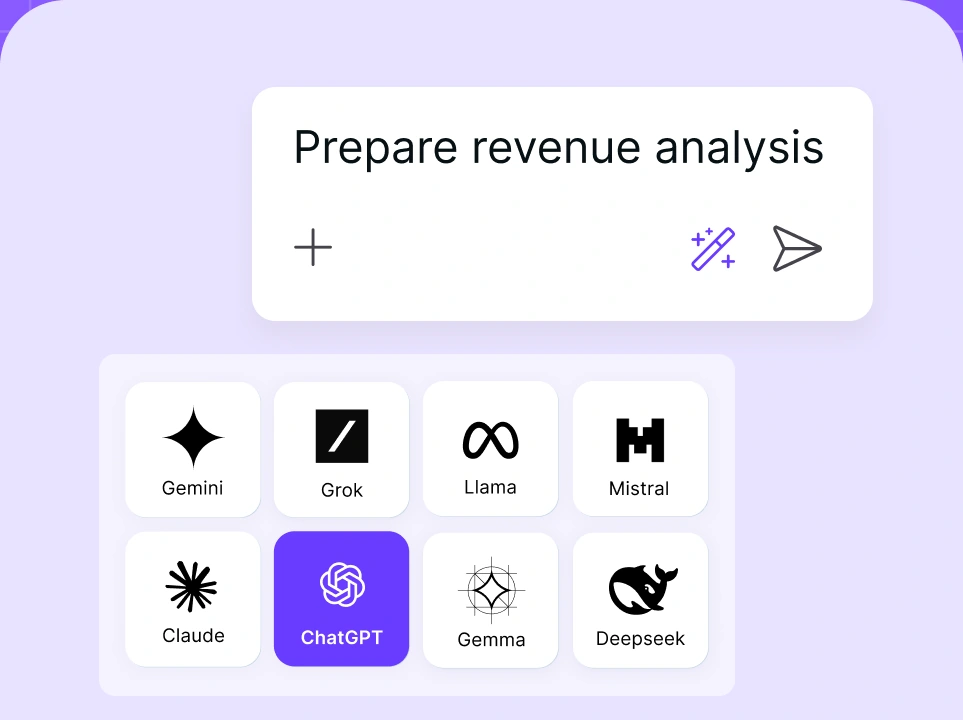
Chat with leading AI models

Compare AI models
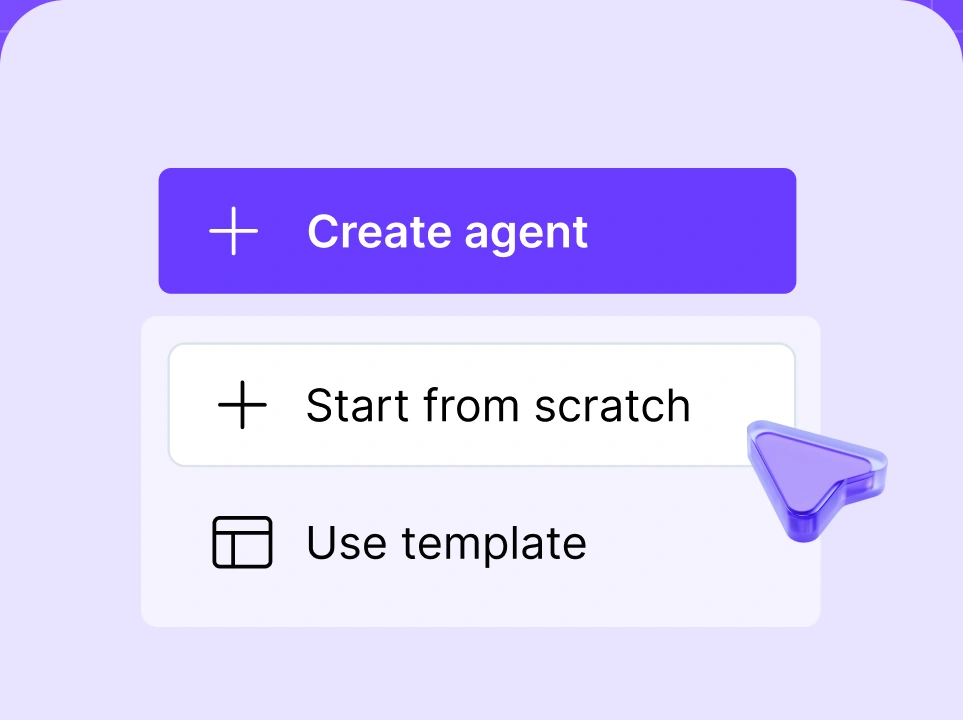
Build no-code AI Agents

How nexos.ai supports scheduled AI agents
nexos.ai supports scheduled AI agents by combining agent creation, workflow automation, model access, integrations, and AI governance into an all-in-one AI platform.
With nexos.ai, teams can build agents without heavy engineering support, connect them to approved business tools, and manage how they access data and models. Its AI Agent Builder helps businesses use natural language to create no-code Agents for scheduling workflows, while the AI workspace for multiple LLMs gives teams flexibility to choose the right AI model for each task.
nexos.ai also keeps scheduled AI agent automation visible and controlled. Admins can manage approved integrations, apply security filters, monitor AI activity, and maintain LLM observability by tracking prompts, uploads, outputs, and model usage.
For enterprises, that’s the real difference. A basic AI task scheduler can start a job at a certain time. nexos.ai helps teams manage the full operating model: who can create agents, what data they access, which models they use, how outputs are tracked, and how AI activity stays visible to the organization.