Table of contents
What is a chatbot?
A chatbot is a conversational tool built to handle back-and-forth exchanges with people. In business settings, it answers common questions, guides users through simple steps, and handles basic tasks.
Some chatbots follow fixed rules and scripted responses. More advanced ones use large language models and conversational AI to respond more naturally. That means they can understand different ways of asking the same question and reply with more flexibility. But even when a chatbot sounds more natural, its role is still narrow: it helps within a defined conversation and stops there.
Capabilities
- Handle high-volume questions. Chatbots are effective for FAQs, order updates, policy questions, appointment details, and similar basic tasks.
- Speed up first-line support. Chatbots can give users immediate answers or next steps without making them wait for a person.
- Keep processes consistent. For routine tasks like booking, collecting user inputs, password reset guidance, or triaging returns, chatbots help standardize the experience.
- Work across channels. A chatbot can be deployed on websites, apps, messaging platforms, and support portals.
- Scale easily for conversation volume. A chatbot can handle many simultaneous interactions without adding headcount.
- Can use LLMs for more natural replies. Modern AI chatbots are no longer limited to rigid button trees. They can interpret natural-language requests and respond more flexibly.
Limitations
- Reactivity. A chatbot responds to prompts. It doesn't start tasks on its own or work toward a goal independently.
- Action is limited. Even AI-powered chatbots are typically confined to answering questions, collecting inputs, or moving users through a defined flow.
- Weak on multi-step reasoning. When requests become messy, cross-functional, or exception-heavy, chatbot performance drops.
- Context may be shallow. Most chatbots don't retain enough context across sessions, users, or systems to support autonomous decision-making.
- Personalization is basic. Chatbots may tailor replies to a user profile, but not deeply enough to support nuanced workflows.
- Escalation is often required. Once the conversation goes beyond common intents, human intervention is needed.
What is an AI agent?
An AI agent is an AI solution designed to pursue a goal with some level of autonomy. Instead of only replying to prompts, it can interpret user inputs step by step, plan next steps, use tools, retrieve information, interact with software, and adjust as conditions change.
That means an AI agent is helping complete work instead of just answering questions. For example, it may review incoming requests, gather context from internal systems, recommend the next step, and trigger follow-up actions. Many modern agents use large language models and natural language processing to understand requests and reason through tasks. What makes them useful is the combination of reasoning, memory, tool access, and workflow execution.
For a deeper overview, see AI agents explained.
Capabilities
- Work toward goals. You define the objective, and the AI agent determines the steps needed to move toward it.
- Handle multi-step workflows. Agents can break work into stages such as retrieval, analysis, decision, action, and follow-up.
- Maintain richer context. Compared with a standard chatbot, an AI agent is better suited to context-aware interactions that depend on history, business rules, and information from multiple sources.
- Use tools and integrations. Agents can connect to enterprise systems, knowledge bases, and work apps to do real work rather than just discuss it.
- Support automation across teams. Common use cases include support operations, internal search, reporting, sales research, and process coordination.
- Operate with limited human intervention. Autonomous AI agents can handle parts of a workflow on their own, as long as clear rules and guardrails are in place.
Limitations
- Need clear controls. The more autonomy you give to an agent, the more important permissions, policies, and oversight become.
- Take more effort to set up. Agents need strong integrations, reliable data, and clearly defined workflows.
- Integration quality matters. An agent without access to reliable systems and data will not perform well in real business environments.
- Error risk is more serious. If an agent is allowed to take autonomous action, mistakes can affect workflows, records, or customer experience.
- Value depends on fit. An AI agent delivers the most value when applied to the right kind of task.
- Require team readiness. Teams need clear processes, ownership, and confidence in when the agent should act and when a human should step in.
AI agent vs. chatbot: Key differences
The AI agent vs. chatbot comparison goes beyond how natural the response sounds. It's about how much autonomy the system has, how much context it can use, how deeply it can integrate with business tools, and whether it's there to talk or to get work done.
| {wbr} | Chatbot | AI agent |
|---|---|---|
| Autonomy | Reactive; waits for prompts | Goal-driven decision-making; can plan and act within boundaries |
| Primary role | Handles conversation | Handles conversation and task execution |
| Conversational style | Based on rules or scripted responses | Conversational, but tied to broader workflows and decisions |
| Context use | Often limited to the current session | Can use memory, docs, past interactions, and connected systems |
| Personalization | Basic or profile-based | Deeper, using behavior, history, and business context |
| Learning and adaptation | Limited | Can improve through feedback loops, memory, and workflow tuning |
| Tool use | Limited | Designed to use tools, APIs, and business apps |
| Implementation | Faster, lighter, easier to deploy | More complex; requires governance, integrations, and monitoring |
| Scalability | Scales conversation volume well | Scales process execution and cross-system work |
| Cost profile | Lower entry cost | Higher setup cost, but potentially higher operational leverage |
| Best fit | FAQs, intake, routing, basic support | Research, operations, decision support, workflow automation |
Autonomy
Autonomy is the clearest difference between a chatbot and an AI agent. A chatbot waits for a user prompt and responds within a defined conversational scope. An AI agent does more than respond. It can recognize a trigger, interpret the goal, decide what steps are needed, and complete actions within the limits set by the business.
That doesn't mean every AI agent should operate on its own from start to finish. In practice, the most useful model is often controlled autonomy. An agent may gather information, run real-time data analysis, draft a response, and prepare an action, but still pause for approval before finalizing. That approach increases efficiency without sacrificing oversight.
Conversational capabilities
Both chatbots and AI agents can interact with users in natural language, but they’re built for different depths of interaction. A chatbot is designed to handle straightforward exchanges, such as answering common questions or guiding users through a standard flow. It works best when the conversation stays within expected patterns.
An AI agent can handle more involved conversations because it's not focused on the exchange alone. It uses the conversation to gather missing details, adjust to new information, and move the workflow forward. That makes it better suited to requests that evolve as new information comes in or require follow-up beyond a single answer.
Context and memory
A chatbot works well with limited context when the task is simple and the answer is easy to retrieve. But once a request depends on company policies, past interactions, CRM records, internal documentation, or task history, that narrow view becomes a constraint. AI agents are better suited to this kind of work because they're designed to pull in context from connected systems rather than rely only on the latest prompt.
Context is one of the most important parts of the AI agent vs. chatbot difference. A chatbot may know what the user just typed. An AI agent may know the customer’s account context, the internal policy, the product documentation, the status of an open ticket, and the next best action. That deeper context improves both the quality of the response and the chances of resolving the task.
Personalization and learning
AI chatbots can personalize interactions to a degree, especially when they are connected to user profiles or support histories. But AI agents are better equipped for deeper personalization because they work with a wider set of signals, such as behavior, prior actions, role context, workflow history, and business data.
Keep in mind, though, that AI agents learn through deliberate improvement. You’ll need to refine prompts, tighten workflows, improve retrieval, review outputs, and feed useful signals back into the system.
Implementation and scalability
A chatbot is faster to roll out because the scope is tighter. In many cases, the team needs a defined set of answers, a channel to deploy it in, and rules for escalation to human agents. An AI agent usually requires more from the start. It may need access to business systems, clear permissions, monitoring, and fallback logic. Integration with legacy systems, governance, and skills gaps remain common AI adoption challenges.
Scalability is different, too. An AI chatbot helps you handle more conversations. An AI agent helps you handle more work. If the main challenge is a high volume of routine questions, a chatbot may be the right fit. If the real problem is that people spend hours gathering information, moving between systems, and handling repeatable complex tasks, an AI agent is more likely to create value.
Costs and overall efficiency
Chatbots usually have lower initial costs. That makes them a sensible choice for teams that want to improve response times, reduce support load, or automate simple interactions without a major implementation project. AI agents cost more to introduce because they need stronger integrations, clearer governance, and more operational planning.
Still, the cheaper option is not always the more efficient one. A chatbot may save time at the point of contact, but an AI agent can create larger gains across the full workflow by reducing manual work, delays, and handoffs. The right choice depends on where the costs are piling up today: in answering questions or in the work that follows the question.
Similarities between AI agents and chatbots
Chatbots and AI agents are not the same, but they do overlap in important ways:
- Both can support customers. Whether the system is a chatbot or an AI agent, both can help answer customer queries faster, reduce repetitive manual work, and improve customer satisfaction.
- Both help internal teams. AI tools are not limited to customer-facing use. Adopting AI in the workplace can also help employees with knowledge retrieval, summaries, reporting, and routine operations.
- Both automate routine tasks. Chatbots and AI agents both reduce manual effort. The difference is in the depth of automation.
- Both often rely on LLMs. Modern AI chatbots and AI agents may use the same LLM and generative AI technology to understand requests and deliver natural-language responses.
- Both depend on strong data. Neither will perform well if the underlying knowledge base or source data is poor.
- Both need governance and review. Accuracy, privacy, escalation, and monitoring matter in both cases.
AI assistants vs. AI agents vs. chatbots
These three terms are often used interchangeably, but they describe different levels of capability. The simplest way to separate them is by asking what the system is built to do: hold a conversation, help a person complete a task, or carry work forward with more independence.
- Chatbot. A chatbot is mainly designed to respond to user requests through conversation. It is usually the most limited of the three, and works best for FAQs, routing, basic support, and other structured interactions. Modern AI powered-chatbots can sound more natural and return more relevant information, but they are still usually reactive and scoped to the exchange itself.
- AI assistant. An AI assistant helps human users complete tasks more efficiently. It can summarize content, draft messages, search for information, organize work, and support decision-making, but it usually does so with the user guiding the process. In other words, an assistant works with you rather than independently. Good use cases include writing help, meeting summaries, calendar and email support, and productivity tasks.
- AI agent. An AI agent is built to pursue an objective with more autonomy. It can understand context, pull in real-time data, use tools, and handle multiple tasks at the same time. Common use cases include support operations, triage, reporting, workflow automation, and process coordination.
What to consider when choosing an AI agent vs. a chatbot
The right choice between an AI agent and a chatbot depends on several key factors:
- Business goal. If the priority is answering common questions or handling simple interactions more efficiently, a chatbot may do the job. If you need the system to help resolve tasks from start to finish, an AI agent is the stronger fit.
- Level of autonomy. Decide how much independence the system should have. Many teams need assisted automation rather than full autonomy.
- Interaction complexity. Simple, repetitive requests suit chatbots. Messier workflows with branching logic suit AI agents.
- Integration needs. If you want a system that adapts to your existing tools, AI agent architecture becomes more relevant.
- Personalization requirements. Consider how tailored customer interactions need to be. An AI chatbot can handle basic personalization, but an AI agent is better suited to context-aware communication that depends on past interactions, role context, behavior, or business data.
- Cost and AI ROI. Look beyond the upfront price. Measure expected time savings, operational efficiency, throughput gains, customer outcomes, and the ongoing cost of maintaining the system.
- Analytics and observability. Choose a solution that gives you visibility into performance. You should be able to spot failures and understand where the system is working well and where it isn't.
- Maintenance burden. These systems don't run well on autopilot. Content updates, retrieval tuning, guardrails, escalation logic, and workflow review all need owners.
- Reliability and governance. Strong platforms should support policy enforcement, auditability, and safer deployment. nexos.ai's all-in-one AI platform emphasizes governance, observability, and controls as key business requirements.
- Ease of building. Be realistic about your team’s technical capacity. If you want broader automation without heavy engineering, no-code agents can make adoption more practical.

Build no-code AI Agents in minutes
Move from chatting with AI to getting things done.
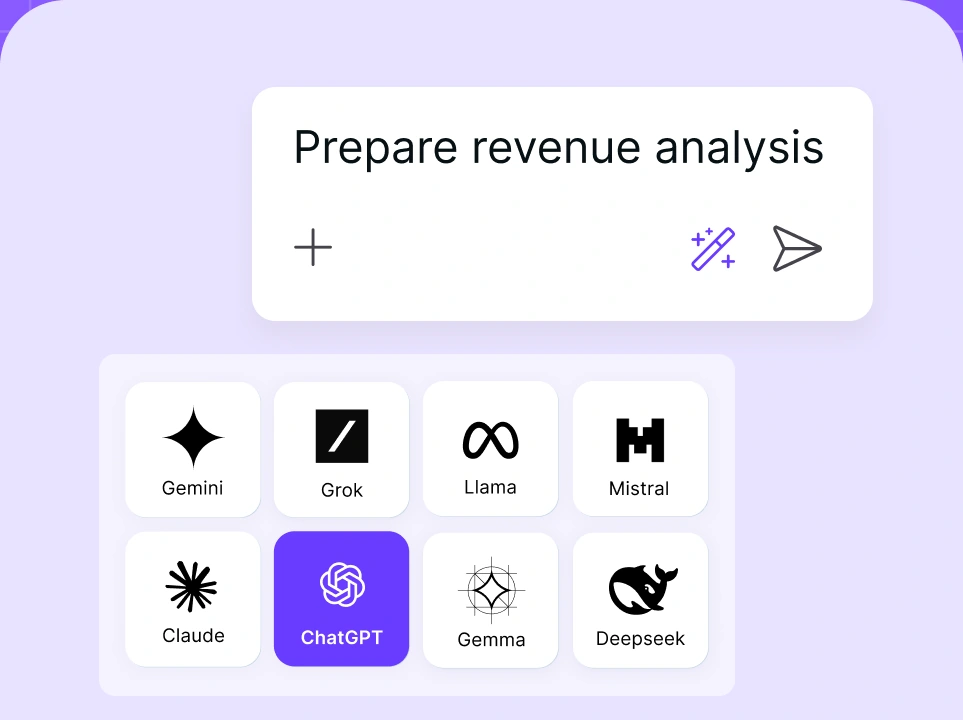
Chat with leading AI models
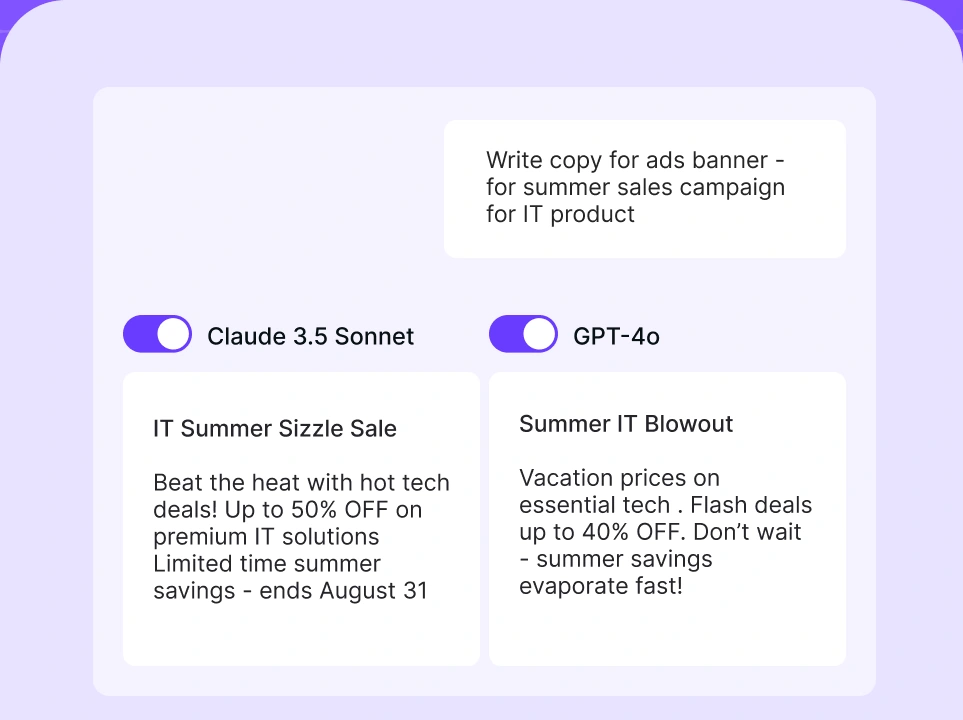
Compare AI models
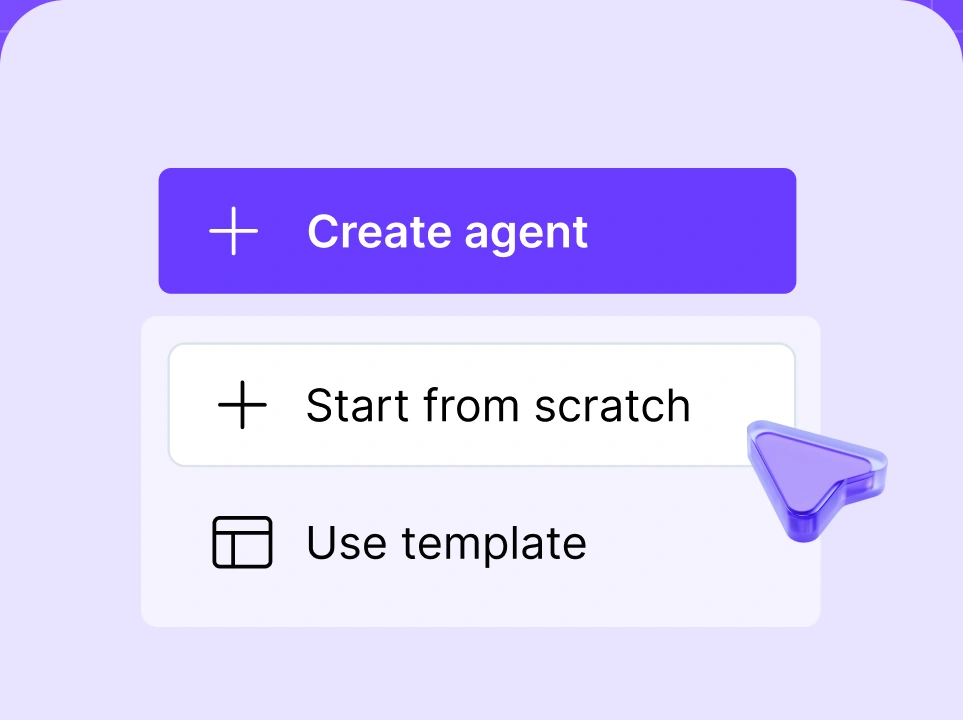
Build no-code AI Agents

When to use an AI agent vs. a chatbot
In most businesses, the choice comes down to the type of work you want to improve. Chatbots are still a strong fit for customer-facing tasks where speed, consistency, and lower setup effort matter most. AI agents are a better fit when the work requires more context, more system access, and more than a simple back-and-forth exchange. Companies with more complex operations, stricter governance needs, or heavier internal flows get more value from agents. Smaller teams often start with a chatbot and move toward agent-based workflows as their needs grow.
Use an AI agent if:
- The work involves multi-step tasks, like research, triage, retrieval, decision support, and follow-up.
- Your workflow spans multiple tools, such as CRM, docs, messaging, knowledge bases, or internal systems.
- You want deeper personalization based on business context, historical data, and user-specific information.
- You need internal productivity gains in areas like sales prep, reporting, support operations, recruiting, or knowledge work.
- The process has high repeat value — enough repetition and structure to justify stronger automation.
- You can support governance and oversight because more action-taking requires clear permissions, monitoring, and escalation rules.
Use an AI chatbot if:
- You need coverage for narrow and repetitive tasks, such as FAQs, intake, routing, appointment basics, and standard support requests.
- Your main challenge is the volume of conversations rather than the work that happens behind the scenes.
- You want a faster and simpler launch with fewer integrations and less operational complexity.
- Your use case is customer-facing and narrow, such as policy answers, order tracking, or appointment basics.
- You need predictable, bounded interactions, with the system staying within a clearly defined scope.
- You are validating demand first before investing in AI agent workflows.
The future of AI agents and chatbots
As AI technology is improving quickly, both chatbots and AI agents are evolving in different ways. Chatbots are becoming better at conversation: more natural, more flexible, and better at handling varied user input. AI agents are evolving toward something broader: greater contextual understanding and the ability to take on multi-step tasks with less manual involvement.
That doesn't mean AI agents will simply replace chatbots. In many businesses, chatbots will remain the front-end layer for fast, accessible interactions, especially in customer-facing use cases. AI agents will sit behind that layer, handling the more complex work: gathering context, using tools, making decisions within set rules, and moving the task forward.
A chatbot can also become an AI agent if it gains the right capabilities. Once a conversational AI system can plan tasks, use tools, integrate with other business systems, and act toward goals with limited supervision, it stops being “just” a chatbot and starts behaving like an agent. The interface may still look like chat, but the underlying system is doing much more.